Terraform import at scale: what the docs don't tell you
Import at scale is a different problem from import in a tutorial. Here's what actually matters.
Import at scale is a different problem from import in a tutorial. Here's what actually matters.
The Terraform documentation on import is accurate. It tells you the command syntax, how to write the import block, and how to generate configuration from an existing resource. What it doesn't tell you is what happens when you have 500 resources to import, a state file that's already complex, and a production environment that can't be disrupted while you work through the backlog.
Import at scale is a different problem from import in a tutorial. Here's what actually matters.
The import documentation assumes you know what you're importing. You have a resource ID, you know the resource type, and you run the command.
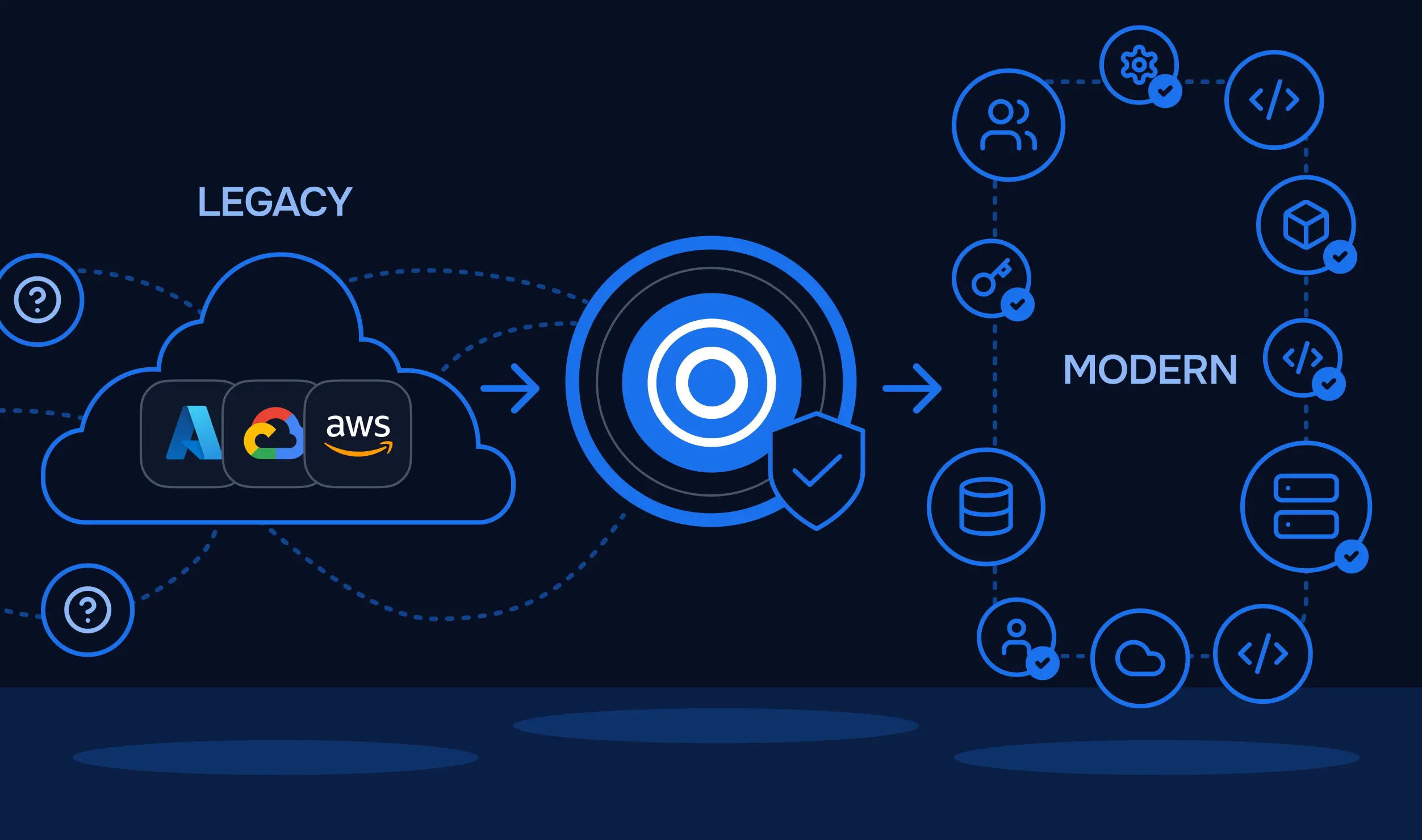
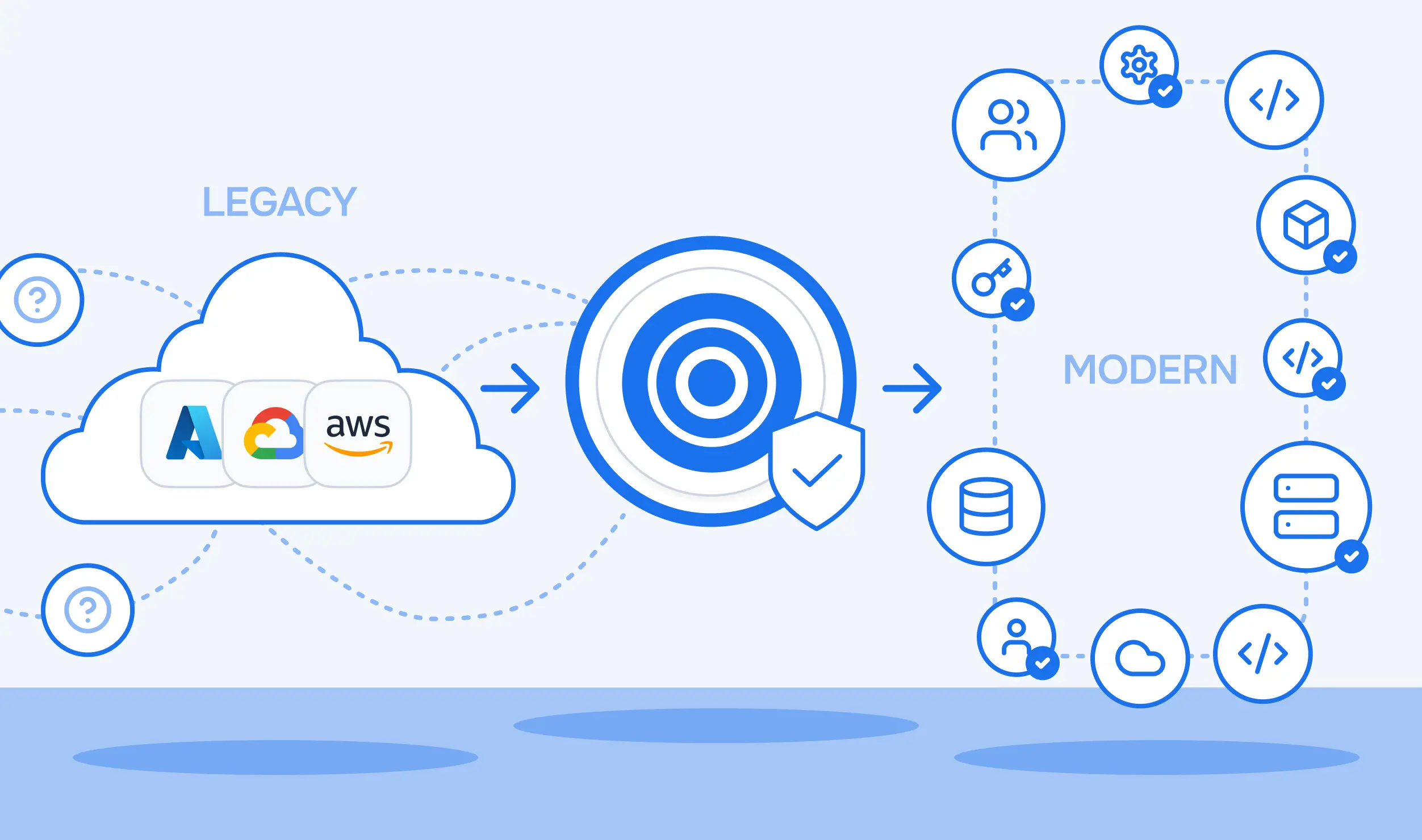
At scale, the first problem is that you don't have a clean list. You have a cloud environment provisioned manually over time, and your task is to figure out what exists, what should be managed by Terraform, and in what order to tackle it.
terraform import doesn't solve this. It addresses one resource at a time after you've already identified it. The work before the first import — inventorying what's there, mapping dependencies, deciding what goes into which state file — often takes longer than the imports themselves.
Three things to get right before you start:
terraform state mv, which carries risk. Import directly into your target structure.terraform import can generate configuration automatically using -generate-config-out. This is useful. It's also not production-ready code.
Generated configuration includes computed values that don't need to be there, hard-coded values where variables should be, and potentially deprecated attributes. It's a starting point for human review, not a final artifact.
A practical workflow:
terraform plan to confirm zero-diffterraform plan again to confirm no drift was introducedImporting at scale involves more than terraform import. Moving resources between state files, renaming after refactoring, removing decommissioned resources — all require terraform state commands that modify state directly.
Three failure modes that come up regularly:
Batch imports with import blocks. The declarative import block syntax (available from Terraform 1.5) lets you define multiple imports in a configuration file and run them in a single plan-and-apply cycle.
Environment isolation. Test your import workflow against a staging replica before touching production state.
Track progress explicitly. A project importing 500 resources over several weeks needs a clear record of what's done, pending, and skipped. Wherever your team will actually look — import block comments, spreadsheet, project tracker.
Validate after every batch. A drift introduced in batch three is far easier to diagnose than one discovered at the end of a 20-batch project.
Import gets resources into Terraform management. It doesn't clean up ClickOps-era configurations, enforce naming conventions, or document why decisions were made. After a large import project, the code is accurate but not necessarily good.
That's fine as a starting point. But the code needs ongoing improvement, and teams that treat import as a one-time cleanup find themselves back in the same place within a year or two.
Import at scale is a capability, not a project. The discipline of importing new resources before they accumulate, validating plans regularly, and improving generated configuration over time is what keeps the codification gap from reopening.






voestalpine.webp)