Terraforming Your Azure: A Practical Guide to Migrating from Bicep to Terraform
You might find Bicep serves you well for a while and then starts to show its limits as your environment grows more complex. Here's our migration guide to help teams who have overgown Bicep.
~ min read
~0 min read
Daniel Caduri
Infrastructure as Code (IaC) has become the default way to manage modern cloud environments because it lets you define infrastructure using the same disciplines you apply to application code: version control, code review, and automated delivery.
Instead of clicking through portals, you describe the desired state of your infrastructure and let your tooling handle the rest. In the Azure world, two names come up in almost every IaC discussion: Bicep and Terraform.
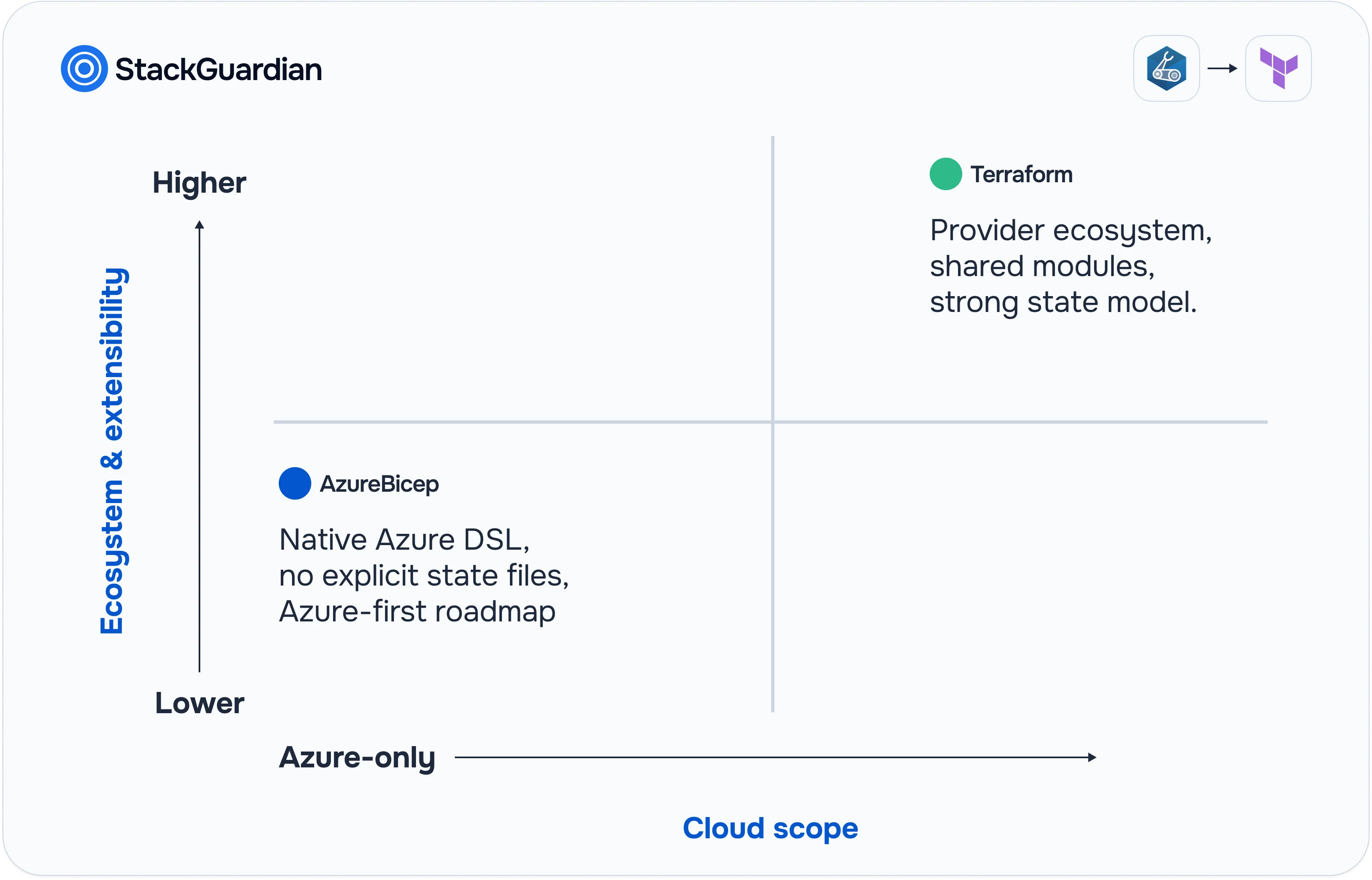
Both tools can reliably provision and manage Azure resources, but they take very different approaches and come with different long‑term implications. Bicep is tightly aligned with Azure and excels when you are committed to staying within the Azure ecosystem, while Terraform focuses on a provider‑agnostic model and a broad ecosystem that spans clouds and SaaS platforms. The “right” choice is less about which tool is objectively better and more about your roadmap: multi‑cloud vs Azure‑only, how you structure teams, and how you want to enforce governance and consistency.
If you are already invested in Bicep today, you might find that it serves you well for a while and then starts to show its limits as your environment grows more complex, more regulated, or more multi‑cloud. That is usually the point where teams start evaluating a shift toward Terraform to gain better portability, a stronger ecosystem, and more flexible state and lifecycle management
Why teams outgrow Bicep
Bicep is excellent when you are “all‑in” on Azure and want a thin, declarative layer over ARM without extra tooling.
Key advantages of Bicep:
Native Azure experience: Day‑O support for new Azure services and tight integration with Azure Portal, CLI, and RBAC.
No explicit state files: Bicep relies on ARM as the source of truth, so you do not manage .tfstate files or backends.
Simple onboarding: If you can deploy to Azure, you can deploy with Bicep using existing Azure credentials and pipelines.
Good authoring experience: Strong type checking, resource scaffolding, and IntelliSense in VS Code.
Key limitations that cause friction:
Azure‑only: You cannot manage AWS, GCP, on‑prem, or SaaS providers; this becomes a hard stop in multi‑cloud or hybrid scenarios.
Ecosystem and tooling: Fewer community modules, patterns, and integrations compared to Terraform’s large ecosystem and registry.
Portability: Architectures codified in Bicep are strongly coupled to ARM; reusing patterns outside Azure is difficult.
State‑level refactoring: Without a first‑class state layer, complex refactors (splitting stacks, moving resources between projects) are more constrained.
Several engineers who tried moving in the opposite direction (Terraform → Bicep) report missing Terraform’s ecosystem, refactoring tools, and provider breadth, even if they liked Bicep’s Azure focus.
Why move to Terraform
Terraform’s value starts to dominate once you look beyond a single Azure subscription or need more advanced lifecycle control.
Key advantages of Terraform:
Multi‑cloud by design: Single workflow and language to manage Azure, AWS, GCP, Kubernetes, on‑prem, and SaaS (GitHub, Datadog, etc.).
Huge provider ecosystem: Thousands of providers and modules, including the official azurerm provider and community Azure modules.
Strong state model: Import existing resources, move items between states, and perform complex refactors with less risk.
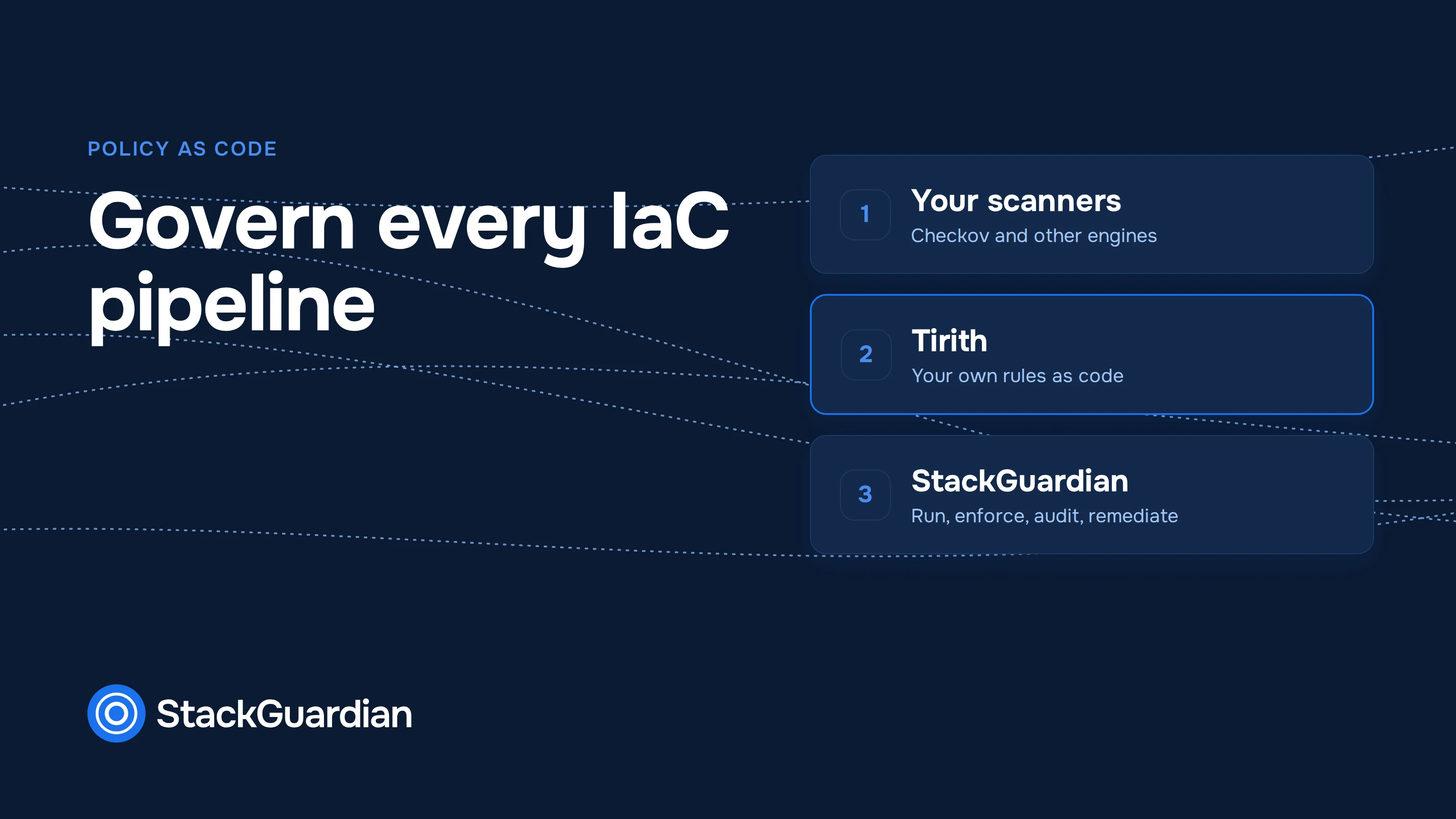
Mature practices and tooling: Widespread patterns for testing, policy as code, private registries, and CI/CD integration.
Main trade‑offs:
State management overhead: You must design and maintain remote state backends, locking, and access controls.
Slight lag for new Azure features: Bicep often supports new Azure resources before the azurerm provider catches up.
Learning curve for HCL and patterns: Teams used to Bicep and ARM need to adapt to Terraform’s syntax, module system, and workflow.
A common pattern today: keep Bicep for small, Azure‑only workloads, but standardize on Terraform for anything cross‑cloud, cross‑team, or long‑lived.
Critical considerations before migrating
Before writing any Terraform, step back and decide what you are actually migrating and how you want to operate long‑term.
1. Define scope and goals
Are you migrating all Bicep, or only core “platform” components (networking, identity, shared services)?
Are you aiming for multi‑cloud, or “Azure‑first but Terraform‑based”?
Do you want a 1:1 translation, or a redesign into reusable modules and layers?
Your answers determine whether a direct translation is acceptable, or whether you should treat this as an opportunity to restructure.
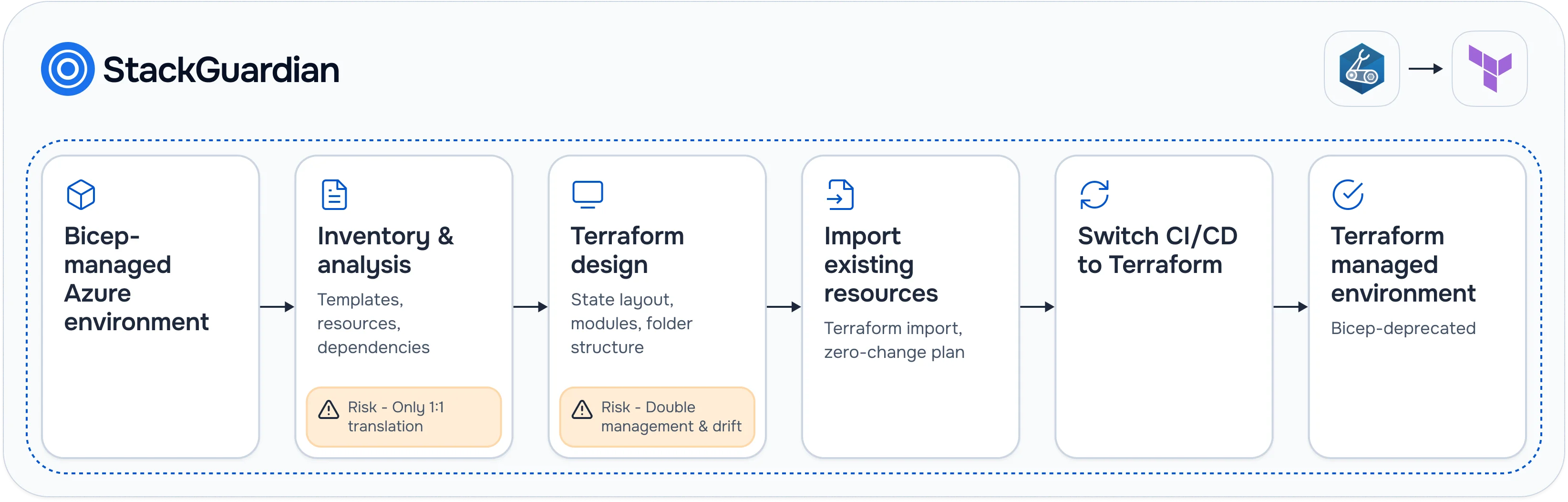
2. Inventory existing Bicep deployments
Collect:
All Bicep templates, modules, and parameter files (including those embedded in pipelines).
The resource groups, subscriptions, and environments (dev/test/prod) each template touches.
Map Bicep parameters to Terraform variables and locals.
Map Bicep resources (e.g., Microsoft.Web/sites) to the corresponding azurerm_* resources.
Recreate outputs where they are consumed by other systems or pipelines.
Do not run apply yet against production resources; instead, aim for configurations that match what is already in Azure.
Step 5 – Import existing Azure resources into Terraform state
This is the most delicate step: you want Terraform to adopt existing resources without recreating them.
Configure the remote backend and run terraform init.
For each resource, run terraform import using the correct ID format from Azure.
Use terraform plan to verify that Terraform sees “no changes” for imported resources.
If the plan shows differences, adjust your Terraform configuration (names, sku, tags, or defaults) until the plan is effectively a no‑op.
Step 6 – Replace Bicep deployments in pipelines
Once Terraform configuration is importing cleanly and plans are zero‑change:
Modify CI/CD pipelines to replace Bicep deployment steps with Terraform plan/apply stages.
Set pipelines to run plan on every PR and apply only on approved merges.
Remove or comment out Bicep deployment steps for the migrated stacks, but keep templates archived for rollback if needed.
Run a few cycles of non‑disruptive changes (e.g., tag updates) to validate your new workflow end‑to‑end.
Step 7 – Decommission Bicep for that scope
After multiple successful Terraform changes:
Retire the Bicep templates or mark them explicitly as deprecated.
Update documentation and runbooks so on‑call and support engineers know Terraform is now the source of truth.
Enable additional guardrails (e.g., disable portal‑level changes where feasible, rely on Terraform for drift correction).
Repeat the same process for the next application or environment until all critical Bicep stacks are moved.
Common pitfalls and how to avoid them
Treating migration as pure syntax conversion: This often recreates legacy mistakes in Terraform; use migration as a chance to modularize and standardize.
Oversized states: Huge, monolithic state files make plans slow and risky; design smaller, logical stacks instead.
Forgetting shared resources: If multiple Bicep templates use the same VNet or Key Vault, importing those into multiple states leads to conflicts.
Mixing manual changes with Terraform: Portal or CLI edits after migration create drift; agree that Terraform is the only change path and enforce it via policy and process.
Not planning for secrets: Decide early how you handle access keys, connection strings, and certificates (Key Vault + Terraform data sources, or external secret managers).
A small pilot migration (one app in one environment) is a good way to surface these issues before you roll out Terraform everywhere.
Where SGCode fits into a Bicep → Terraform journey
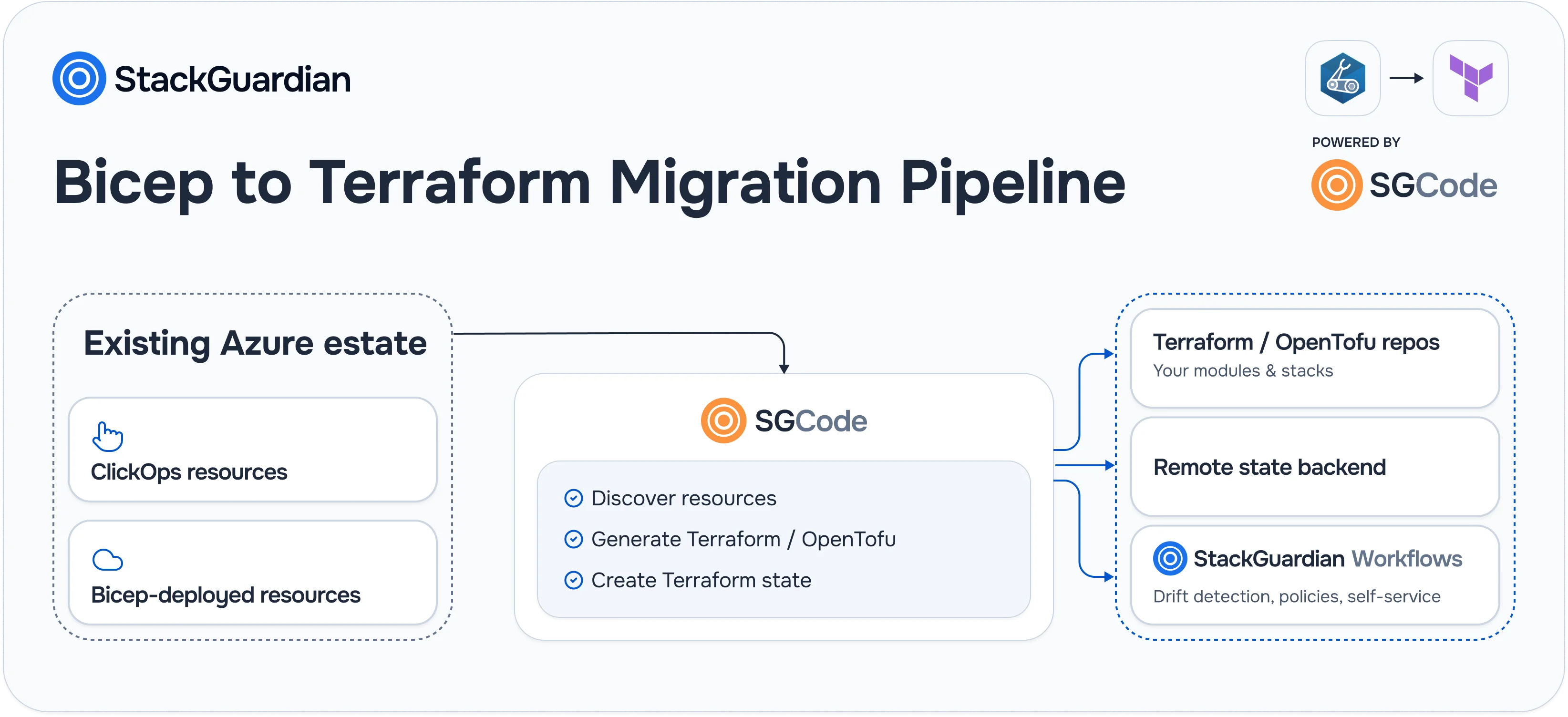
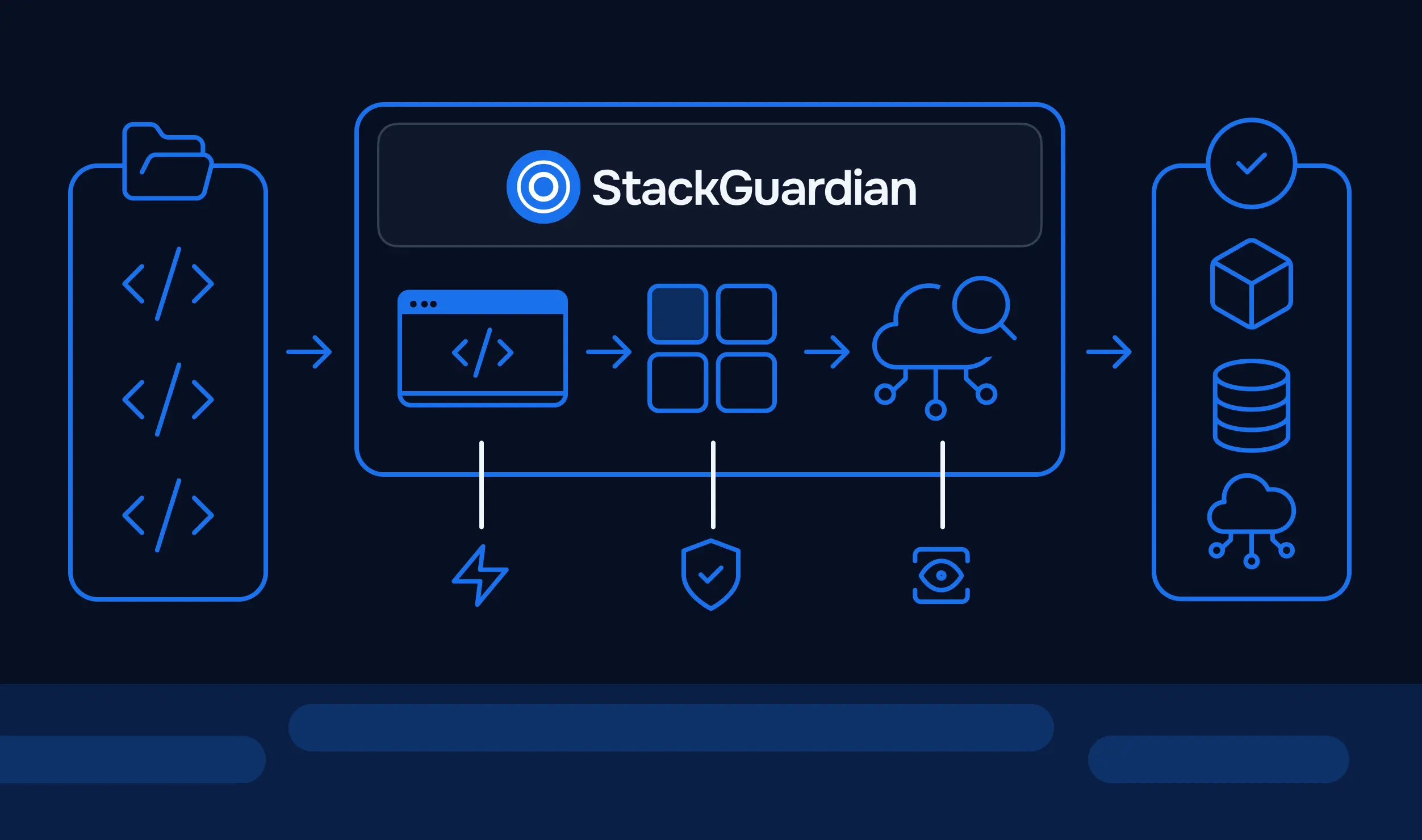
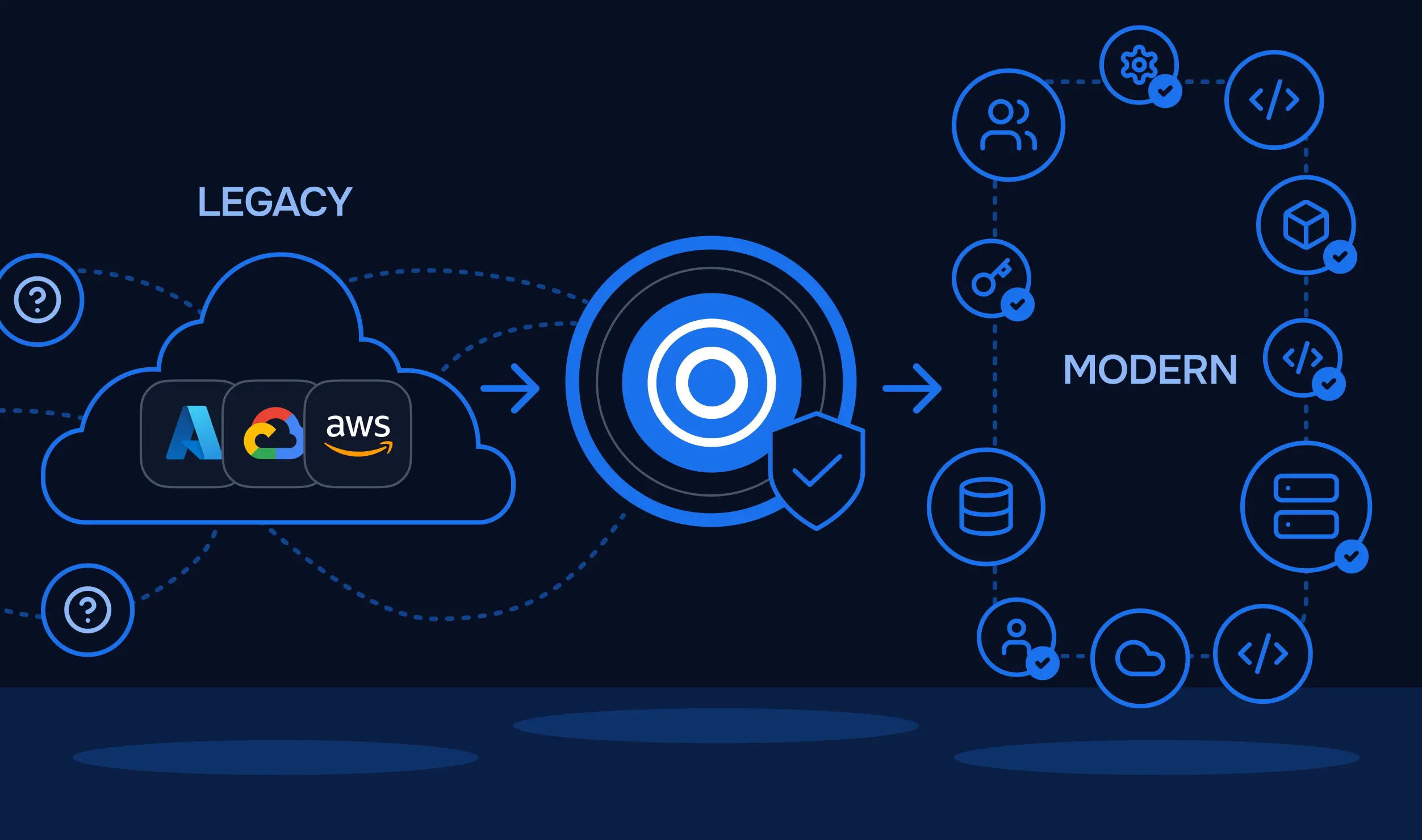
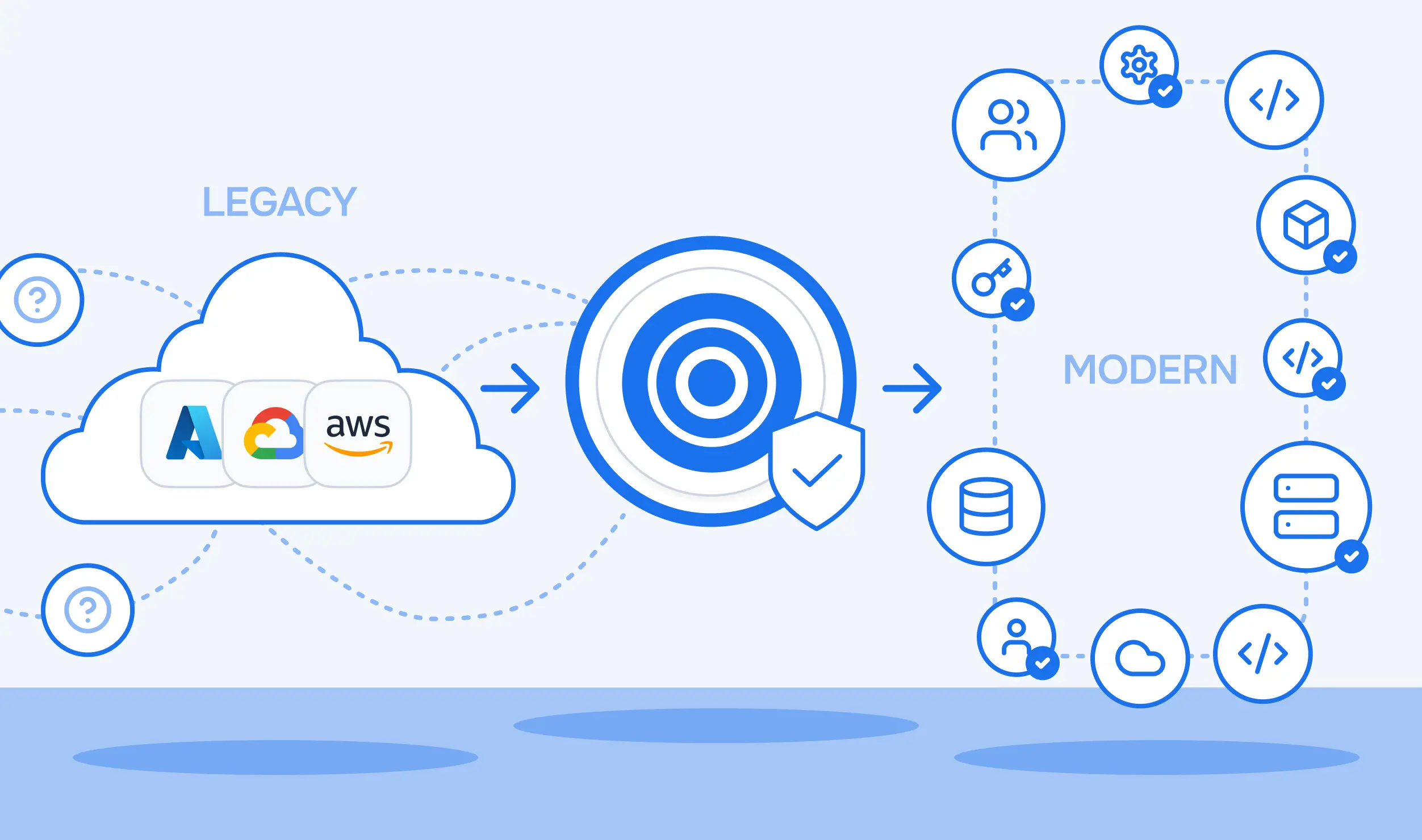
Even with a solid plan, the most time‑consuming part of moving from Bicep to Terraform is usually codifying and importing all the existing Azure resources into clean HCL and state files.
SGCode (StackGuardian’s Infra2Code module for Terraform/OpenTofu) is designed to automate exactly that kind of brownfield codification work:
It discovers existing resources across Azure subscriptions and groups them by actual application and dependency structure instead of dumping flat resource lists.
It generates Terraform or OpenTofu configurations that follow your organization’s naming conventions, module patterns, and file layout, rather than generic templates.
It automatically creates and manages Terraform state, avoiding manual, per‑resource import commands that can take 10–60 minutes each in large environments.
It plugs into existing StackGuardian workflows, enabling immediate drift detection, policy enforcement, and self‑service after migration.
If you already know you want to standardize on Terraform but are blocked by the sheer volume of existing Azure infrastructure defined in or alongside Bicep, SGCode can turn that manual discovery and import phase into an automated, repeatable process, letting your engineers focus on designing good Terraform modules and pipelines instead of one‑off conversion tasks.