Policy as Code: From Zero to Enforced Guardrails on Your Infrastructure
Policy as Code turns governance into version-controlled, auto-enforced rules. See how Tirith and OPA block bad deployments before they ship.
Policy as Code turns governance into version-controlled, auto-enforced rules. See how Tirith and OPA block bad deployments before they ship.


Infrastructure governance sounds simple until you're managing hundreds of cloud resources across multiple teams and providers. The usual approach, a senior engineer reviewing Terraform plans, a quarterly compliance checklist, and a Slack message as the approval trail, breaks down fast. Rules live in wikis, tribal knowledge, and one person's head. When that person becomes the bottleneck, it's not a process problem. It's an architecture problem.
Policy as Code fixes this by turning governance rules into structured, version-controlled code that runs automatically on every pipeline execution, before anything touches production. This post covers what Policy as Code is, how it works under the hood, and how StackGuardian implements it through its Tirith policy framework and Open Policy Agent support, with real policy JSON pulled straight from the docs.
Policy as Code treats governance rules the same way software teams treat application code: written in a structured format, stored in version control, reviewed through pull requests, tested before deployment, and automatically executed by the system.
A policy might say "no EC2 instance can be deployed without an Environment and Owner tag," or "no workflow targeting production can run without pre-approval," or "monthly EC2 spend must stay under $100." Without codification, those rules depend on someone checking. With Policy as Code, the system checks every time, with no manual step in the path.
The contrast with manual governance:
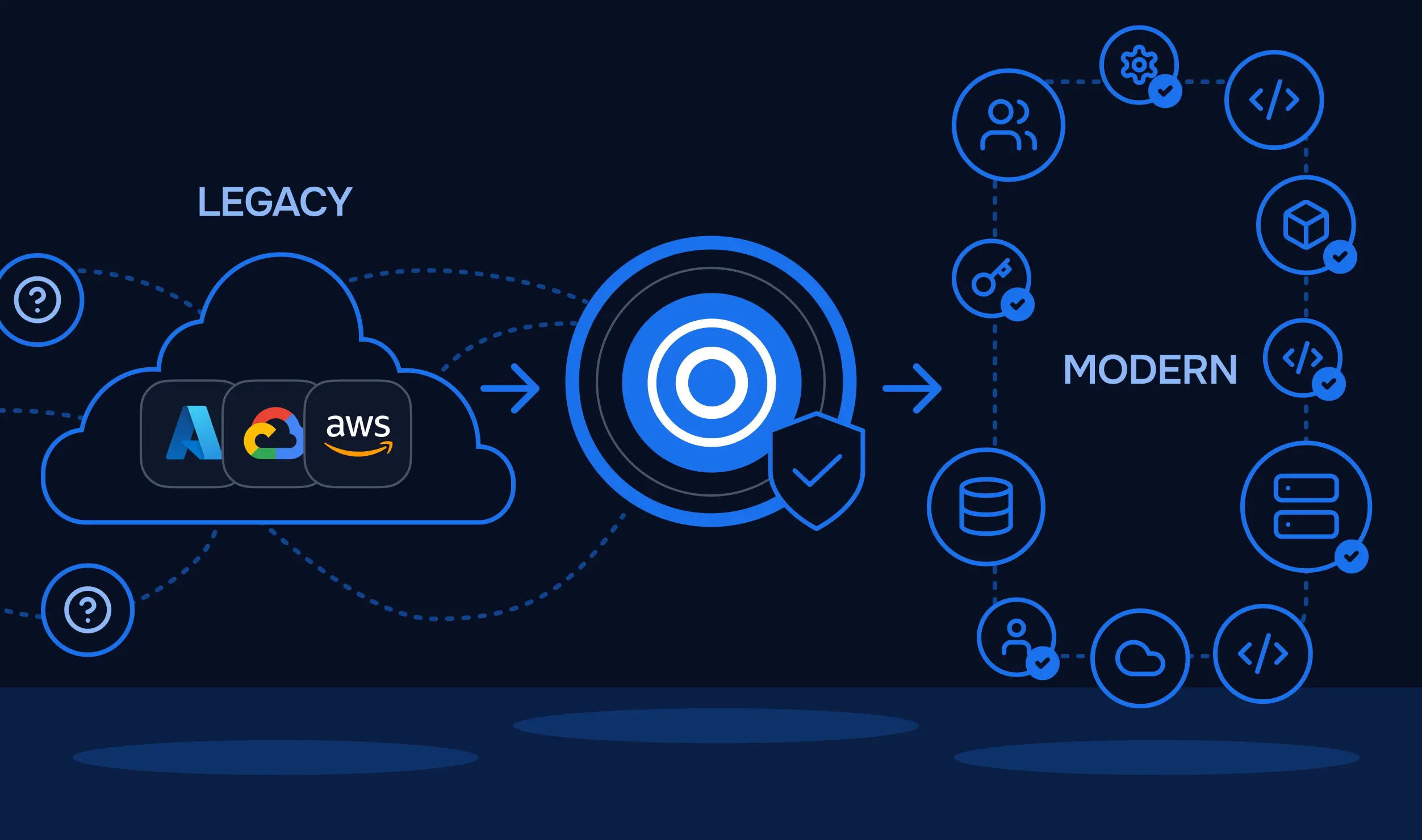
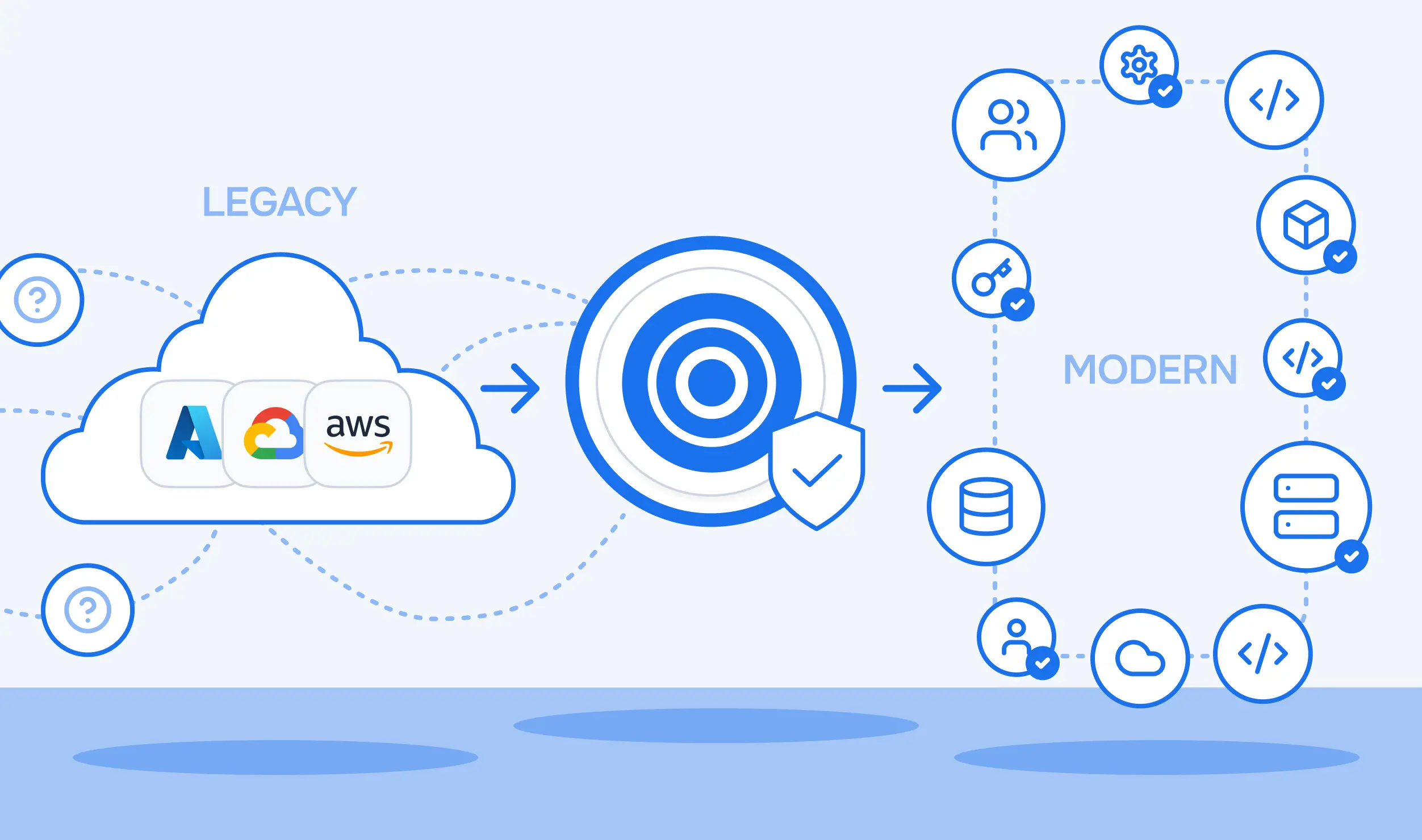
Policy as Code is especially useful in multi-cloud environments. AWS, Azure, and GCP each have their own native governance tools, AWS Config, Azure Policy, and GCP Organization Policies, that don't interoperate. Policy as Code creates a single enforcement layer that sits above provider-specific tooling and applies the same rules regardless of which cloud is being provisioned.
Before getting into the tools, it helps to understand the four components that any working Policy-as-Code system requires. Miss one, and the enforcement model has holes.
Rules are written in a structured format, JSON, YAML, or a domain-specific language like Rego, and stored in version control. This is where precision matters. A policy that says "enforce encryption" is not enforceable as written. A policy that says "check that aws_s3_bucket has server_side_encryption_configuration set, and its rule contains AES256 or aws:kms" is. Definitions should be specific enough to be evaluated unambiguously.
A policy definition does nothing on its own until something executes it against real inputs. Enforcement is the mechanism that evaluates planned infrastructure changes or running configurations against those definitions and takes action when something doesn't comply, blocking the deployment, warning the team, or routing to an approval gate.
Policies need to be tested before they reach production environments. A policy that's too broad blocks legitimate deployments. One that's too narrow misses the violations it was written to catch. Testing against representative Terraform plans in a non-production context catches both classes of problems before they create friction.
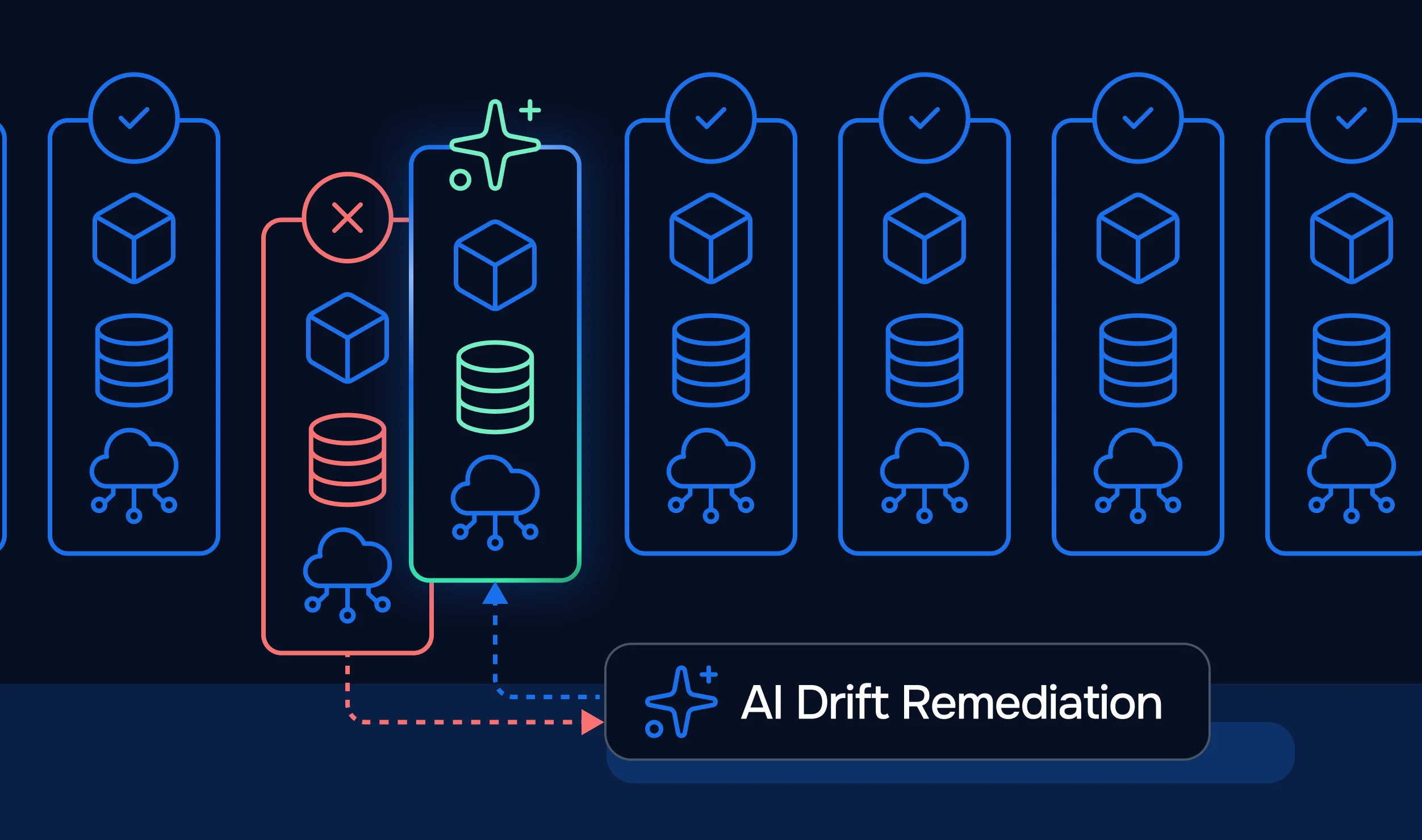
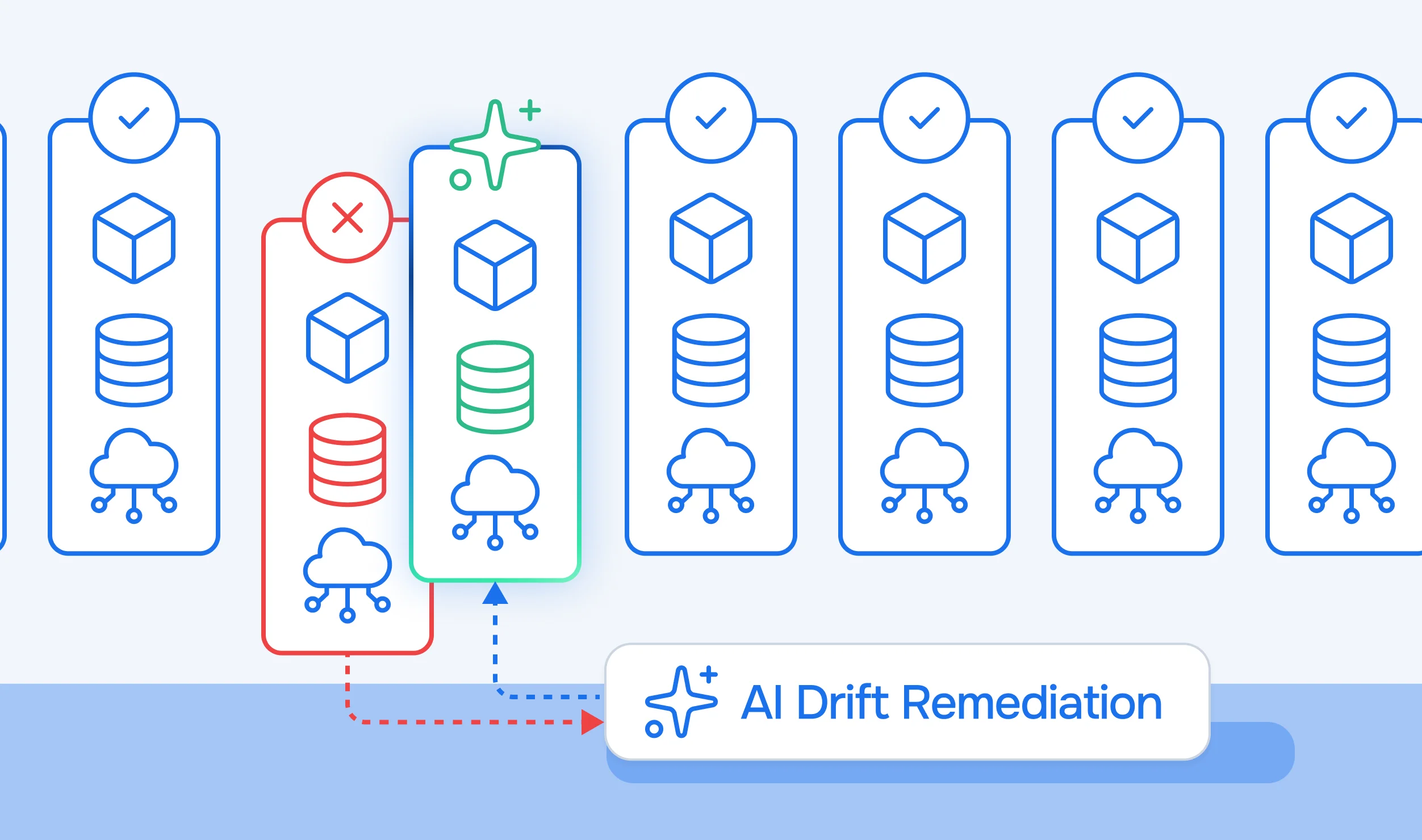
Environments change after deployment. A resource that was compliant when provisioned may be manually reconfigured, have a dependency updated, or drift from its declared state in any number of ways. Continuous monitoring detects these changes and maintains the audit trail compliance teams need.

Before getting into how StackGuardian implements each of these components, it helps to see what the enforcement loop actually looks like when it's working.
Take a simple example: your organization has a rule that all AWS EC2 instances must have an Environment and Owner tag. Without Policy as Code, that rule lives in a Confluence doc. Someone forgets, an untagged instance gets deployed, and it shows up three months later in a cost audit with no owner.
With Policy as Code, that rule is a file in your repo. Every time a Terraform plan is generated, the policy engine evaluates the plan against the rule before terraform apply runs. If the instance is missing the tag, the pipeline stops. The engineer sees exactly which resource violated which rule and fixes it before anything hits production.
The same model applies to more complex rules, requiring approval before any workflow targets a production environment, blocking EC2 instance types above a certain cost tier in dev, or preventing security groups from allowing inbound SSH from 0.0.0.0/0. Each of these is a policy definition evaluated automatically at the right point in the pipeline, with a configured action determining what happens on violation: block outright, warn and continue, or pause for a human approver.
This is the enforcement loop: write the rule once, attach it to a scope, and it runs on every relevant deployment without anyone having to remember to check. The rest of this post covers how StackGuardian implements this loop through its policy model, its two enforcement engines, and the tooling that makes it practical for teams at different levels of policy maturity.
StackGuardian treats policies as a set of rules that act as guardrails across workflows and cloud infrastructure. Policies evaluate planned changes before they run and can block, warn, or gate them for approval, depending on how a rule is configured.
Every policy in StackGuardian has two parts: a Meta tab that controls where it applies (scope), and a Rules tab that defines what gets evaluated and what happens on pass or error.
Scope determines which resources a policy covers. Three levels are available:
StackGuardian automatically determines the policy type from its content and enforces it on workflows or infrastructure configurations accordingly. A policy that contains a ${curr_workflow} reference in an evaluator applies only to workflows. A policy using ${curr_stack} applies only to stacks. Policies without either reference apply to both.
Each rule has two configurable outcomes: Action when policy passes and Action when policy errors. The available actions:

For rules requiring approval, you configure the number of approvers from a pre-defined list, ranging from one to all approvers. This creates an audit trail for every manual exception.
StackGuardian supports two policy engines. Which one to use depends on how complex your policies are and how much your team wants to write.
Tirith is StackGuardian's own policy framework, built for IaC and workflow compliance. It scans Terraform plans, CloudFormation, Kubernetes manifests, and workflow JSON against policies you define in JSON. The design goal is readability: a Tirith policy should be interpretable by someone who didn't write it, without requiring knowledge of a specialized policy language.
Every Tirith policy has three top-level components:
meta: specifies the provider (stackguardian/terraform_plan, stackguardian/infracost, stackguardian/sg_workflow, stackguardian/kubernetes, stackguardian/json) and the schema versionevaluators: an array of individual checks, each with an id, provider_args pointing at the specific attribute or action being checked, and a condition defining the evaluation logiceval_expression: a logical expression combining evaluator IDs using && (AND), || (OR), and ! (NOT)stackguardian/terraform_planThe Terraform plan provider checks attributes, actions, counts, and dependencies in a Terraform plan. The operation_type field controls what kind of check runs:
attribute: check the value of a specific resource attributeaction: check whether a resource is being created, deleted, or unchanged (no-op)count: check the number of resources of a given typedirect_references: verify that one resource is referenced by another (e.g., a bucket referenced by a lifecycle policy)direct_dependencies: check for dependency relationships between resources
Policy that prevents an aws_vpc from being deleted:
{
  "meta": {
    "required_provider": "stackguardian/terraform_plan",
    "version": "v1"
  },
  "evaluators": [
    {
      "id": "eval-id-1",
      "description": "Safeguard VPC against deletion",
      "provider_args": {
        "operation_type": "action",
        "terraform_resource_type": "aws_vpc",
        "terraform_resource_attribute": ""
      },
      "condition": {
        "type": "NotEquals",
        "value": "delete",
        "error_tolerance": 1
      }
    }
  ],
  "eval_expression": "eval-id-1"
}
The error_tolerance field controls how Tirith handles missing resources during evaluation. Three values are supported:
Available condition types: Equals, NotEquals, GreaterThan, GreaterThanEqualTo, LessThan, LessThanEqualTo, ContainedIn, IsNotEmpty, RegexMatch.
stackguardian/infracostThe InfraCost provider checks cloud spend at plan time, before any resources are created. The operation_type can be total_monthly_cost or total_hourly_cost. You specify resource_type as a list of resource types to target, or use the ALL ()* operator for a policy that applies across all resources.
Policy that limits EC2 monthly spend to under $100:
{
  "meta": {
    "required_provider": "stackguardian/infracost",
    "version": "v1"
  },
  "evaluators": [
    {
      "id": "ec2_cost_below_100_per_month",
      "provider_args": {
        "operation_type": "total_monthly_cost",
        "resource_type": ["aws_ec2"]
      },
      "condition": {
        "type": "LessThanEqualTo",
        "value": 100
      }
    }
  ],
  "eval_expression": "ec2_cost_below_100_per_month"
}stackguardian/sg_workflowThe SG Workflow provider validates JSON-based workflow configurations. A common use case is enforcing that pre-apply approvals are enabled on production workflows:
{
  "meta": {
    "required_provider": "stackguardian/sg_workflow",
    "version": "v1"
  },
  "evaluators": [
    {
      "id": "require_approval_before_apply",
      "provider_args": {
        "operation_type": "attribute",
        "workflow_attribute": "approvalPreApply"
      },
      "condition": {
        "type": "Equals",
        "value": true
      }
    }
  ],
  "eval_expression": "require_approval_before_apply"
}
This policy triggers an error on any workflow where approvalPreApply isn't set to true. What happens next depends on the configured error action for the rule.
stackguardian/kubernetesThe Kubernetes provider checks resource attributes on Kubernetes manifests. The operation_type is an attribute; kind specifies the resource kind (e.g., Pod); and attribute uses dot notation with wildcard support. For example, spec.containers.*.livenessProbe checks that all containers in a Pod spec have a liveness probe defined.
The eval_expression field is where Tirith policies get compositional. Multiple evaluators can be combined:
"eval_expression": "eval-id-1 && eval-id-2 || !eval-id-3"This lets you express policies like "check A AND check B must pass, OR check C must not trigger", useful for conditional logic like "require tagging on all resources except those in the sandbox workspace."
pip install git+https://github.com/StackGuardian/tirith.gittirith -policy-path policy.json -input-path input.jsonThe --json flag outputs results in machine-readable JSON, useful when piping into other tools. The --verbose flag shows detailed per-evaluator logs.
Open Policy Agent is a CNCF-graduated, open-source general-purpose policy engine. Policies are written in Rego, a declarative language built specifically for expressing rules over complex hierarchical data. OPA decouples decision-making from enforcement: your system queries OPA with structured JSON input, and OPA returns a decision.
OPA runs across Kubernetes admission control, CI/CD pipelines, API gateways, and microservices. It's the right choice when your policies need to cross system boundaries, enforcing the same rule in StackGuardian workflows and in a Kubernetes admission controller, for example.
In StackGuardian, OPA policies are sourced from a version-controlled repository. To configure an OPA policy inside a rule:
github.com or git (other))/secrets/vault-secret-name) or via /integrations/github_com)<opa-package-path>.<rule-name-returning-boolean>Optionally, pass JSON through the code editor as policy data to template Rego policies, reusing the same logic across multiple policy definitions.
A minimal Rego policy that blocks S3 buckets without encryption:
package terraform.s3

deny[msg] {
  resource := input.resource_changes[_]
  resource.type == "aws_s3_bucket"
  not resource.change.after.server_side_encryption_configuration
  msg:= sprintf("S3 bucket '%v' must have server-side encryption enabled", [resource.address])
}
The OPA deciding query for this would be terraform/s3/deny.
If your policies cover Terraform resource attributes, costs, workflow approvals, and Kubernetes manifests and run inside StackGuardian, Tirith is the right choice. If you need the same policy logic to run across StackGuardian and another system (such as a Kubernetes cluster, an API gateway, or a CI runner), OPA provides that portability.
For teams that want policy enforcement without writing Tirith JSON directly, StackGuardian's NoCode Policy Builder generates the equivalent policy through a UI.
To access it:
Tirith (StackGuardian Policy Framework) and sourceConfigDestKind to inlineThe NoCode builder produces the same JSON that Tirith would evaluate; it's a UI layer on top of the same engine, not a separate system. Teams can start with NoCode and inspect the generated JSON to learn the schema.
Writing policies from scratch isn't always necessary. StackGuardian's Policy Marketplace has over 200 pre-built policies covering AWS, Azure, and GCP best practices, CIS benchmarks, tagging requirements, encryption enforcement, SSH access restrictions, and more.
To use a marketplace policy:
/stackguardian/aws-best-practices-all) and select the latest versionPASS and Action on fail to WARN (or FAIL if you want hard blocking)Marketplace policies can be customized after subscription, and organizations can publish their own templates to share standardized policies across teams.
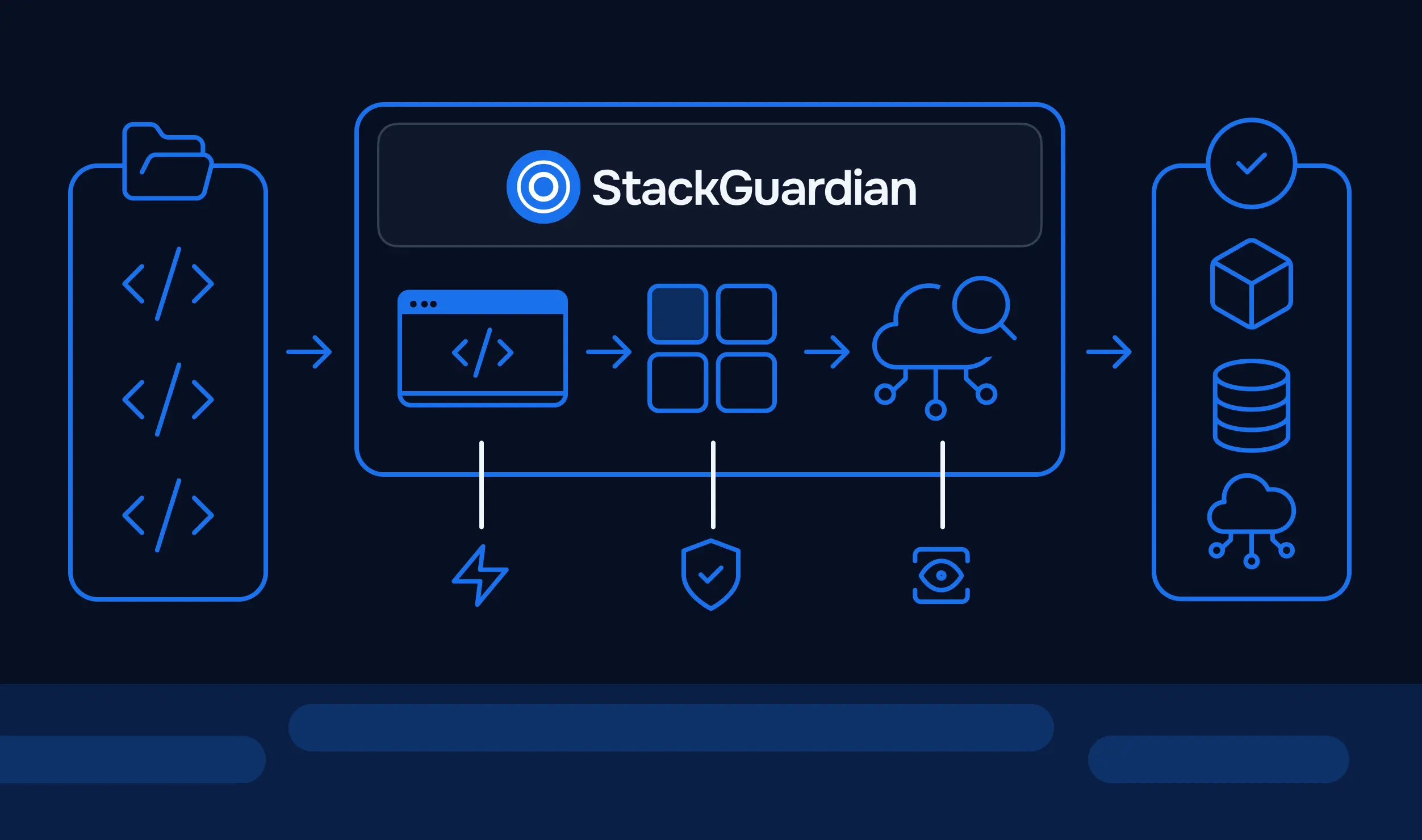
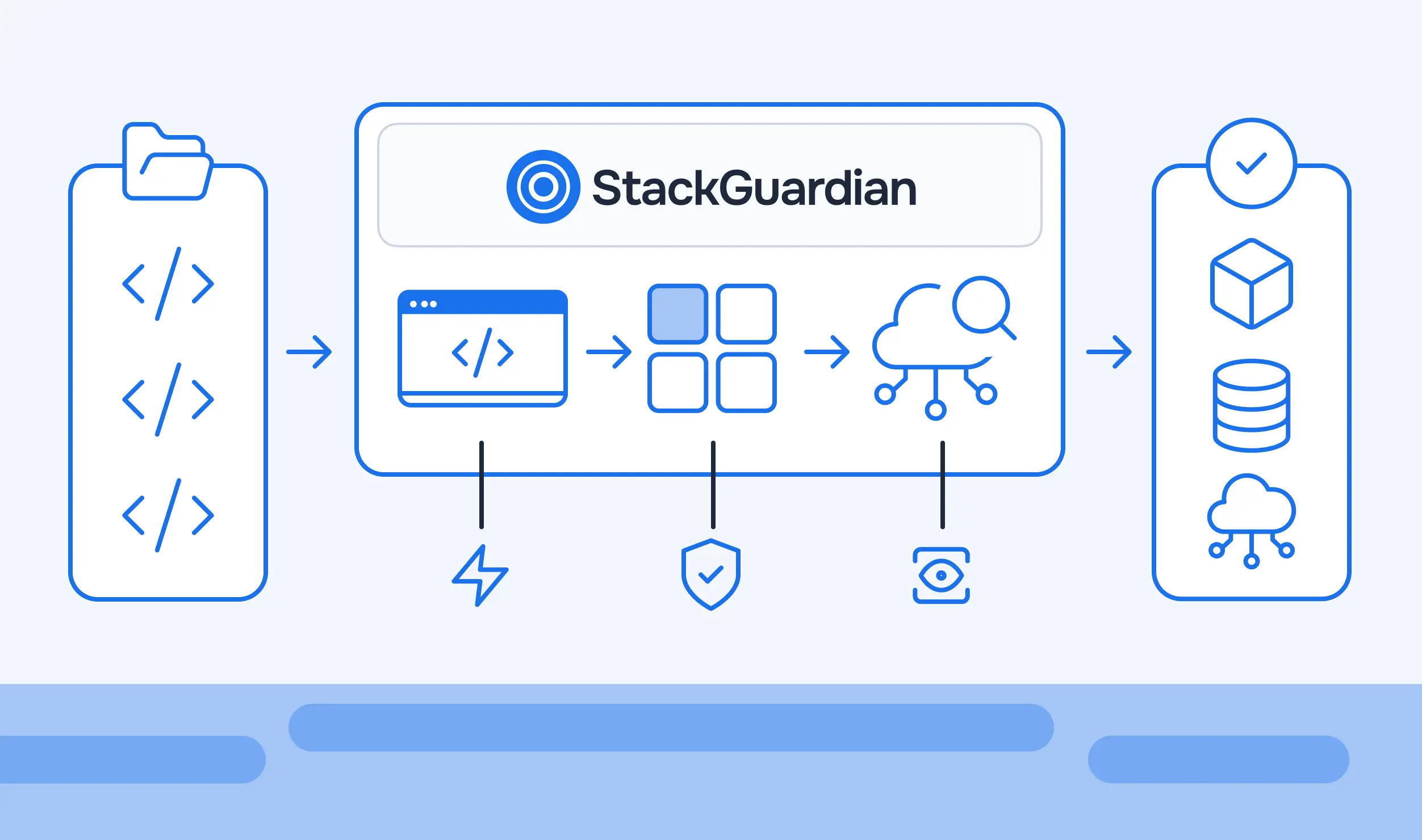
Putting this together, here's what happens when a developer triggers a workflow in StackGuardian:
If a Configuration Rule fails, the run is blocked immediately. If it passes or warns, Runtime Rules then evaluate during execution. If it requires approval, the run waits until approval is granted


Drift detection runs continuously; resources that were compliant at deployment are flagged when they diverge from the declared state, without waiting for the next deployment to catch them.

Running policies as standalone scripts or one-off checks doesn't solve the underlying problem. Without a platform enforcing them, policies can be skipped, misconfigured, or simply not applied to new workflows that spin up after the policy was written.
StackGuardian's policy engine attaches to scopes, organizations, workflow groups, or connectors, so any new workflow that falls within scope automatically inherits enforcement. RBAC controls who can create, modify, or override policies. Audit logs capture every evaluation. And drift detection closes the loop for runtime compliance, not just deployment-time compliance.
The goal isn't to slow teams down. It's to make non-compliant deployments structurally harder than compliant ones, without requiring someone to be in the loop for every change.
Policy as Code moves governance from a manual checkpoint into a structural property of your pipeline, version-controlled, automatically enforced, and consistent regardless of team size or cloud provider. The four pillars, StackGuardian's Tirith engine and OPA support, scope inheritance, and drift detection give you everything needed to build a governance model that grows with your infrastructure rather than falling behind it.
A good place to start is to scope one policy to a single workflow group, set the action to Warning, and see what it catches, then expand from there. The Tirith CLI lets you test policies locally against real plan outputs before attaching them to any workflow, so you can validate behavior without touching a live environment. If you want to see how this works end-to-end, StackGuardian's policy engine is worth exploring.
Tirith is StackGuardian's own JSON-based policy framework built specifically for IaC compliance. It evaluates Terraform plans, InfraCost data, Kubernetes manifests, and workflow JSON using a declarative evaluator model with meta, evaluators, and eval_expression. OPA uses Rego, a general-purpose policy language, and can enforce the same policy logic across StackGuardian, Kubernetes admission controllers, API gateways, and CI runners. Use Tirith when your policies live entirely within StackGuardian; use OPA when you need cross-system portability.
When a workflow is triggered in StackGuardian, via GitOps push, API, SDK, or Terraform provider, the platform evaluates all scoped policies before the Terraform apply runs. Configuration Rules fire first at create/update/run time, followed by Runtime Rules during execution. Each rule returns one of five statuses: Pass, Fail, Warn, Approval Required, or Unevaluated. Violations can block the run outright, trigger a warning, or route to a named approver, all of which are logged automatically for audit.
Infrastructure drift occurs when the actual state of cloud resources diverges from their declared IaC configuration, typically due to manual console changes or dependency updates. In multi-cloud environments, drift is harder to catch because AWS, Azure, and GCP each track configuration state independently. StackGuardian's drift detection runs continuously against deployed resources, flagging divergence from Terraform state without waiting for the next pipeline run. Detected drift surfaces under the workflow's Overview tab alongside compliance check results.
error_tolerance field in a Tirith policy, and when should you set it to 1 or 2?error_tolerance controls how Tirith handles missing resources during evaluation. Set it to 0, and all values, Resource Type, Resource Attribute, and Condition value, must be present and correct, or the policy fails. Set it to 1, and Tirith skips the evaluator if the specified Resource Type isn't present in the deployment, rather than failing the deployment. Set it to 2, and the evaluator is skipped if either the Resource Type or Resource Attribute isn't configured. Use 1 or 2 when writing broad policies that should apply to multiple deployment types, where not every resource will always exist.
A Workflow Policy applies to workflow-level configurations and runs; you scope it by including a ${curr_workflow} reference in an evaluator. A Stack Policy applies to stacks, using ${curr_stack}. Policies without either reference apply to both. The practical difference matters when you need to enforce approval gates or compliance checks at different layers. A workflow policy can block a run before it executes, while a stack policy governs the stack configuration and the resources provisioned within it.