From Terraform to OpenTofu: A Migration Guide
OpenTofu emerged as the community's response fork of Terraform 1.5.x that maintains the MPL 2.0 license. It might be time to migrate - here's why
OpenTofu emerged as the community's response fork of Terraform 1.5.x that maintains the MPL 2.0 license. It might be time to migrate - here's why
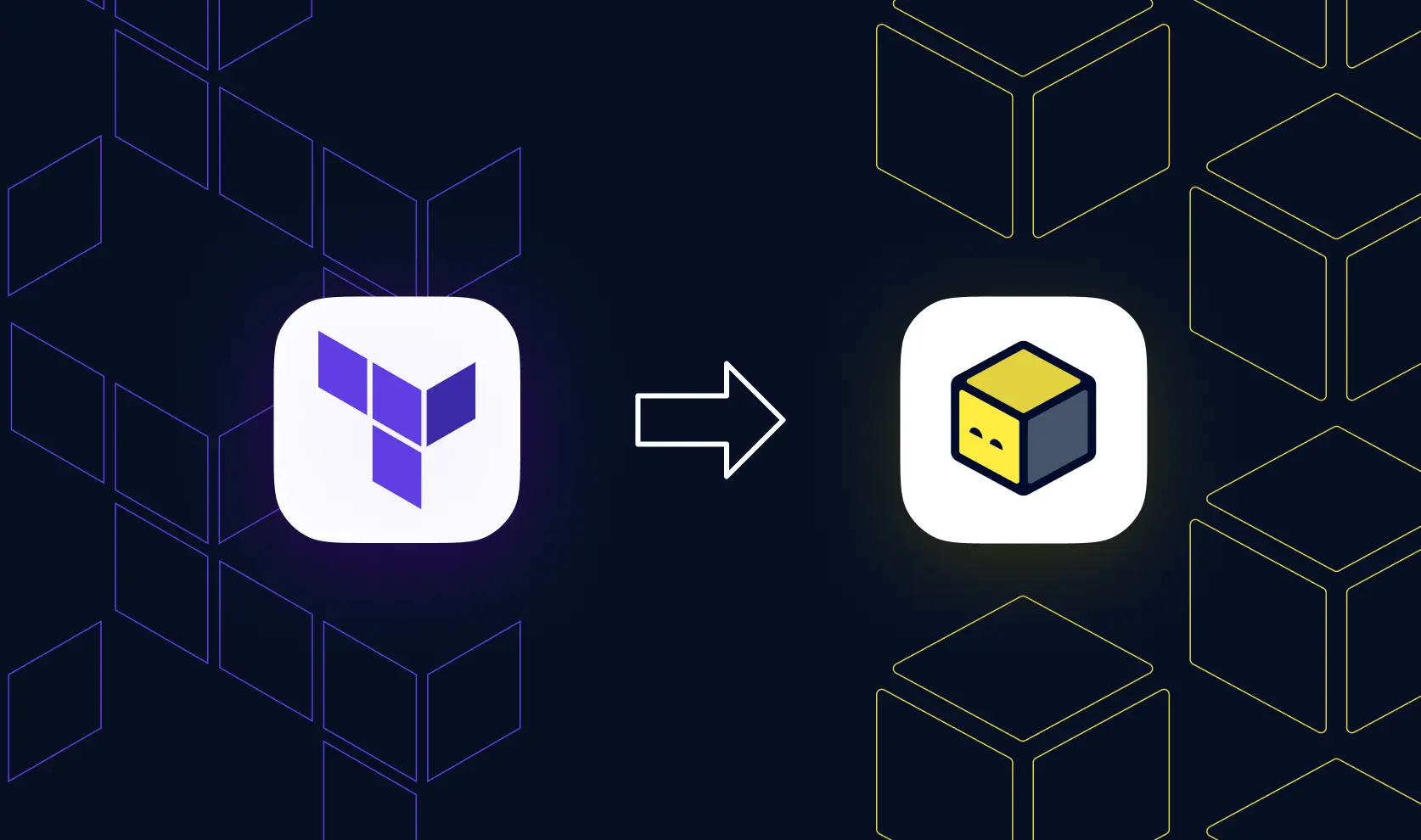

Terraform has gained popularity over the years and has solidified its position as one of the most used Infrastructure as Code (IaC) tools out there. SREs, DevOps, and cloud engineers have been relying on Hashicorp’s Terraform to create, maintain, and scale their infrastructure needs. In 2023, HashiCorp changed the licensing for all its products, including Terraform, from the open-source Mozilla Public License v2.0 (MPL 2.0) to the Business Source License v1.1 (BSL 1.1). This shift ended Terraform's nine-year history as a truly open-source project.
This change raised questions about future usage, commercial restrictions, and vendor lock-in. OpenTofu emerged as the community's response fork of Terraform 1.5.x that maintains the MPL 2.0 license and promises to remain open source forever. In this blog, we will look into OpenTofu, its similarities and differences with Terraform, and go over migration considerations and steps.
OpenTofu is an open-source IaC tool that is fully compatible with Terraform's configurations, providers, and state files. Born from the Terraform 1.5.x fork, OpenTofu joined the Linux Foundation in September 2023 and has been accepted at the Sandbox maturity level at the Cloud Native Computing Foundation (CNCF).
The tool maintains the same declarative configuration approach, provider ecosystem, and modular architecture that made Terraform popular. It works like Terraform, using providers to interact with cloud APIs, reusable modules for infrastructure patterns, and a state file to track resource lifecycles. Commands mirror Terraform in most cases, so simply replace `terraform` with `tofu`.
OpenTofu offers 100% backwards compatibility with Terraform versions prior to 1.6. This means your existing code, modules, providers, and workflows work without modification. The migration is a straightforward binary swap in most cases.
What sets OpenTofu apart? It includes features the Terraform community has requested for years. OpenTofu 1.7 introduced built-in encryption for the state. OpenTofu 1.8 added early variable evaluation, allowing variables in backend configurations and module sources. OpenTofu 1.9 brought provider iteration with `for_each`, drastically simplifying multi-region deployments.
The project has its own registry at search.opentofu.org, providing a centralized hub for discovering providers, modules, and resources. The registry UI offers well-documented components with examples, making it easy to find and reuse infrastructure code.
Here are the most basic and useful OpenTofu commands:
Open-Source License: OpenTofu operates under the MPL 2.0 license, guaranteeing it remains truly open source. No single vendor can change the license again or restrict usage. The Linux Foundation governs the project, ensuring vendor neutrality and community-driven development.
Community-Driven Development: The community determines which features get prioritized and implemented. Users can directly influence the development roadmap through a transparent ranking system of GitHub issues. Top-ranking issues guide the core team's work, ensuring the tool evolves based on user feedback and needs. OpenTofu maintains a public GitHub repository where anyone can see what contributors are working on. The project uses an RFC process with pull request reviews to discuss new features and document engineering decisions. This transparency contrasts with Terraform's closed development model.
Real-World Adoption and Momentum: OpenTofu has gained significant traction since its January 2024 stable release. Registry traffic increased substantially between major releases, with GitHub stars currently more than 27K, with downloads reported at millions. Major organizations like Allianz and Fidelity have actually migrated to OpenTofu.
Understanding how OpenTofu compares to Terraform helps teams make informed migration decisions.
Both tools share nearly identical syntax, allowing you to use the same configuration files with minimal changes. The HashiCorp Configuration Language (HCL) remains the foundation for both. You write declarative infrastructure definitions that specify the desired end state, and the tool handles provisioning.
State management works the same way. Both maintain a state file that tracks the current infrastructure, use state locking to prevent concurrent modifications, and support similar backend types for remote state storage. Your S3 buckets, or other backends, work with either tool.
Provider ecosystems also overlap substantially. OpenTofu maintains compatibility with many Terraform providers. Providers for AWS, Google Cloud, Azure, Kubernetes, and other services work with both tools. Both tools also integrate into CI/CD pipelines using the same patterns.
Licensing Model: Terraform operates under the Business Source License after version 1.5.x, restricting how vendors can use the tool commercially. OpenTofu uses the Mozilla Public License v2.0, ensuring it remains fully open source without usage restrictions. Each source file in OpenTofu guarantees permanent open-source status.
Governance and Philosophy: HashiCorp controls Terraform's development and roadmap. OpenTofu employs community-driven governance through the Linux Foundation. The OpenTofu community ranks feature requests, and the core team prioritizes work based on these rankings.
Specific Features: OpenTofu 1.7 added native state and plan file encryption. OpenTofu encrypts state data before it leaves your machine or CI runner, adding a critical security layer. OpenTofu 1.8 introduced the ability to use variables and locals in backend configuration, module sources, and encryption settings. This eliminates code duplication and allows dynamic backend selection based on environment variables. OpenTofu 1.9 added `for_each` support for provider blocks. This allows declaring a single provider configuration that instantiates multiple times across regions or accounts.
Version Alignment: OpenTofu initially forked from Terraform 1.5.x and maintains similar version numbering, but version alignment doesn't guarantee feature parity in genenal. For example, features introduced in Terraform 1.11.x will often appear in OpenTofu 1.11.x, but the implementation details, syntax, or behavior may differ. For example, while both tools might support a similar capability in the same version series, OpenTofu may implement it differently due to community priorities or technical decisions. Some Terraform features may not be ported at all if they conflict with OpenTofu's licensing or governance principles.
Future Trajectory: The two tools will continue diverging as OpenTofu implements community-requested features. OpenTofu will not keep pace with upstream Terraform releases and vice versa.
Terraform remains a solid choice if you are invested in the HashiCorp ecosystem. Teams already using HashiCorp Vault, Consul, Nomad, or other HashiCorp products may benefit from staying within a single vendor's stack. The integration between these tools works smoothly, with features like Vault-backed dynamic credentials in Terraform Enterprise.
OpenTofu excels when you prioritize vendor neutrality, open-source licensing, and community-driven development. The MPL 2.0 license provides certainty that the tool will remain open source forever. No vendor can impose future restrictions, price changes, or usage limitations.
The two tools will inevitably drift apart. OpenTofu's changelog documents the growing feature gap. Eventually, maintaining compatibility with both may become impractical.
Most Terraform providers and modules work with OpenTofu. OpenTofu's registry at search.opentofu.org mirrors most content from the Terraform registry. If you find a provider or module missing, you can request inclusion through the OpenTofu registry GitHub repository. The community typically responds quickly to registry addition requests.
Check your provider sources carefully. By default, OpenTofu uses registry.opentofu.org. Configurations that explicitly reference registry.terraform.io may need updates to avoid potential licensing complications. Most providers published to both registries work identically, but it is worth validating.
Organizations with hundreds or thousands of Terraform stacks need a proper and validated migration strategy. First, audit current usage and document which Terraform and provider versions you use across all projects. Create an inventory of managed resources, provider versions, and module dependencies. Understanding your current state prevents surprises during migration.
Next, assess tooling, automation, and CI/CD pipeline adjustment implications. Your pipelines need updates to replace `terraform` commands with `tofu`. Check compatibility with third-party tools that you use with Terraform, such as linters, security scanners,and policy engines.
It’s critical before you start to maintain the ability to return to Terraform if issues arise. Back up your state files and code before migration. Test the rollback process on a non-critical stack to ensure you can execute it smoothly if needed.
Organizations successfully migrating to OpenTofu emphasize careful planning and incremental rollouts. Fidelity's migration story demonstrates the process. They started with a proof-of-concept project called Lighthouse, socialized the idea among teams, and validated that the migration worked correctly. This built confidence before expanding to 70% of projects over two quarters. Robust reporting provided transparency about progress and issues.
The actual migration process varies depending on your starting Terraform version. OpenTofu provides specific migration guides for different Terraform versions.
Check your Terraform version first. OpenTofu offers different migration paths for Terraform 1.5.x or lower, 1.6.x, 1.7.x, 1.8.x, and 1.9.x. Each version requires slightly different steps and code changes.
Let's walk through migrating from Terraform 1.9.x to OpenTofu, following the official migration guide.
Create and test a disaster recovery plan before touching production infrastructure. This plan should include state file backup procedures, restore procedures, and rollback steps. Test the disaster recovery process at least once to ensure it works when needed. Make sure you version your code as well. Migration may require code changes, and having the original simplifies rollback if needed.
Run `terraform apply` to ensure no pending changes exist. Execute `terraform plan` and verify it shows zero planned changes. Starting from a clean state simplifies troubleshooting if issues arise.
If you wish, you can take a look and document the resources in scope from your state file with the `terraform state list` command. Document your current provider versions for reference.
Download and install OpenTofu following the installation instructions at opentofu.org. Verify the installation by running `tofu version` in your terminal.
For successful migration from Terraform 1.9.x, you need specific code changes documented here. Notice that this step might be different depending on which version you are migrating from. In this case, you have to make changes to specific functions such as `encode_tfvars`, `decode_tfvars`, and `encode_expr`, make certain updates to S3 backends, `removed` blocks, testing changes, and input variable validation.
Run `tofu init` in your project directory. OpenTofu downloads providers and modules from the OpenTofu registry. The initialization updates the state file to reference the OpenTofu registry instead of the Terraform registry. If this step fails, do not proceed. Follow the rollback instructions to return to Terraform and troubleshoot the issue. If you suspect a bug in OpenTofu, open an issue on GitHub to help the project.
Run `tofu plan` and verify there are no unexpected changes. The plan should show zero modifications, just like your final Terraform plan. Any unexpected changes indicate an issue requiring investigation before proceeding. Check provider versions, module sources, and any code changes you made. The OpenTofu community on Slack and GitHub Discussions can help troubleshoot migration issues.
Even though the plan shows no changes, run `tofu apply`. This updates the state file with OpenTofu's metadata, completing the migration.
Before using OpenTofu for major infrastructure changes, test with a small, non-critical modification. This validates that your entire workflow works correctly with OpenTofu.
After the migration is complete, follow the OpenTofu upgrade guide to move to the latest version. This gives you access to the newest features and improvements.
If you encounter issues during migration, follow these steps to roll back:
If you encountered a bug in OpenTofu, you can report it on GitHub Issues to help improve the project.
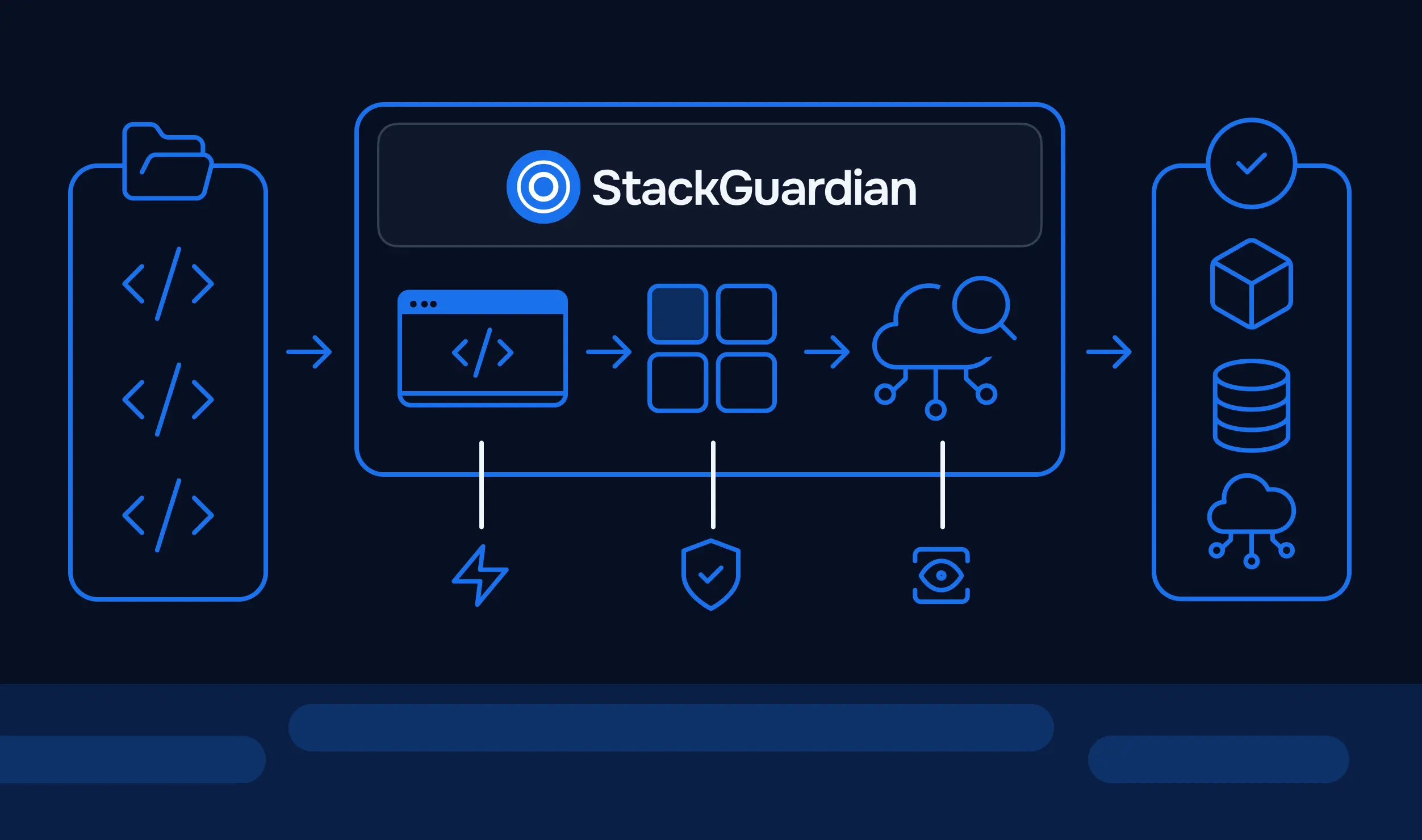
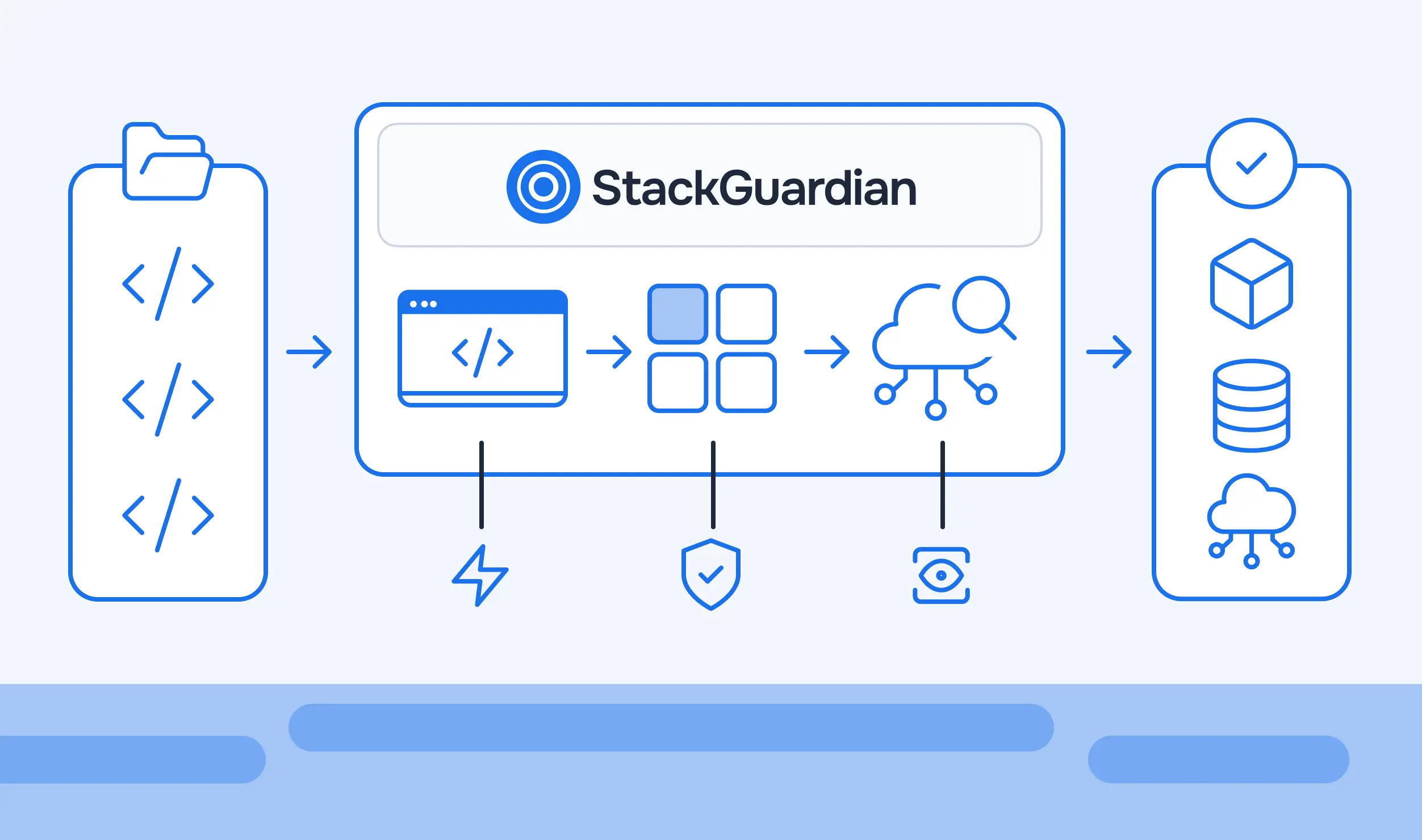
StackGuardian provides comprehensive support for OpenTofu workflows, simplifying infrastructure management at scale. The platform integrates OpenTofu with features like managed state backends, automated drift detection, and lifecycle customization.
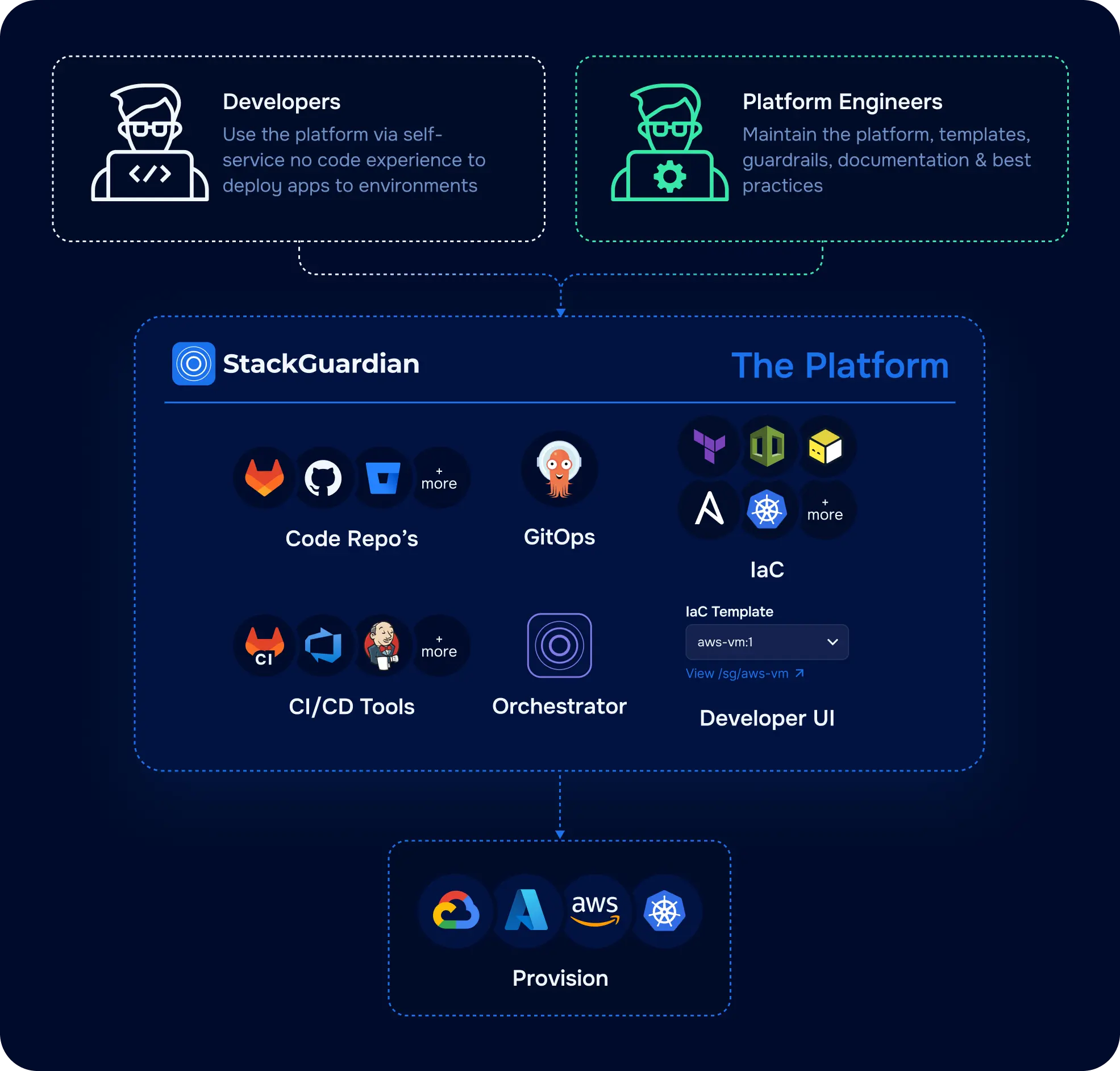
Managed OpenTofu State: StackGuardian can automatically inject and manage OpenTofu state files. Enable "SG Managed OpenTofu Backend" in OpenTofu Configuration, and StackGuardian handles secure, tracked, remote state management. The platform stores state in tfstate.json format. Alternatively, you can also explicitly configure StackGuardian's HTTP backend in your OpenTofu code, facilitating secure remote storage and state locking.
OpenTofu Plan Approval: Enable this feature to add governance by requiring approval before changes are applied. You can specify which users can approve workflows and how many approvals are needed.
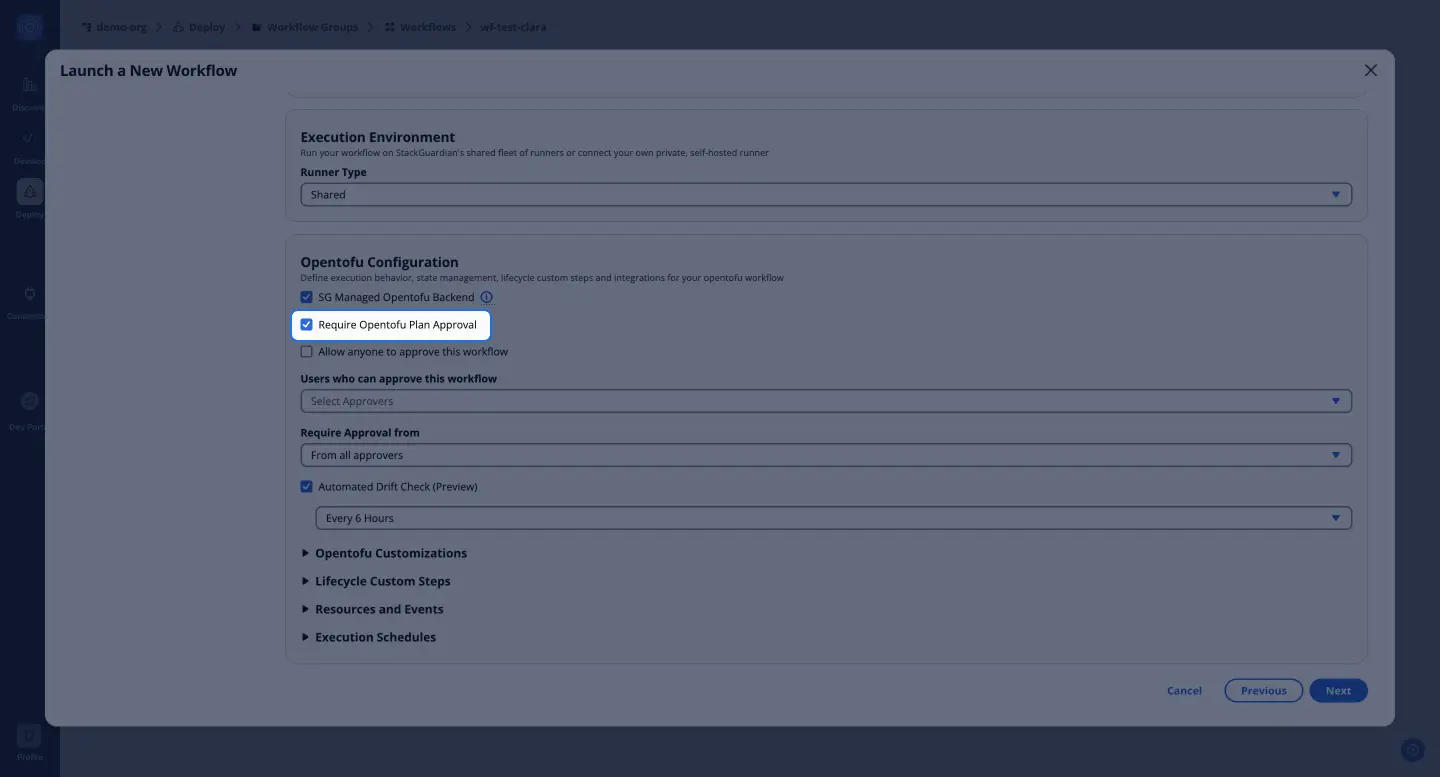
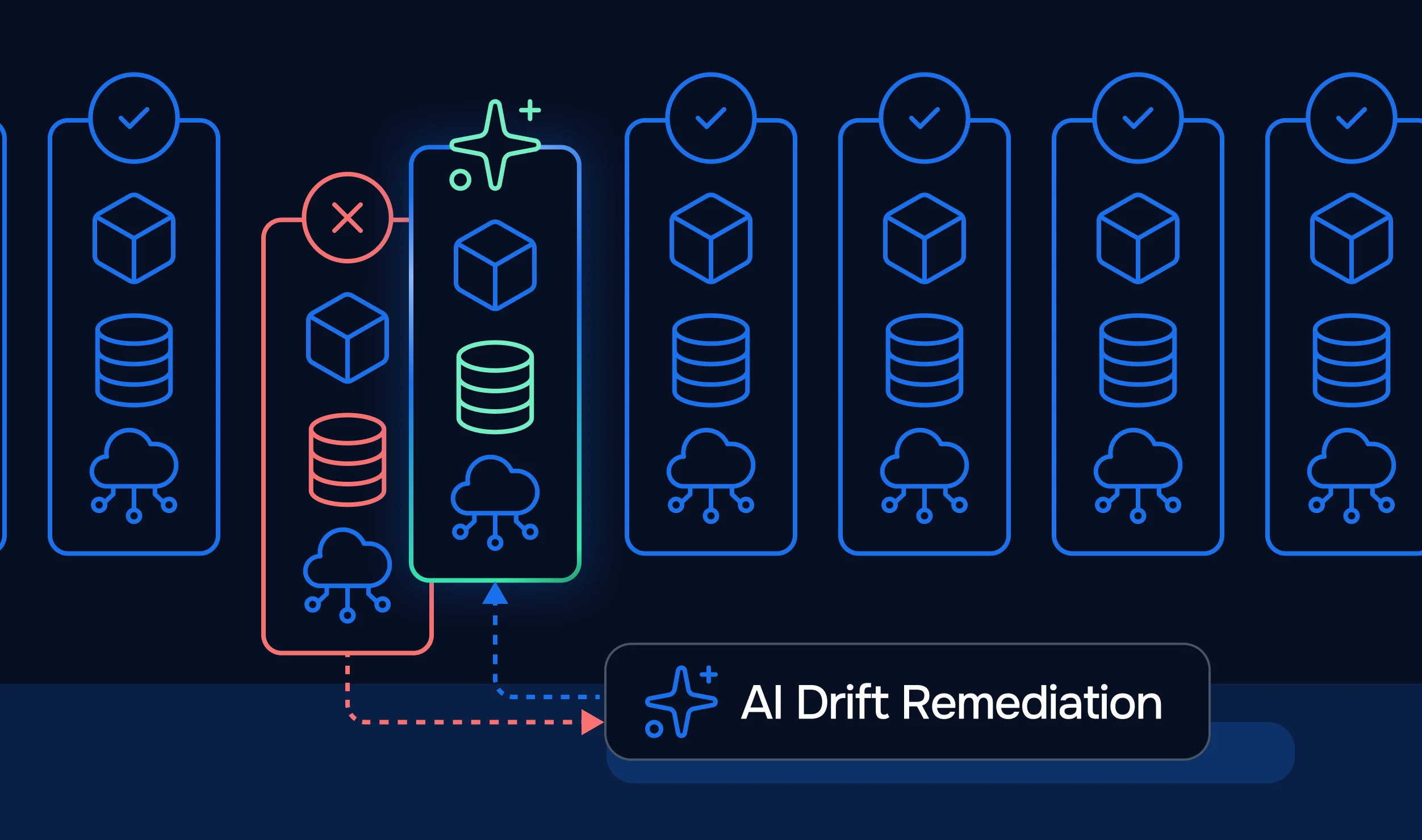
Automated Drift Check: StackGuardian runs drift checks regularly on deployed infrastructure. If drift is detected, you can rerun the workflow to reconcile differences or modify the configuration to import changes.
OpenTofu Customizations: Configure specific OpenTofu settings, including version selection, extra CLI options, workflow step timeouts, and importing existing state files.
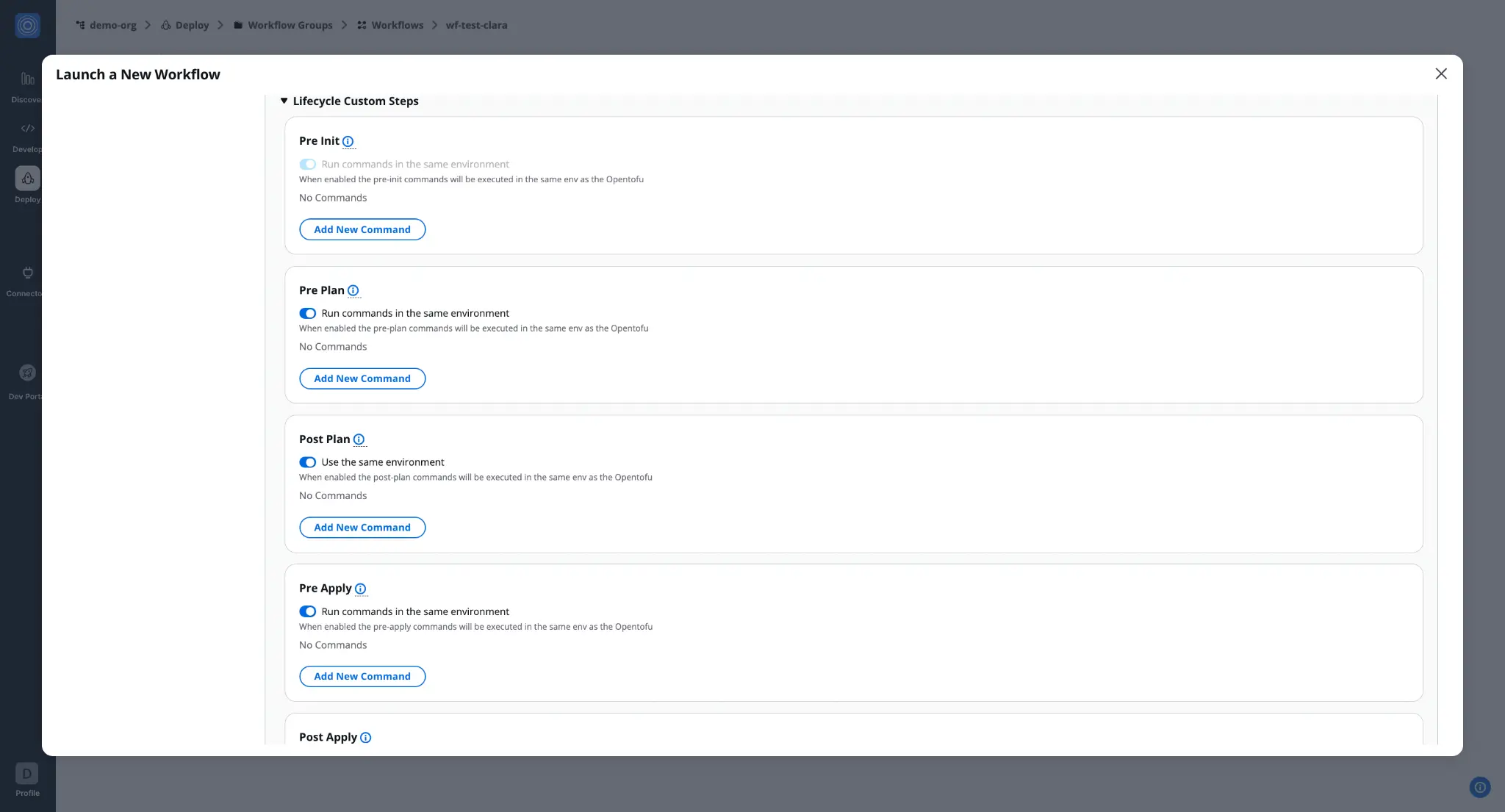
Lifecycle Custom Steps: Inject custom logic at different workflow stages. Pre-init, pre-plan, post-plan, pre-apply, and post-apply steps enable integration with security scanning, validation, or notification tools. For example, integrate security scanners like Wiz to validate plans before deployment.
Resources and Events: Allocate CPU and memory for workflow execution, chain workflows to execute sequentially, configure webhooks for notifications, and set up alerts for workflow events.
The migration from Terraform to OpenTofu reflects a choice around open-source preference, enterprise support needs, and community-driven development. For most teams using Terraform internally, the technical side of the migration is straightforward. The tools coexist today, but their paths diverge. Make your choice with full understanding of the implications for your infrastructure, team, and long-term strategy.
StackGuardian's platform provides the foundational layer for scaling your IaC needs, either with Terraform or OpenTofu. Book a demo today!