Terraform MCP Server: What It Is and How It Actually Works
HashiCorp's Terraform MCP Server connects AI assistants to live provider docs and workspace data. See how it works, and where StackGuardian's MCP server fits.
HashiCorp's Terraform MCP Server connects AI assistants to live provider docs and workspace data. See how it works, and where StackGuardian's MCP server fits.


action_run or delete_workspace_safely stay disabled by default behind an explicit ENABLE_TF_OPERATIONS flag.An AI coding assistant is only as good as the context it has. Ask one to write a Terraform resource for a database, and it answers based on whatever it learned during training, which might be a provider version from eighteen months ago or a resource argument that's since been deprecated. It has no way to check. That's the exact problem the Terraform MCP Server was built to close, and by mid-2026 it's become one of the clearest examples of what a properly grounded AI assistant looks like for infrastructure work.
This post covers what MCP actually means for Terraform, how HashiCorp's official server works under the hood, the operational and security trade-offs worth knowing before connecting it to anything, and how StackGuardian's own MCP server addresses the governance side that HashiCorp's provisioning-focused server doesn't cover.
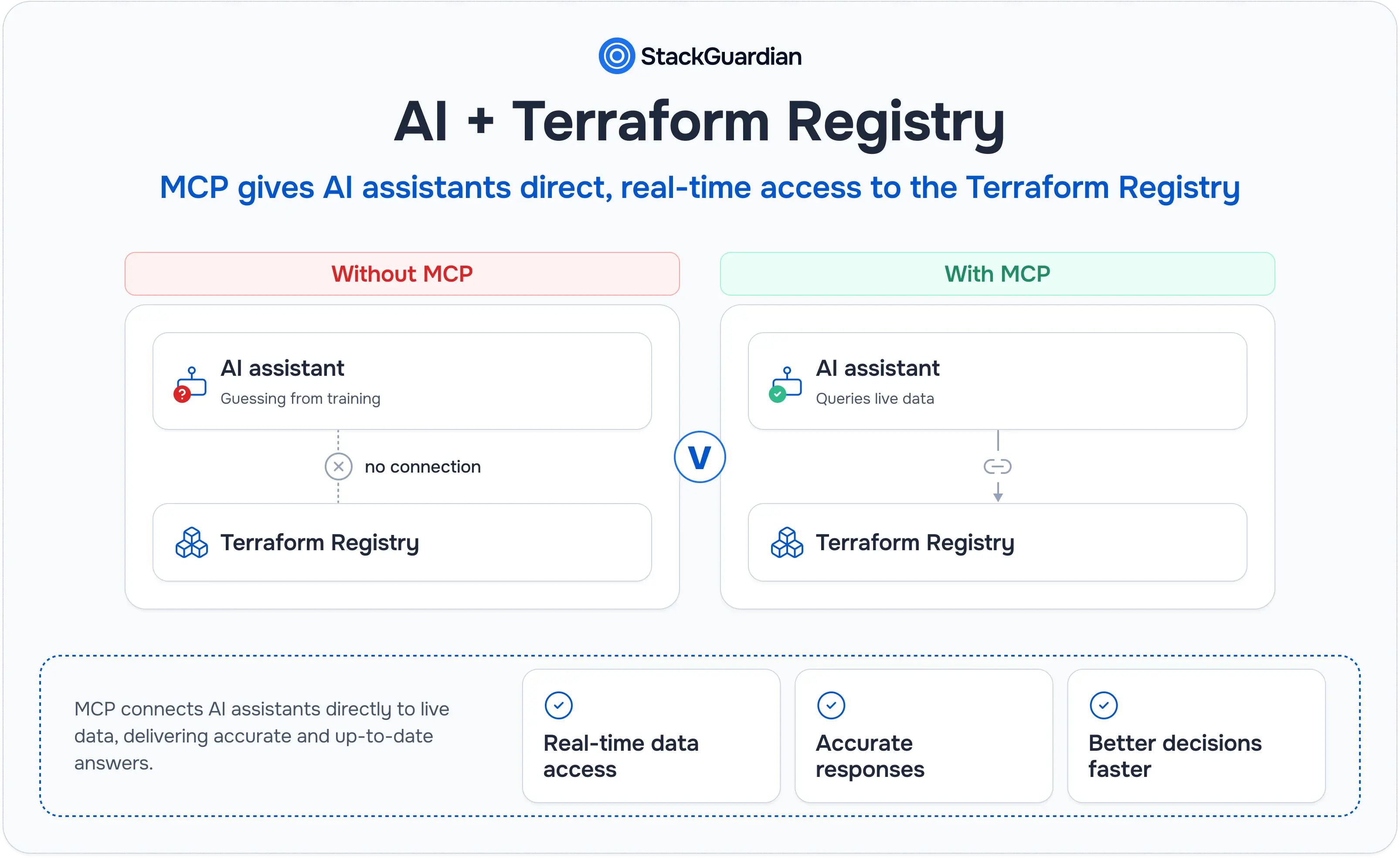
Model Context Protocol is an open standard that lets an AI model query external tools and data sources directly, rather than answering purely from what it learned during training. Instead of guessing, the model can ask a connected server for the current version of something and get back real, current data.
Terraform is a particularly good fit for this problem. Provider versions ship constantly, resource arguments get deprecated or renamed, and a module's inputs can change between releases. An AI model's training data is frozen at a point in time, but the Terraform Registry isn't. Without a live connection, an assistant either hallucinates a plausible-looking but wrong configuration, or hedges everything with "you should double-check this," which defeats the point of asking in the first place.
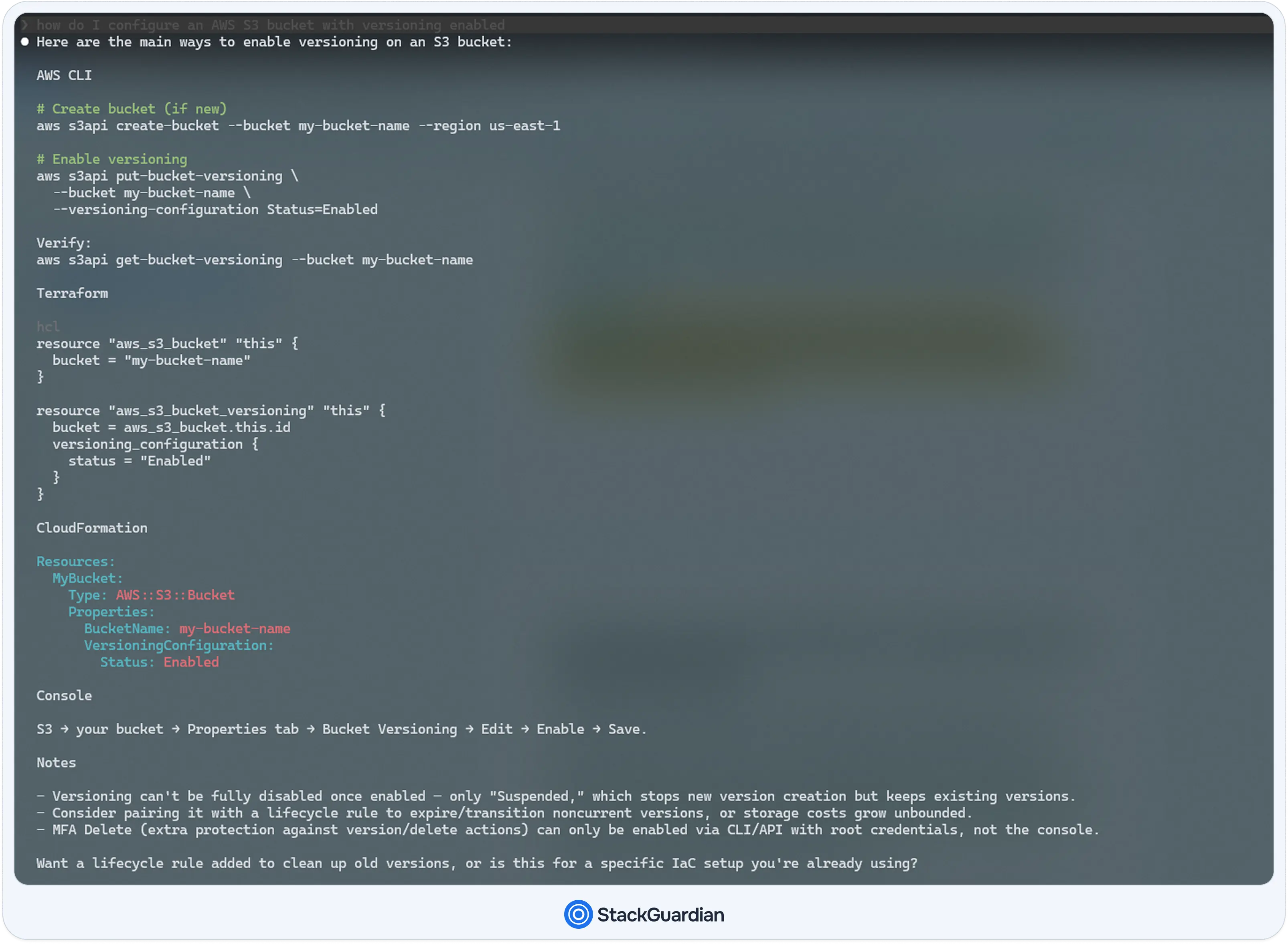
Connect the same assistant to a Terraform MCP server, and the difference becomes apparent immediately. Ask "how do I configure an AWS S3 bucket with versioning enabled," and instead of reconstructing an answer from memory, the model queries the server, pulls the current provider documentation, and generates a resource block that matches what's currently available.
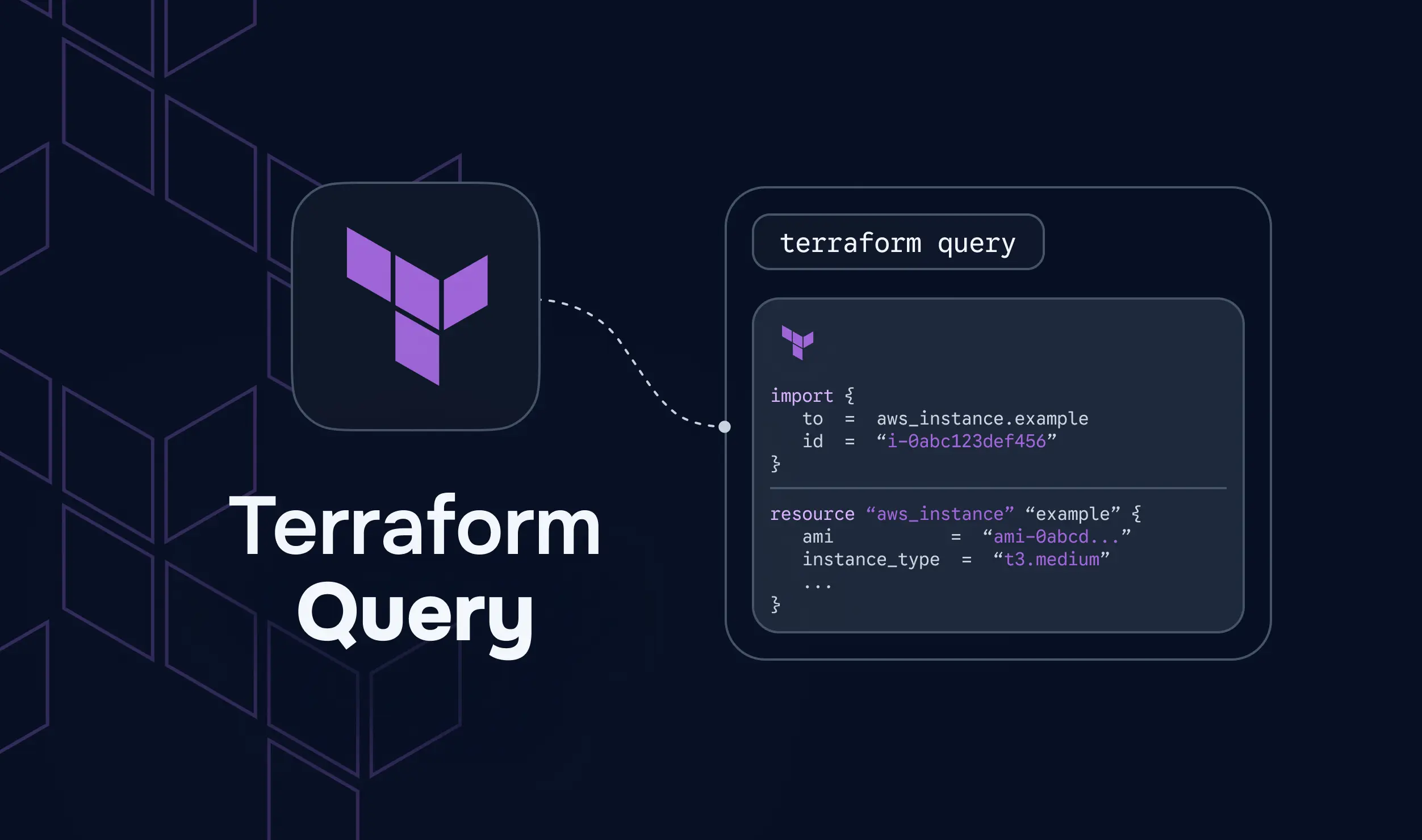
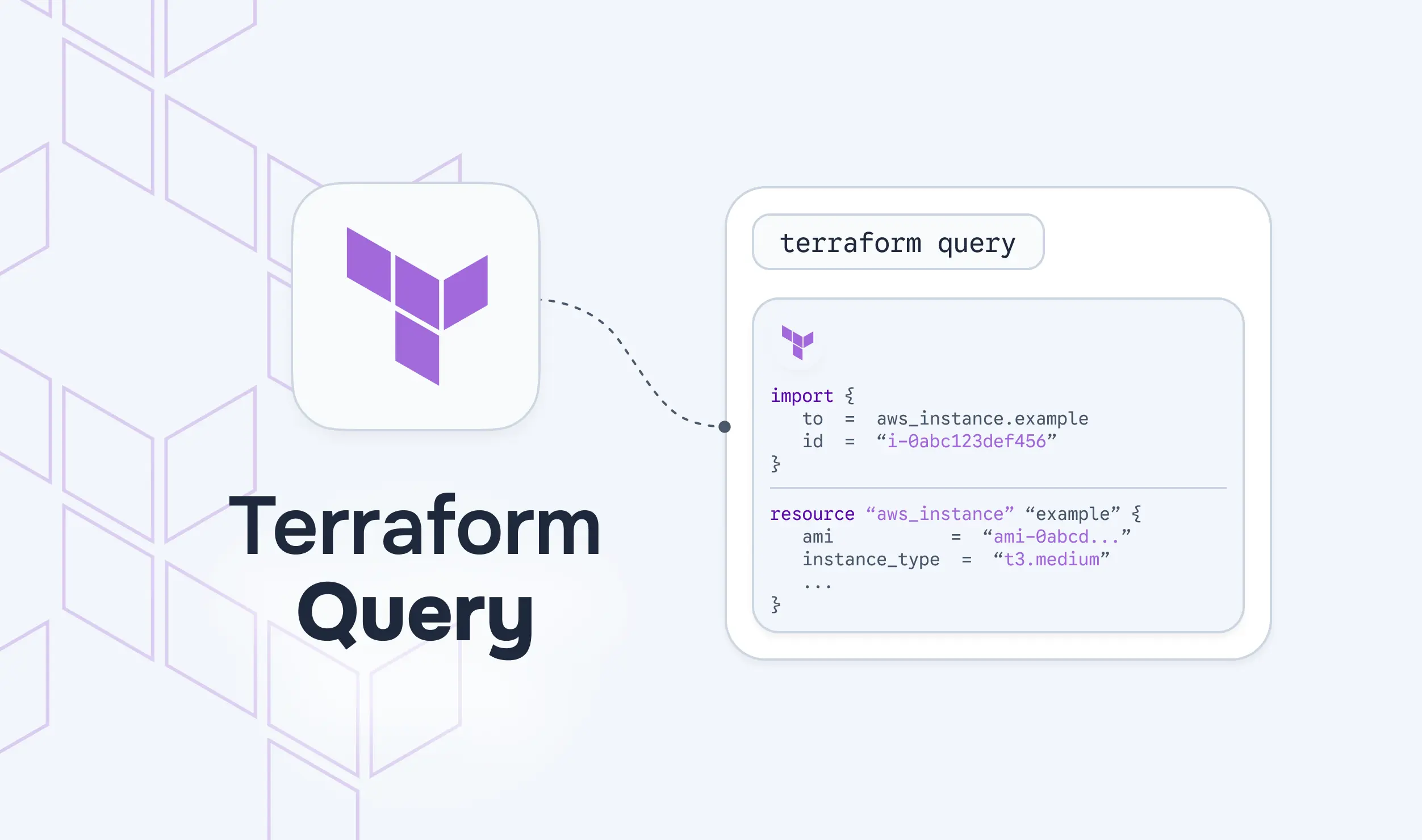
HashiCorp's Terraform MCP Server reached general availability on June 11, 2026, and is an open-source project that connects AI assistants to the Terraform Registry, HCP Terraform, and Terraform Enterprise. It's compatible with Cursor, Claude, Claude Code, Gemini, GitHub Copilot, and IBM Bob, among others.
The server organizes its tools into toolsets, each covering a distinct part of the Terraform ecosystem:
Inside those toolsets, individual tools handle specific jobs. Provider tools like search_providers and get_provider_details pull resource, data source, and configuration documentation. Module tools like search_modules and get_module_details surface community- and verified-modules with their full inputs, outputs, and examples. Policy tools like search_policies and get_policy_details retrieve Sentinel policies for governance and compliance. A more recent addition, attach_policy_set_to_workspace, allows a governance workflow to be handled directly via a chat prompt rather than through the HCP Terraform UI.
The workspace-level tools go further than documentation lookup. list_workspaces, get_workspace_details, create_workspace, list_runs, get_run_details, and get_plan_json_output let an assistant actually inspect and, with the right flags enabled, act on real HCP Terraform or Terraform Enterprise infrastructure, not just answer questions about it.
Worth knowing before going further: StackGuardian also runs its own MCP server, built for a different job. Where HashiCorp's server is oriented around writing and operating Terraform directly, StackGuardian's is read-only and governance-focused, answering questions about drift, policy evaluation, and workflow health across a fleet rather than generating or applying infrastructure. The rest of this post covers HashiCorp's server in depth first, then comes back to how StackGuardian's approach differs later on.
Getting from "an AI assistant that answers questions" to "an AI assistant with live infrastructure access" comes down to a transport protocol and an authentication model.
The server supports two transports. stdio is the default, used for local development, where the MCP client and server communicate over standard input and output on the same machine. streamableHTTP, enabled by setting TRANSPORT_MODE=streamable-http, is built for remote and shared deployments, where a team runs one server instance that multiple developers' assistants connect to over HTTP.
A typical local configuration, run through Docker, looks like this:
{
  "mcp": {
    "servers": {
      "terraform": {
        "command": "docker",
        "args": [
          "run", "-i", "--rm",
          "-e", "TFE_TOKEN=${input:tfe_token}",
          "-e", "TFE_ADDRESS=${input:tfe_address}",
          "hashicorp/terraform-mcp-server:1.0.0"
        ]
      }
    },
    "inputs": [
      {
        "type": "promptString",
        "id": "tfe_token",
        "description": "Terraform API Token",
        "password": true
      },
      {
        "type": "promptString",
        "id": "tfe_address",
        "description": "Terraform Address",
        "password": false
      }
    ]
  }
}
Authentication is handled by TFE_TOKEN and TFE_ADDRESS, which point the server to an existing HCP Terraform or Terraform Enterprise organization using a real API token. The server enforces whatever access that token already has, rather than granting the AI model some separate, broader permission set. If a token can't delete a workspace, neither can an assistant querying through it.
For a shared, remote deployment, the operational controls matter more. MCP_CORS_MODE (strict by default), MCP_ALLOWED_ORIGINS, MCP_RATE_LIMIT_GLOBAL, and MCP_RATE_LIMIT_SESSION all exist to keep a team-facing server from becoming an open door. Enabling OTEL_METRICS_ENABLED wires the server into OpenTelemetry, emitting tool-call counts, error rates, and call duration for monitoring, the same kind of observability a team would expect from any other production service.

HashiCorp is direct about this in its documentation: the MCP server can expose Terraform data to any client and model that requests it, and it explicitly should not be paired with untrusted MCP clients or LLMs. That's a meaningfully different risk profile than a documentation lookup tool, since several of the server's tools can read workspace configuration, variable values, and run logs, not just public provider docs.
The tools capable of actually changing infrastructure are locked down by default. action_run, which can apply or destroy a run, and delete_workspace_safely, which permanently removes a workspace, both stay disabled until an operator explicitly sets ENABLE_TF_OPERATIONS=true. Even with that flag enabled, create_run still defaults to safer run types like plan_only or refresh_state and only exposes auto_approve or is_destroy once operations are enabled. Nothing about the server ships apply-ready by accident.
That said, "read access" remains a meaningful exposure in its own right. A prompt injected into a malicious module's README, or a compromised MCP client, could use read-only tools to enumerate workspace variables, pull run logs, or surface a private module's internals, information that was never meant to leave the organization. The server's rate-limiting and CORS controls reduce the blast radius of a misbehaving client, but they don't substitute for restricting which clients can access a token in the first place.
HashiCorp's server is built around two things: helping an assistant write correct Terraform and letting it operate directly against HCP Terraform or Terraform Enterprise workspaces. What it doesn't natively expose is drift status, policy evaluation history across a fleet of workflows, or anything specific to the Terraform/OpenTofu-on-HCP world.
That gap matters for two kinds of teams. Ones running policy engines other than Sentinel don't get the same query interface; the policy tools here are scoped to Sentinel policies specifically. And teams running infrastructure across multiple engines, Terraform alongside CloudFormation, Helm, or Ansible, don't get one connective layer across all of it, since this server's scope stops at the Terraform ecosystem.
This is exactly where a governance-focused MCP server earns its place alongside HashiCorp's.
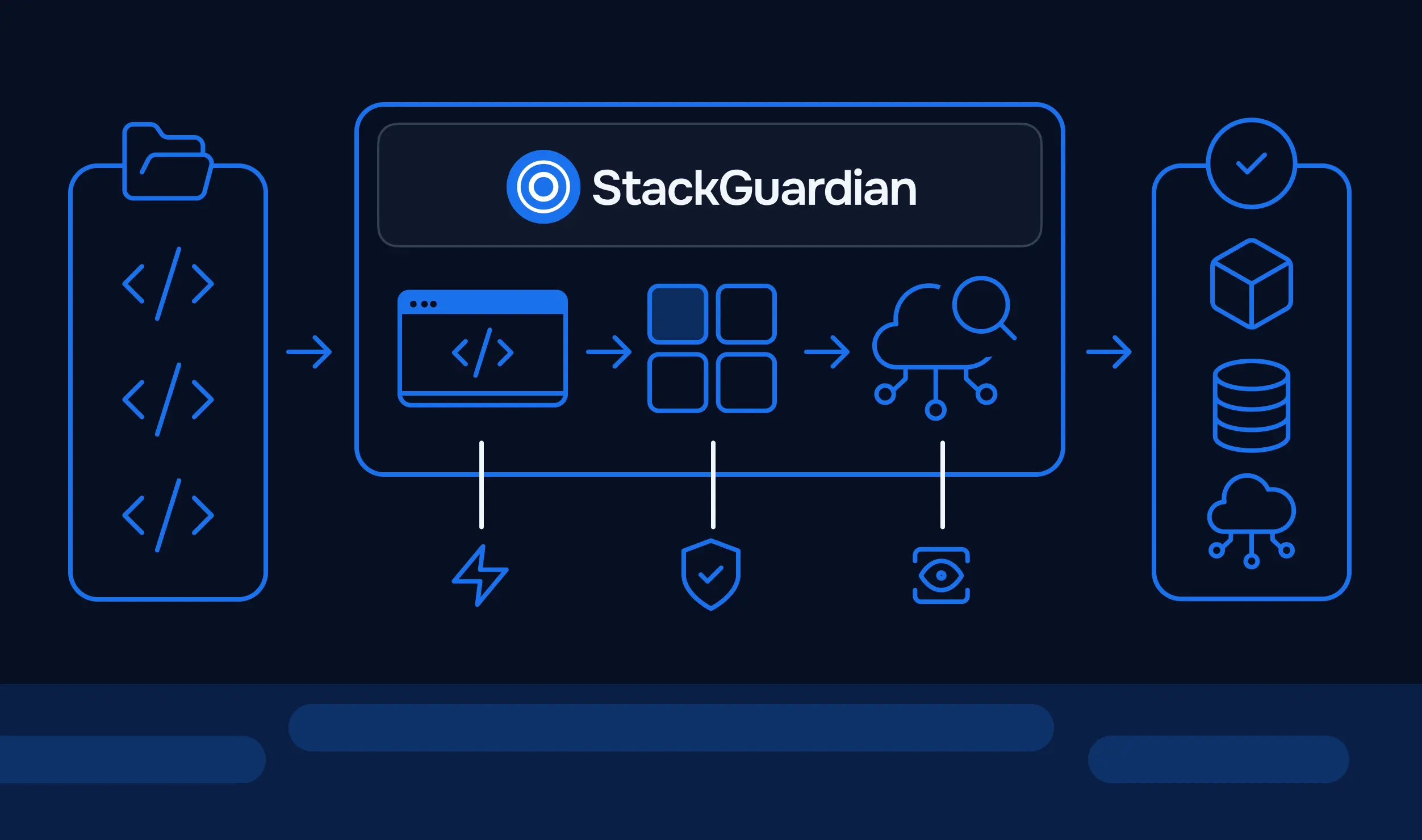
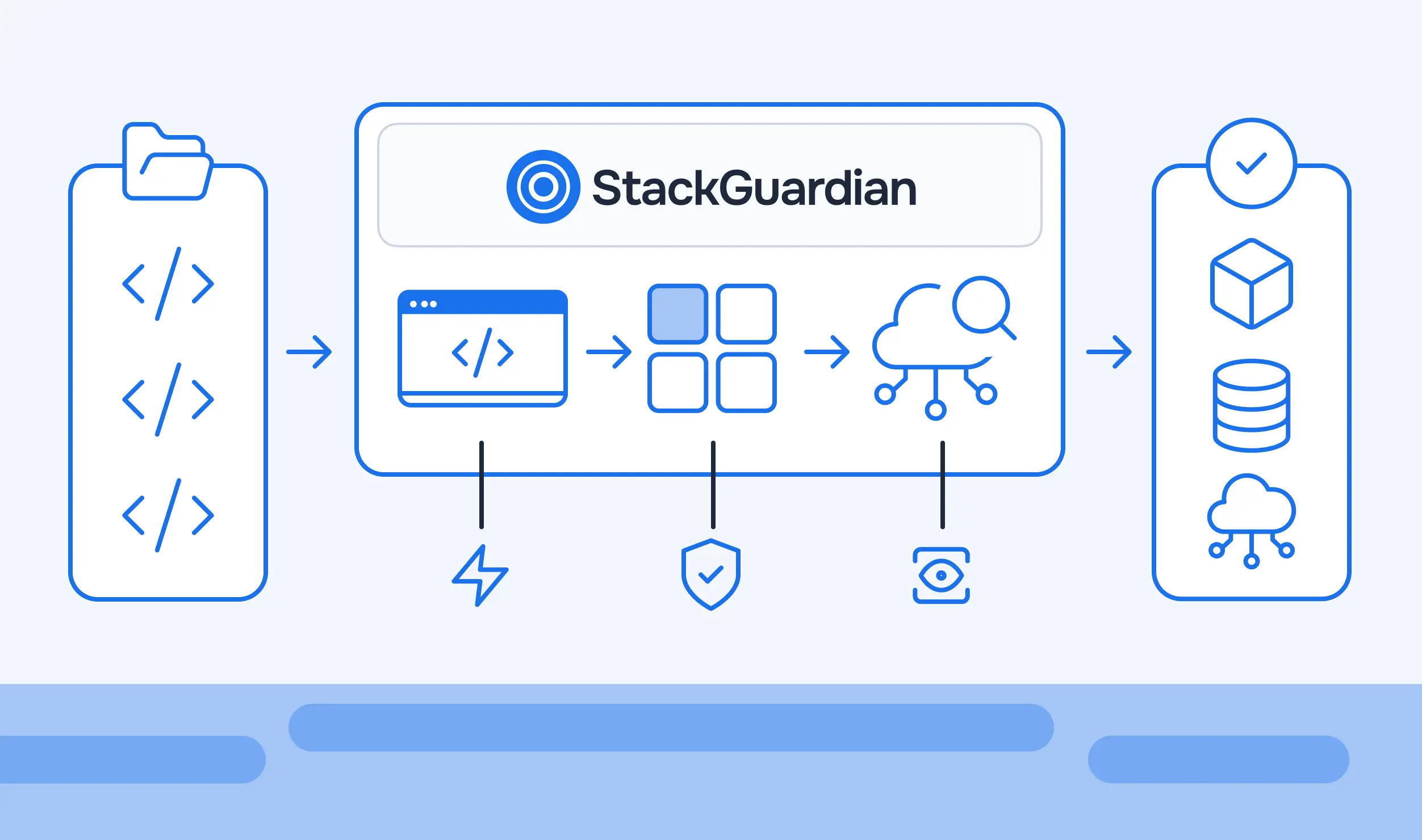
StackGuardian runs its own hosted MCP server, added in v1.31.4, connecting tools like Claude and ChatGPT directly to StackGuardian's read-only APIs. Where HashiCorp's server is oriented around writing and operating Terraform, StackGuardian's is oriented around answering questions about what's actually happening across a governed fleet of Workflows.
The difference shows up in the kinds of prompts each one is built to answer. A query like "why did workflow run #1247 fail" pulls from the same drift, compliance, and execution data the StackGuardian platform itself uses, no dashboard-hopping required to get an answer. "What's the current status of all stacks in my organization" aggregates across every Stack in the org rather than one Workflow at a time. "Which workflows are still using template revision 2" surfaces exactly which deployments need updating before a rollout, and "assess the health of every workflow in this group before we ship" rolls up status across a whole Workflow Group.

Because it's read-only by design, the security posture is simpler than HashiCorp's read/write model. There's no ENABLE_TF_OPERATIONS-equivalent flag to worry about, since the server was never built to apply or destroy anything in the first place, only to answer questions about state that already exists.
The MCP server's scope continues to expand, with more policy-as-code integrations and deeper multi-cloud coverage on the roadmap.
These two aren't competing for the same job. HashiCorp's server is provisioning- and documentation-focused: it helps an assistant write correct Terraform using current provider and module data, and it can operate directly against HCP Terraform or Terraform Enterprise workspaces when explicitly enabled. StackGuardian's server is governance- and observability-focused: providing read-only access to drift status, policy evaluation results, and execution health across Workflows and Stacks, regardless of which IaC engine produced them.
A team running StackGuardian workflows on top of Terraform or OpenTofu can reasonably use both at once: HashiCorp's server when writing new infrastructure code, StackGuardian's server when asking what's actually running, what's drifted, and what's waiting on approval.
MCP servers are becoming the standard way for AI assistants to get grounded infrastructure context rather than guessing from stale training data, and Terraform's ecosystem now has two distinct, complementary examples of what that looks like in practice. Which one matters for a given question depends on what's actually being asked. "Help me write this resource block" is a HashiCorp MCP Server question. "Tell me what's actually running and whether it's compliant" is a StackGuardian MCP Server question.
Neither replaces the judgment of an engineer reviewing a plan before it is applied, and HashiCorp's own security documentation is explicit that these tools shouldn't be handed to an untrusted client without considering what they can read. But when grounded in real data rather than guesses, an AI assistant stops being a liability during infrastructure work and becomes genuinely useful. Explore StackGuardian's MCP integration to see how it fits alongside your existing Terraform tooling.
Yes, the Terraform MCP Server is open source, available on GitHub and as a Docker image. It's free to deploy locally or as a shared team service; usage against HCP Terraform or Terraform Enterprise still requires an existing account and API token with the appropriate access.
Only if explicitly enabled. Tools like action_run and delete_workspace_safely are disabled by default and require the ENABLE_TF_OPERATIONS environment variable to be set to true. Even then, the server enforces whatever permissions the configured API token already has; it doesn't grant an AI model broader access than a human using the same token would have.
HashiCorp lists Cursor, Claude, Claude Code, Gemini, GitHub Copilot, and IBM Bob as compatible clients, and any MCP-compliant client should be able to connect using either the stdio or streamableHTTP transport.
HashiCorp's own documentation recommends caution: the server can expose Terraform data to the connected client and model, so it shouldn't be paired with untrusted MCP clients or LLMs. Destructive operations are behind an explicit opt-in flag, but read access to workspace variables and run logs still represents a real exposure that should be restricted to trusted clients and scoped API tokens.
StackGuardian's hosted MCP server is confirmed to connect Claude and ChatGPT directly to its read-only APIs. As with any MCP server, compatibility with additional clients depends on those clients supporting the standard MCP connection model.