Terraform Cloud Migration: State, Policy, and the Steps Most Guides Skip
A scenario-based guide to migrating off Terraform Cloud: state export order, Sentinel policy rewrites, and the steps most migration guides leave out.
A scenario-based guide to migrating off Terraform Cloud: state export order, Sentinel policy rewrites, and the steps most migration guides leave out.

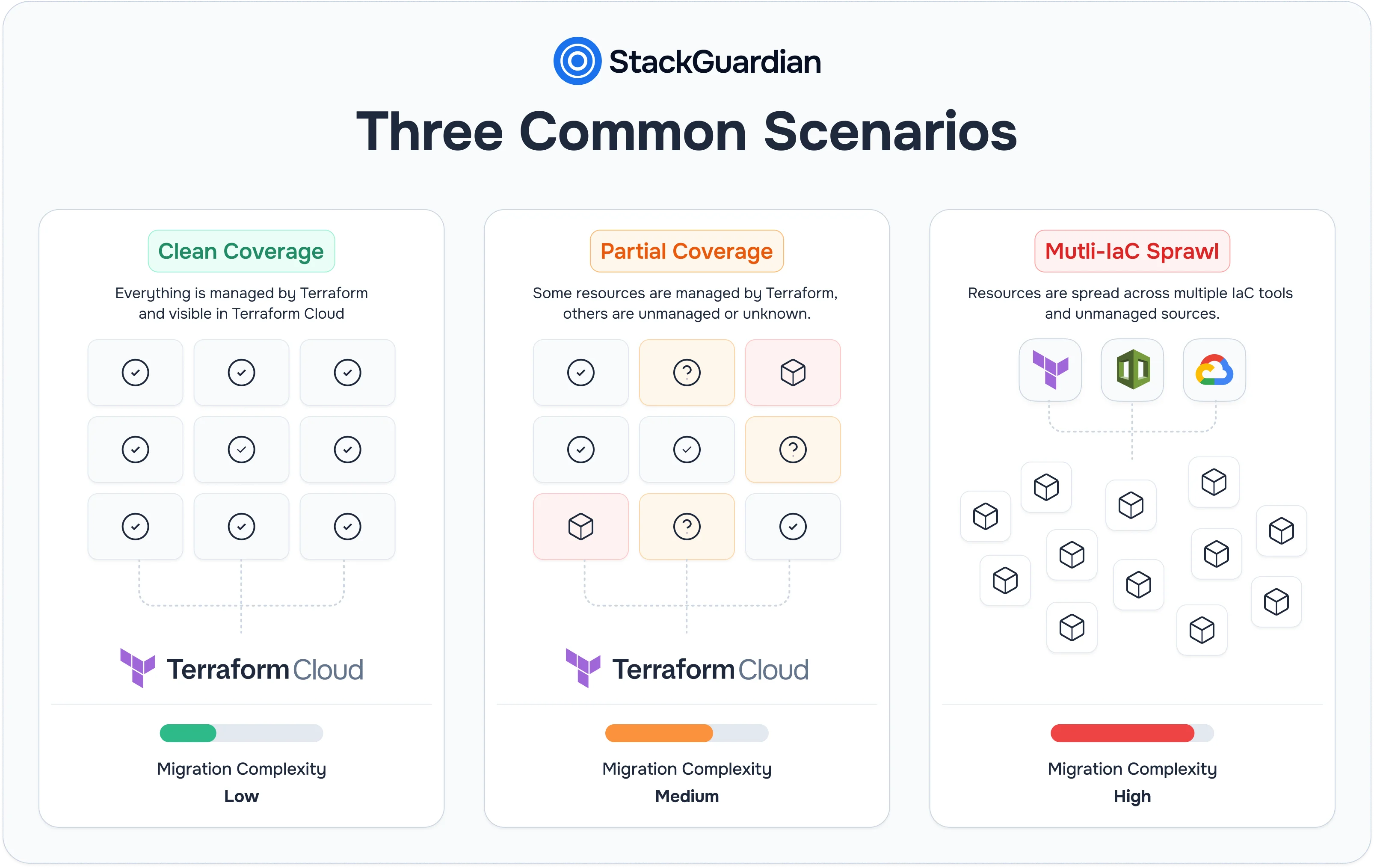
Two platform teams can both say they're "migrating off Terraform Cloud" and mean entirely different projects. One team has 40 workspaces, complete Terraform coverage, and a clean state file for every resource. Another has 400 workspaces, a decade of manually provisioned AWS resources with no .tf file in sight, and three other IaC tools running alongside Terraform for different parts of the stack.
Generic migration guides tend to assume the first team. This post covers both the scenarios teams actually face and the technical patterns specific to each, and explains where a platform like StackGuardian fits, depending on which one best describes your environment.

Terraform Cloud is not a single feature; it's four services packaged as one product. Understanding this matters because a migration means replacing all four, not just finding a new place to run terraform apply.
The four components:
Migrating only the execution layer while leaving state in Terraform Cloud, or replacing state while reusing Sentinel policies that don't port elsewhere, is not a complete migration. It's a partial one that leaves gaps a team discovers later, usually during an incident or an audit.
Not every team starts from the same place. The scenario determines which parts of the migration are mechanical and which parts require real engineering work before a single workspace moves.
Some teams have complete Terraform coverage. Every resource has a corresponding .tf file, every workspace maps cleanly to a piece of infrastructure, and there's no shadow layer of manually created resources sitting outside state.
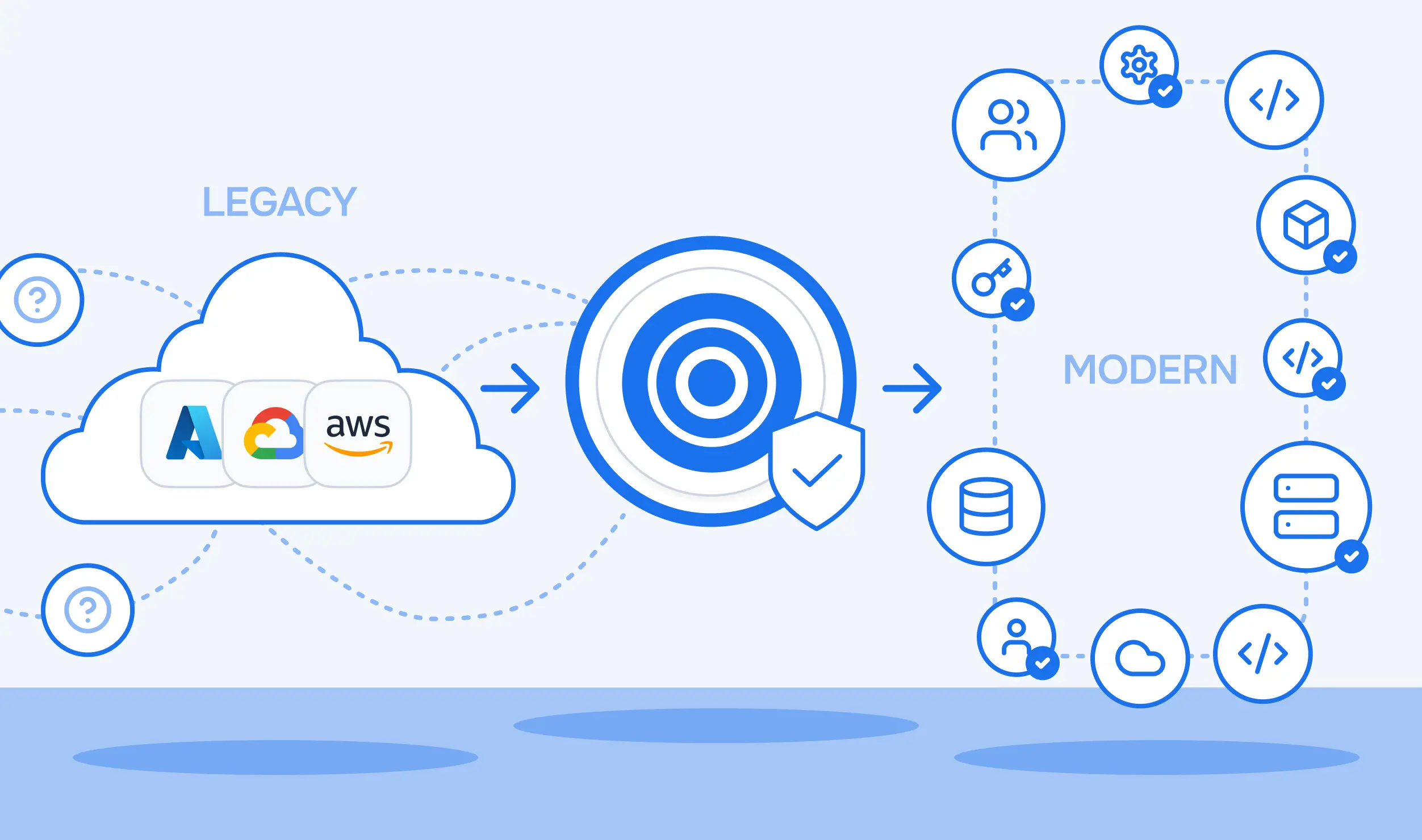
In this scenario, migration is nearly mechanical. TFC Projects map to Workflow Groups, TFC Workspaces map to Workflows inside them, and TFC Variable Sets map to Reference Variables that pass values between workflows at runtime (${reference::template-group.0.outputs.cluster_name}). Sensitive workspace variables move into a Vault secret, referenced in a workflow as /secrets/vault-secret-name. The heaviest lift is exporting and reimporting state per workspace and rewriting whatever policy coverage existed in Sentinel. Most generic Terraform Cloud migration guides are written for exactly this case; it's the easiest scenario and also the least common one at any meaningful scale.
Most enterprise cloud environments don't start with Terraform. They start with console clicks, a CloudFormation template from 2019, and Terraform adopted partway through the environment's life. An engineer provisions an RDS instance through the AWS Console during an incident. A security team modifies a security group directly to respond to a threat. None of it ends up in the state.
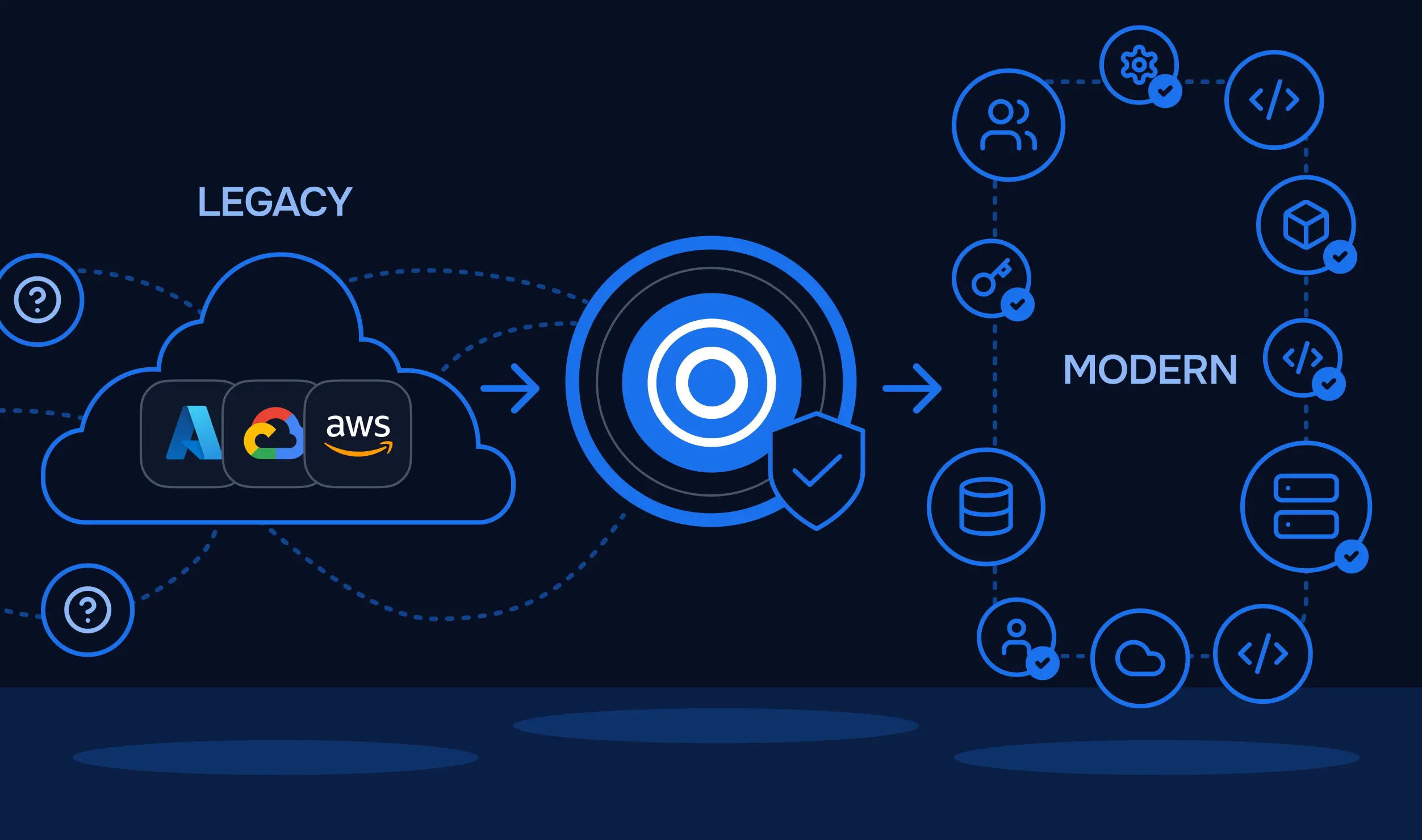
Migration here has two phases, not one. Unmanaged resources need to be discovered and codified before they can be governed by any platform. Terraform Cloud never saw them, and neither will whatever replaces it, unless that discovery happens first. A discovery tool connects to the live cloud account, cross-references its findings against connected state backends, and flags every resource that has no corresponding state entry. Generated Terraform or OpenTofu code for those resources gets validated through an internal plan run before it's published as a pull request. Skipping this step means the migration replaces the platform but preserves the exact governance gap that existed before.
Platform teams running infrastructure at scale rarely use one IaC tool. Terraform handles foundational infrastructure, VPCs, networking, and IAM. CloudFormation or Pulumi manages application-layer resources. Helm deploys Kubernetes workloads. Terraform Cloud only sees the Terraform slice of this; Sentinel policies never evaluate a CloudFormation stack or a Pulumi program, and drift detection stops at the boundary of whatever Terraform manages.
This scenario turns migration into a consolidation opportunity rather than a like-for-like swap. The technical question isn't just "where does Terraform execution move to", it's whether the destination platform can run CloudFormation, Helm, and Kubectl as native workflow types under the same policy scope, so a single Tirith or OPA policy can evaluate resources regardless of which tool created them, instead of each tool remaining a separate, ungoverned pipeline.
State is the asset that matters most during a migration, more than the Terraform code itself, which typically doesn't change. Getting state migration wrong risks losing track of resources or triggering unintended changes on the first apply after cutover.
Exporting state from Terraform Cloud starts with pulling it via CLI, not downloading a file from the UI, in every case:
terraform state pull > terraform.tfstateThis writes the current state to a local JSON file. For workspaces still using TFC's UI-driven state, the same file is available under the workspace's States tab as the latest state version.
The failure patterns that show up most often:
The sequence that avoids most of this is to lock the source workspace before exporting state, import state before reconfiguring credentials on the destination, and run a plan immediately after import. A clean plan with no unexpected changes confirms the state file matches the actual infrastructure. An unexpected diff means something changed in the gap between export and import, and it needs to be resolved before any apply runs.
For teams migrating to StackGuardian specifically, the imported .tfstate file uploads directly through the workflow's Terraform Customizations panel, with no backend block rewrite required in the Terraform code itself, as long as Use Managed Terraform State is enabled first:
Settings → Terraform Configuration → Terraform Customizations → Import
Existing Terraform State File
If a backend needs to be configured explicitly instead of relying on the managed toggle, StackGuardian exposes an HTTP backend:
terraform {
  backend "http" {
    address        = "https://api.app.stackguardian.io/api/v1/orgs/[SG_ORG_ID]/wfgrps/[SG_WORKFLOW_GROUP_ID]/wfs/[SG_WORKFLOW_ID]/artifacts/tfstate.json"
    retry_wait_min = 5
    username       = "SG_EMAIL"
    password       = "SG_API_TOKEN"
  }
}

For workflows grouped inside a Stack, the same backend takes a longer path that includes the Stack ID:
address = "https://api.app.stackguardian.io/api/v1/orgs/[SG_ORG_ID]/wfgrps/[SG_WORKFLOW_GROUP_ID]/stacks/[SG_STACK_ID]/wfs/[SG_WORKFLOW_ID]/artifacts/tfstate.json"
Sentinel policies do not port to another platform. This surprises teams who assume policy is a configuration file that moves like any other artifact; it isn't, because Sentinel's policy language and evaluation model are specific to Terraform Cloud.
Migrating policy requires an audit first: which existing rules map cleanly to a concept on the destination platform, and which need to be rewritten because the destination platform's policy model works differently. A rule that blocks resource deletion translates easily almost anywhere. A rule that depends on the Sentinel-specific plan structure needs to be rebuilt to work with whatever plan format the new policy engine consumes.
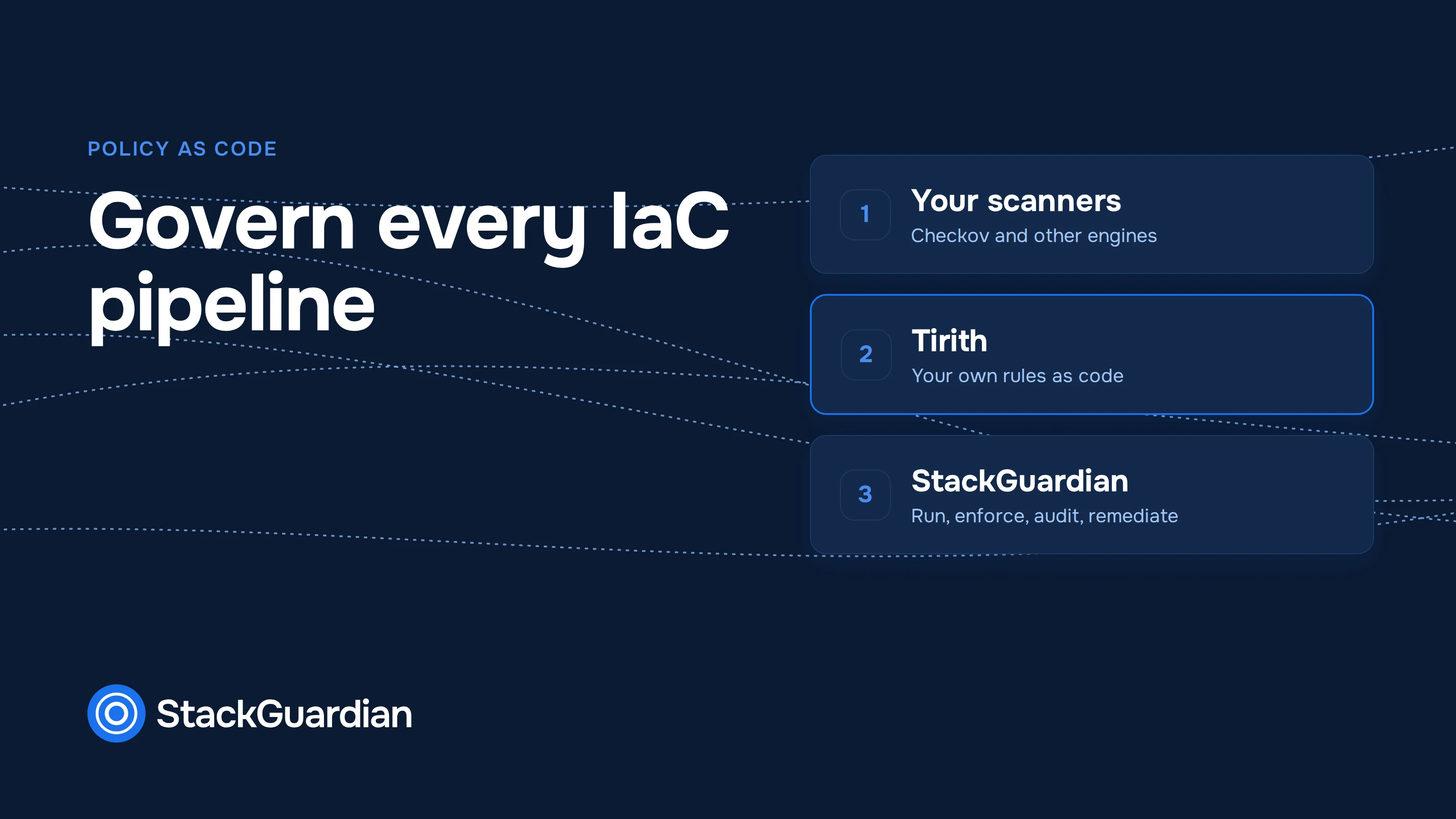
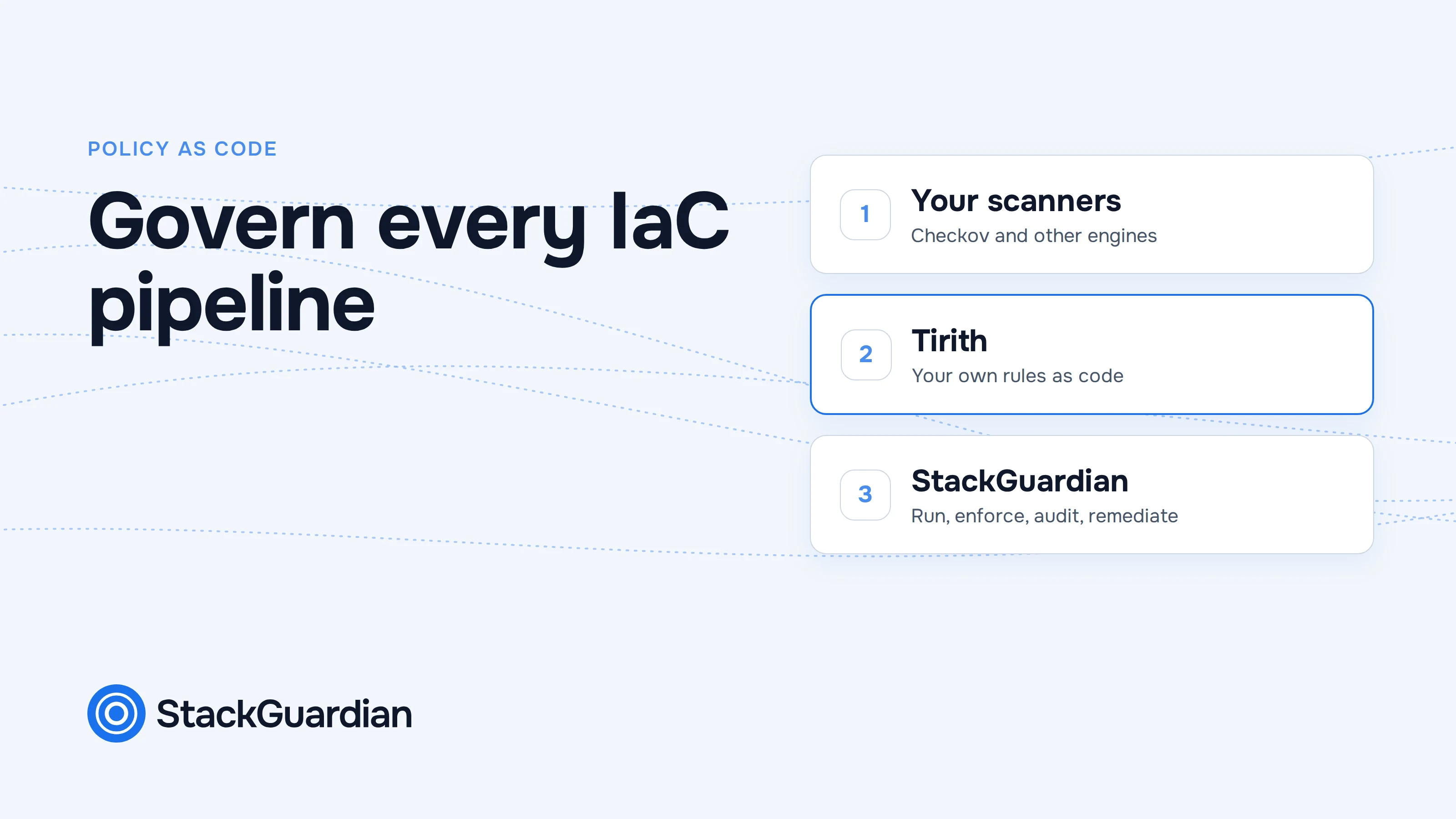
Policy engines also differ in language and structure. Tirith, StackGuardian's own policy framework, uses JSON with three top-level components: meta (provider and version), evaluators (individual checks with conditions), and eval_expression (a logical combination of evaluator IDs using &&, ||, and !). A policy that safeguards a VPC against deletion, a common Sentinel pattern, looks like this in Tirith:
{
  "meta": {
    "required_provider": "stackguardian/terraform_plan",
    "version": "v1"
  },
  "evaluators": [
    {
      "id": "safeguard-vpc",
      "description": "Prevent VPC deletion",
      "provider_args": {
        "operation_type": "action",
        "terraform_resource_type": "aws_vpc",
        "terraform_resource_attribute": ""
      },
      "condition": {
        "type": "NotEquals",
        "value": "delete",
        "error_tolerance": 1
      }
    }
  ],
  "eval_expression": "safeguard-vpc"
}
OPA takes a different approach entirely. Policies are written in Rego, a declarative language built for evaluating hierarchical data, and can enforce the same rule across systems beyond just the IaC platform; a Kubernetes admission controller and a Terraform pipeline can share the same Rego policy. A comparable rule blocking unencrypted S3 buckets:
package terraform.s3

deny[msg] {
  resource := input.resource_changes[_]
  resource.type == "aws_s3_bucket"
  not resource.change.after.server_side_encryption_configuration
  msg := sprintf("S3 bucket '%v' must have server-side encryption enabled", [resource.address])
}
Neither format is a copy-paste of Sentinel. Every policy gets rebuilt against the new engine's schema, which is exactly why the audit step matters; rebuilding fifty policies one at a time costs far more than deciding which fifteen actually still matter.
The policy scope also needs to be redesigned, not just copied. Sentinel policies typically apply per workspace. StackGuardian scopes its policy at three levels instead: organization-wide, Workflow Groups, or Connectors (specific AWS accounts, Azure subscriptions, or GCP projects), which means the migration is an opportunity to consolidate scattered per-workspace rules into fewer, broader policies rather than recreating the same fragmentation. Rather than rewriting every policy from scratch, the Policy Marketplace has 250+ pre-built templates covering CIS benchmarks, PCI DSS, tagging, and encryption enforcement that can be subscribed to directly.

A platform's fit depends on which scenario above matches an environment. Here's how StackGuardian's architecture maps to each one, with the specific mechanics involved.
Migration starts with connecting a cloud provider and VCS as Connectors, set up once at the org level and attached per workflow rather than configured per workspace, the way TFC does it. The workflow itself follows a wizard that covers Source and Parameters (the Git repo and working directory), Terraform Configuration, Deployment Environment, and Terraform Version.

In Terraform Configuration, enabling Use Managed Terraform State under Terraform Customizations enables a centralized backend with locking, versioning, and encryption, with no S3 bucket or DynamoDB table required. With that enabled, the exported .tfstate file uploads directly:
Settings → Terraform Configuration → Terraform Customizations → Import
Existing Terraform State File
Triggering a plan immediately after upload runs drift detection against the imported state. A clean plan confirms the migration is safe; an unexpected diff means something needs investigating before any apply runs.
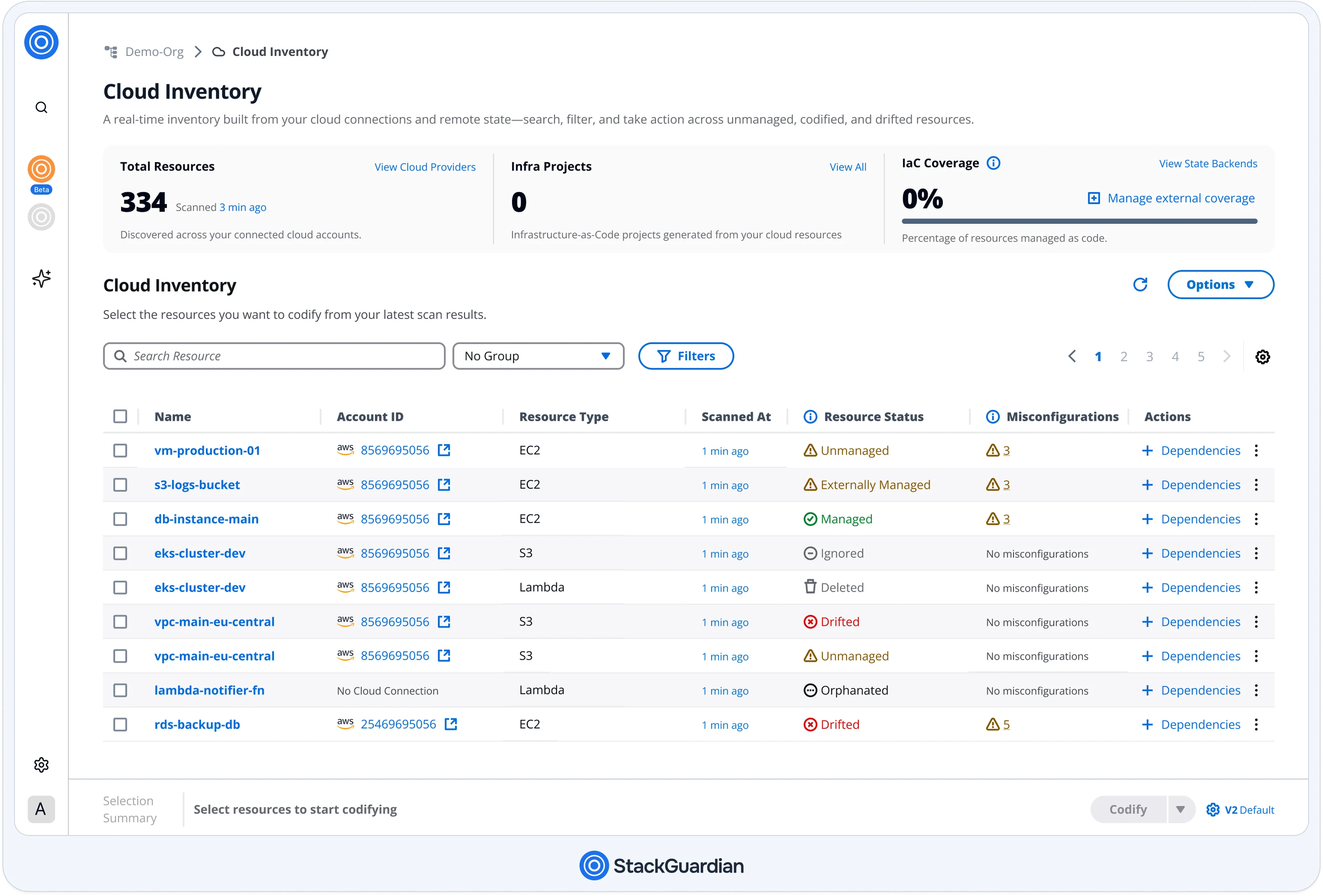
For environments with unmanaged infrastructure, migration starts earlier, before any Workflow is created. SGCode connects to AWS, Azure, and GCP accounts through its Cloud Inventory, discovers every resource across the environment, and cross-references its findings against connected state backends under SGCode → State Backends.
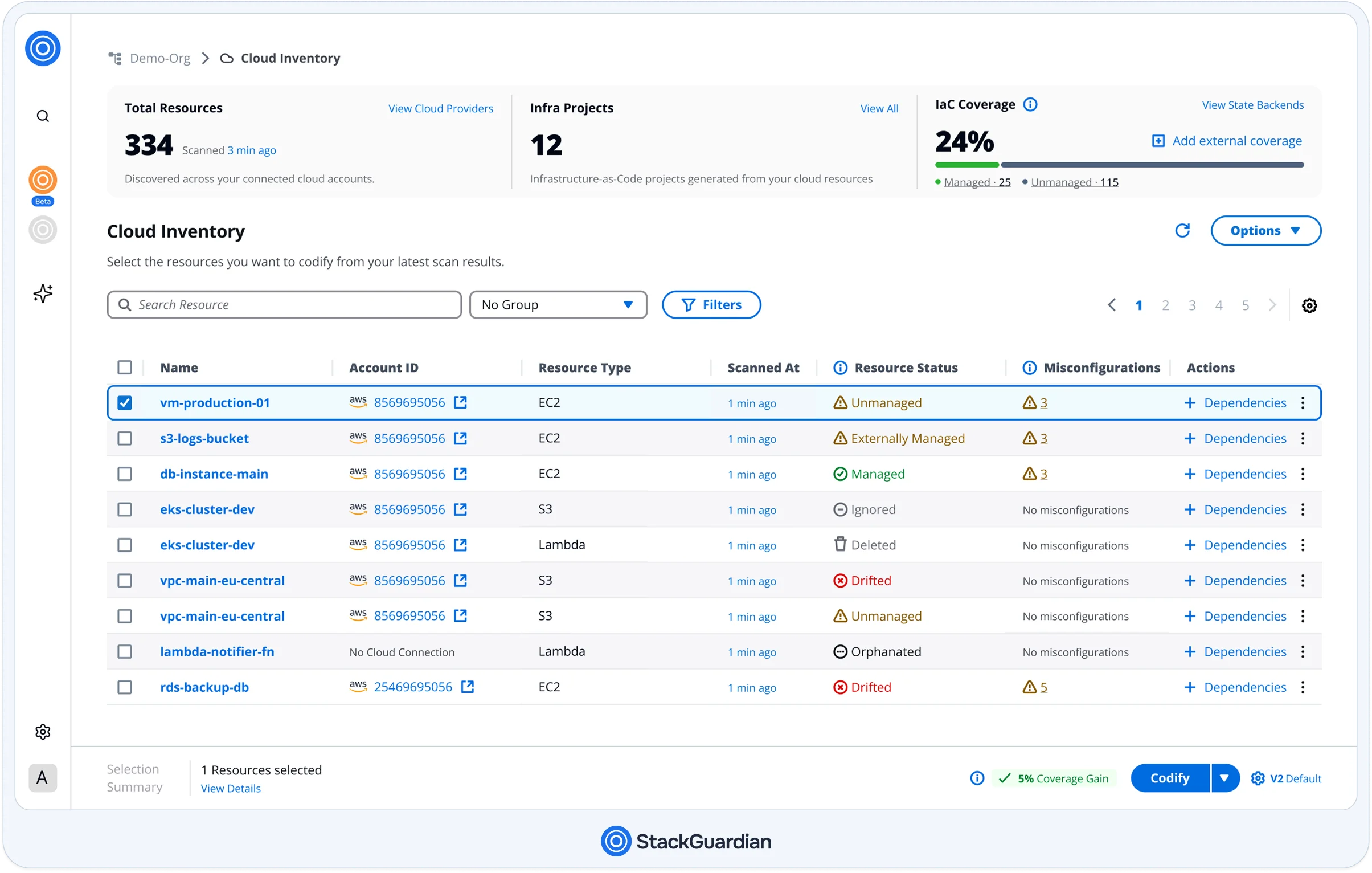
Resources with no corresponding state entry get flagged as candidates for codification. Selecting them triggers AI-assisted generation of Terraform or OpenTofu configuration, which resolves inter-resource dependencies and validates the output through an internal plan run before publishing the result as a pull request to a connected Git repository. Only after that PR merges does the resource become eligible for a governed Workflow; codification is a prerequisite step, not something that happens in parallel with migration.
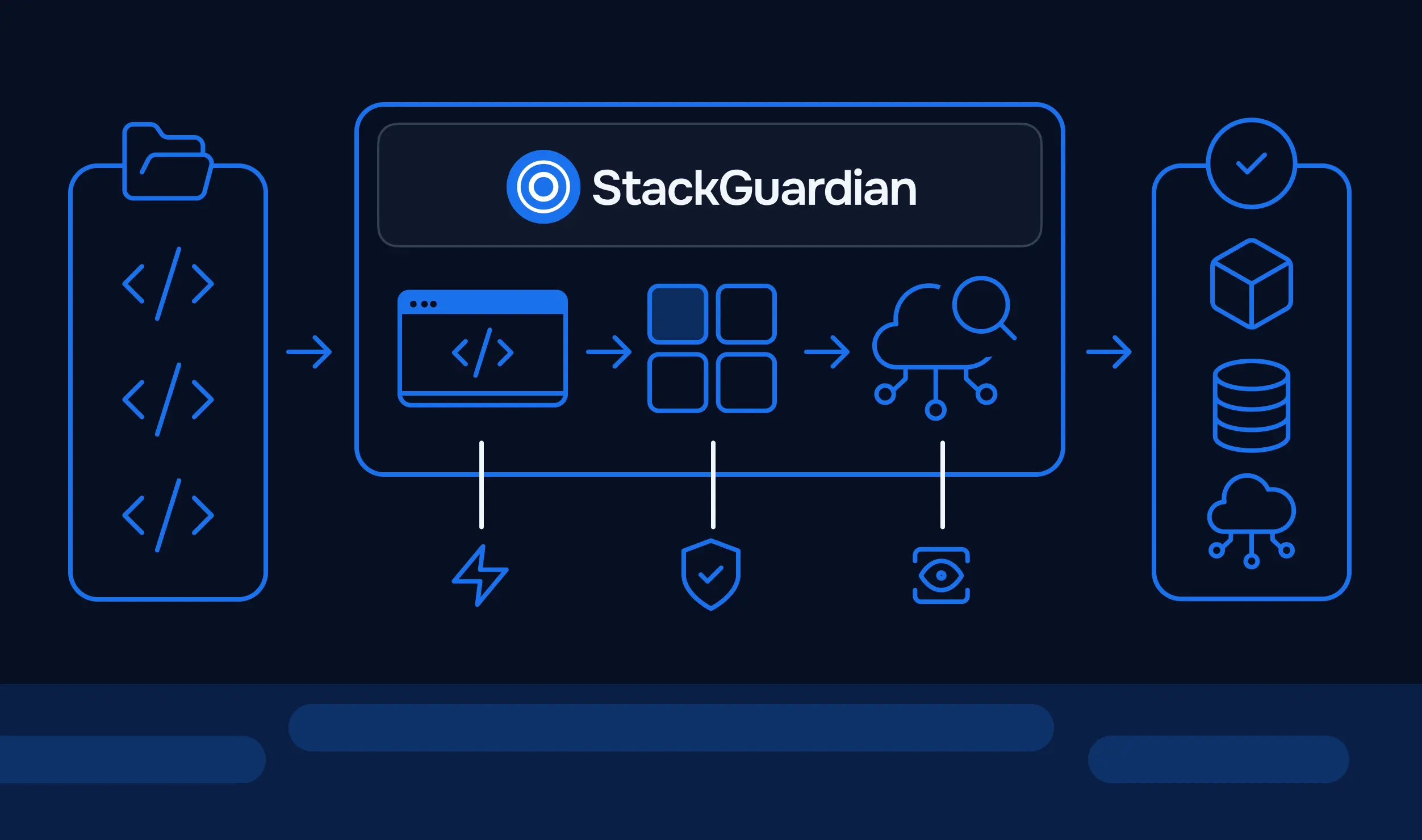
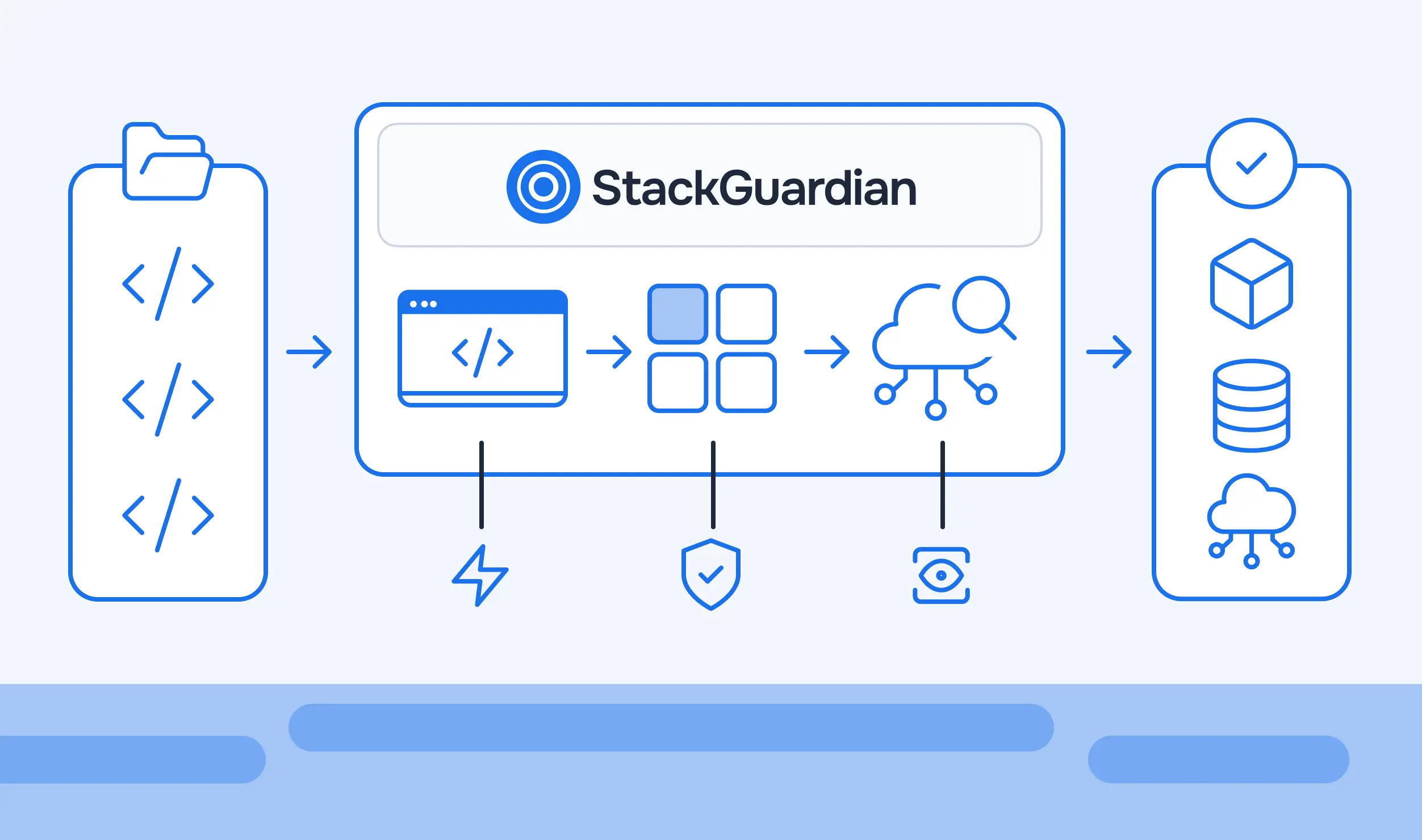
StackGuardian supports Terraform, OpenTofu, CloudFormation, Ansible, Helm, Kubectl, and Terragrunt as native workflow types, along with custom runtime containers for anything not natively supported. Each tool has its own Workflow, but Workflow Groups and the policies scoped to them apply the same way regardless of which IaC tool a given Workflow runs on.
A Tirith or OPA policy scoped to a Workflow Group evaluates every Workflow inside it, whether that Workflow runs terraform plan or a Helm chart deployment. This closes the exact gap that Sentinel left open: Sentinel only ever evaluated Terraform plans, so a CloudFormation stack or a Helm release ran with zero policy coverage. Consolidating under one platform means a single policy definition, not five disconnected pipelines each needing its own governance layer bolted on separately.
Teams used to running terraform plan locally rather than through a UI wizard aren't locked out of that workflow after migration. Enabling Use Managed Terraform State and adding a cloud block to the Terraform configuration points the CLI at StackGuardian instead of Terraform Cloud:
terraform {
  cloud {
    hostname     = "api.app.stackguardian.io"
    organization = "<OrgId>"
    workspaces {
      name = "wfgrps:<workflow-group-id>:wfs:<workflow-id>"
    }
  }
}
terraform init and terraform plan, then run remotely against StackGuardian the same way they did against TFC. One difference matters: terraform apply must be triggered either from the platform or via a VCS trigger, not directly from the CLI. State locking works the same way as in Terraform Cloud: the CLI acquires a lock, StackGuardian queues any conflicting runs, and the lock is released automatically once the operation completes.
Regardless of which scenario describes an environment, the same operational discipline applies. This checklist stays scenario-agnostic on purpose; the specifics change, but the sequence doesn't.
A staged migration following this sequence limits the blast radius. If something breaks during the migration of one group, the rest of the environment stays untouched, and the issue stays contained.
The technical work behind a Terraform Cloud migration changes shape entirely depending on starting conditions. A team with clean coverage is doing state export and credential reconfiguration. A team with a decade of manually provisioned infrastructure is doing discovery and codification first, then migration. A team running multiple IaC tools is deciding whether the migration is a chance to consolidate governance or just a lateral move to a new execution layer.
What stays constant across all three is the discipline: state moves before credentials, policy gets rewritten before cutover, and staged rollout beats a single big-bang switch every time. Identifying which scenario actually describes the environment before writing a migration plan is what separates a migration that goes smoothly from one that surfaces problems six months later during an audit.
Export the state using terraform state pull, lock the source workspace to prevent conflicting runs during the export window, and import the state file into the destination before reconfiguring any credentials. Run a plan immediately after import; a clean plan with no unexpected changes confirms the imported state matches actual infrastructure.
They need to be discovered and codified before any platform can govern them. Terraform Cloud never saw them, and a new platform won't either unless discovery happens first. Tools like SGCode connect to cloud accounts, identify resources without corresponding IaC, and generate Terraform or OpenTofu configurations for them as a prerequisite for migration.
Yes, if the destination platform natively supports multiple IaC tool types, not just Terraform. StackGuardian runs Terraform, OpenTofu, CloudFormation, Ansible, Helm, and Kubectl as native workflow types under a single policy and execution layer, closing the gap left by Sentinel-only governance that left non-Terraform tools ungoverned.
Sentinel policies do not transfer to other platforms; they must be audited and rewritten for the destination platform's policy engine. OPA policies written in Rego can often be reused directly if the destination platform supports sourcing Rego from a Git repository, since the policy language itself doesn't change.
It depends heavily on which scenario describes the environment. Clean coverage with complete Terraform state typically migrates in hours per workspace. Partial coverage with significant unmanaged infrastructure adds a discovery and codification phase that can take considerably longer, since this work must occur before any workspace migration begins.