Infrastructure Drift Explained: Causes, Risks, and How to Fix It
Infrastructure drift is the gap between your IaC code and what runs in the cloud. Learn the causes, how to detect it and the three ways to fix it.
Infrastructure drift is the gap between your IaC code and what runs in the cloud. Learn the causes, how to detect it and the three ways to fix it.
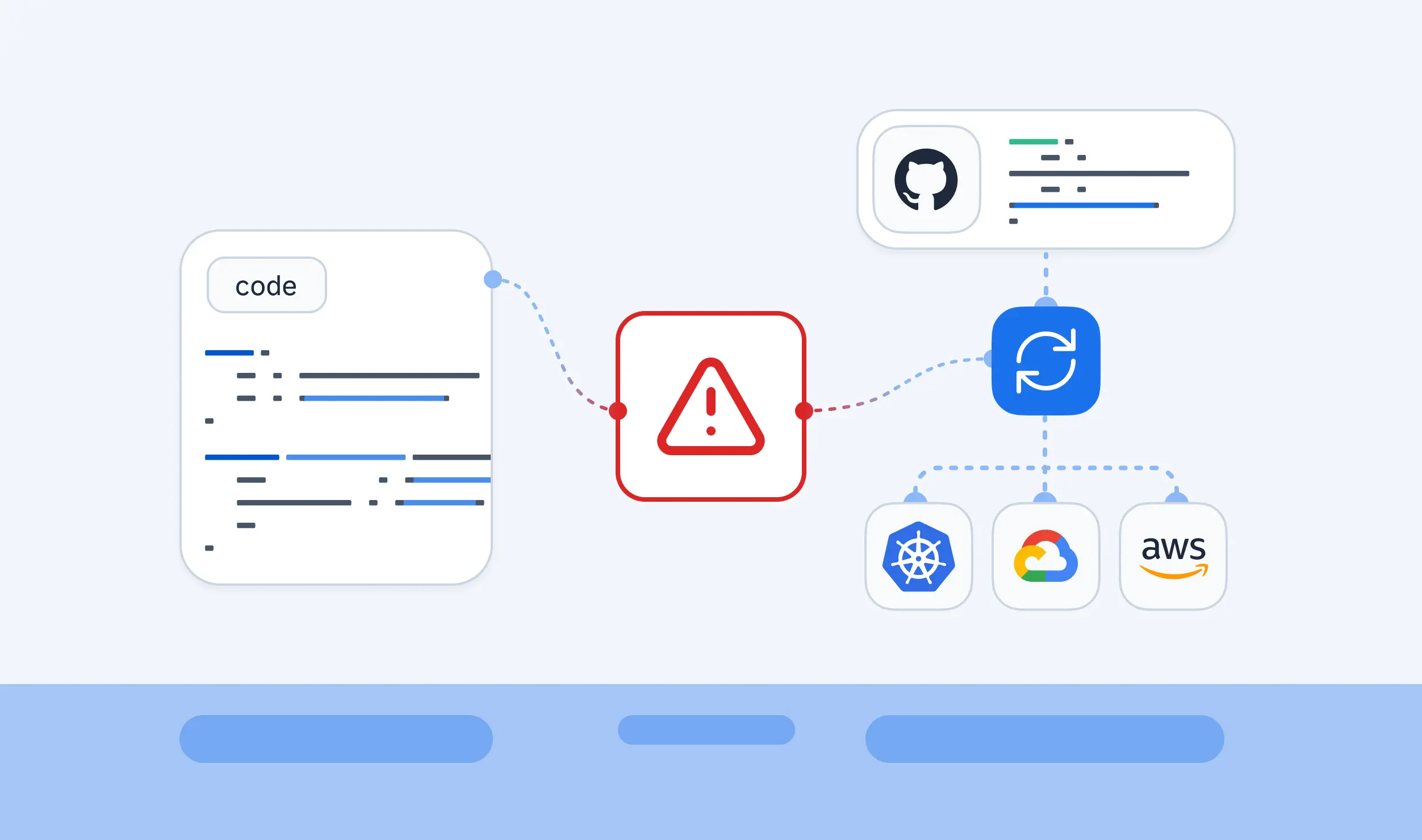

An engineer opens a port in the AWS console at 2 a.m. to stop an outage. The incident closes, the port stays open, and the Terraform code that is supposed to describe that security group says nothing about it. Nobody notices for weeks. Infrastructure as Code promises that the repository is the source of truth. Drift is what happens when the running infrastructure stops matching it. The mismatch shows up later as a failed deployment, a surprise line in a plan or an audit finding.
This guide explains what infrastructure drift is, why it happens and what it puts at risk. It then covers detection in Terraform, OpenTofu, HCP Terraform and AWS CloudFormation. Next, it covers three ways to resolve a finding and the controls that stop drift from accumulating. One running example follows a payments team whose security group changed outside code. The last sections show how StackGuardian handles the same loop. Companion guides on policy as code and brownfield infrastructure cover adjacent topics in depth, so this piece links to them instead of repeating them.
Infrastructure drift is any difference between the infrastructure your last applied code describes and the infrastructure that exists. HashiCorp's Well-Architected Framework puts it plainly: infrastructure drift occurs when your actual infrastructure state differs from your Terraform configuration, often due to manual changes, cloud provider updates, or unauthorized modifications. The same page lists the consequences as deployment failures, security vulnerabilities, and operational inconsistencies.
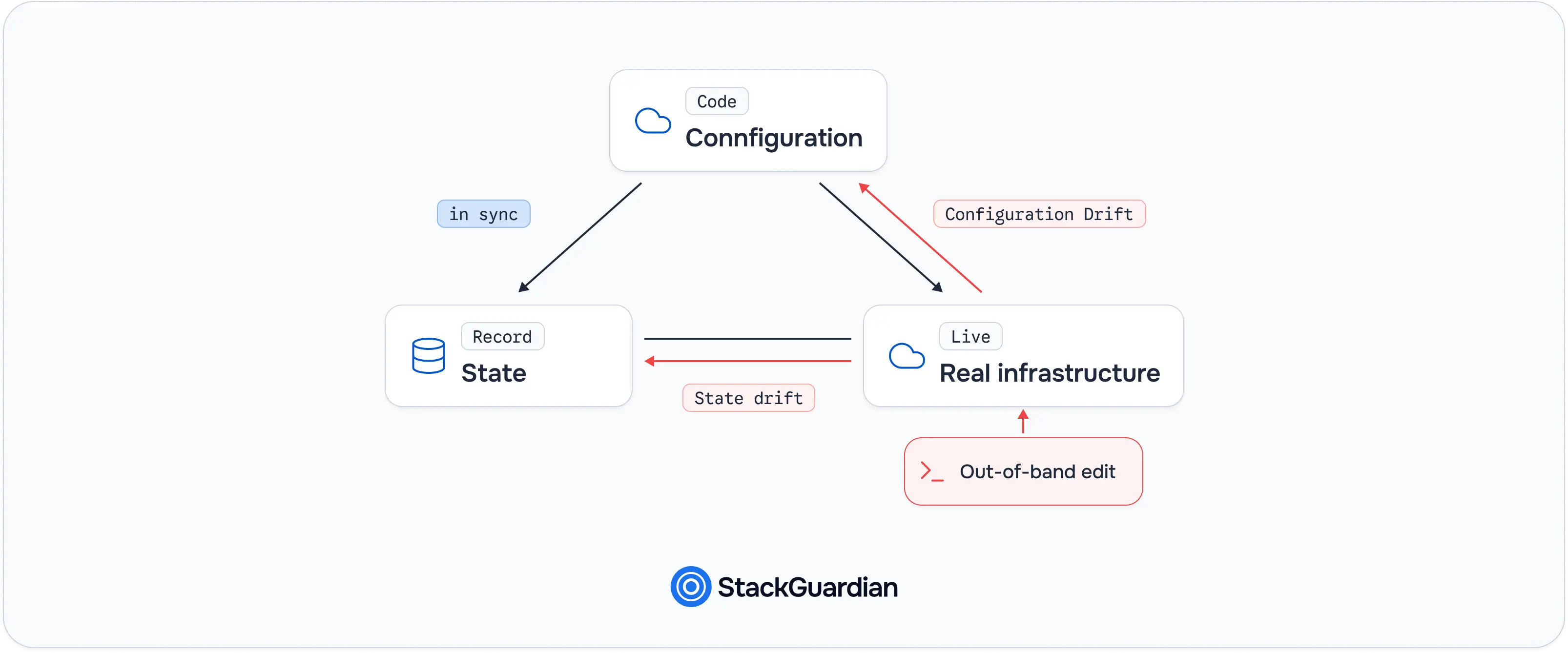
Three things are in play whenever drift is discussed. The configuration is the code in your repository. The state is the record the IaC tool keeps of what it created. The real infrastructure is what exists in the cloud account right now. A healthy setup keeps all three aligned, and drift breaks that alignment.
Two kinds of breaks are worth separating. Configuration drift happens when an external change invalidates what your code says, such as a teammate changing a security group rule in the console so that it conflicts with the code. State drift happens when an external change to a remote object does not invalidate the configuration. The distinction affects tool choice because some tools only detect one kind, a point the HCP Terraform section below returns to.
Drift is also not the same as intentional change. A deliberate update that goes through a pull request and a pipeline is a change. A modification that bypasses the pipeline is drift, even when it was the right call. Code that is merged but not yet applied is a pending change and not drift, although a plain plan shows both.
The running example in this guide is a payments team that manages an AWS security group for its API with Terraform. During an incident, an engineer adds an ingress rule for port 8080 from 0.0.0.0/0 in the console. That single edit is the drift the rest of the guide detects, assesses, and resolves. Understanding the definition is the easy part. The harder question is why drift keeps appearing in teams that already use IaC, which the next section answers.
Drift comes from a small set of repeating behaviors. Most of them are reasonable decisions made under pressure, which is why discipline alone rarely prevents them. Manual console and CLI edits are a common cause. Someone needs a change faster than a pull request allows, so they make it directly. The security group edit in the running example belongs here. Incident hotfixes are the second source, and the most sympathetic one. During an outage, the fastest route to recovery is usually the console. The fix works, the incident closes, and the follow-up ticket to codify the change slips down the backlog.
Cloud provider updates introduce drift without any human involvement. A provider can change a default, add an attribute or modify a managed resource. The next plan then shows a difference nobody caused. Other automation touching the same resources is a quieter cause. An autoscaler, a security scanner with auto-remediation, or a second Terraform workspace that manages overlapping resources can all change attributes your configuration also controls. Partial or failed applies round out the list. If an apply stops halfway, some resources match the new configuration and others do not.
With the causes mapped, the next question is what drift costs when nobody catches it.
The cost of drift depends on what changed and how long it stayed hidden. Four risks recur.
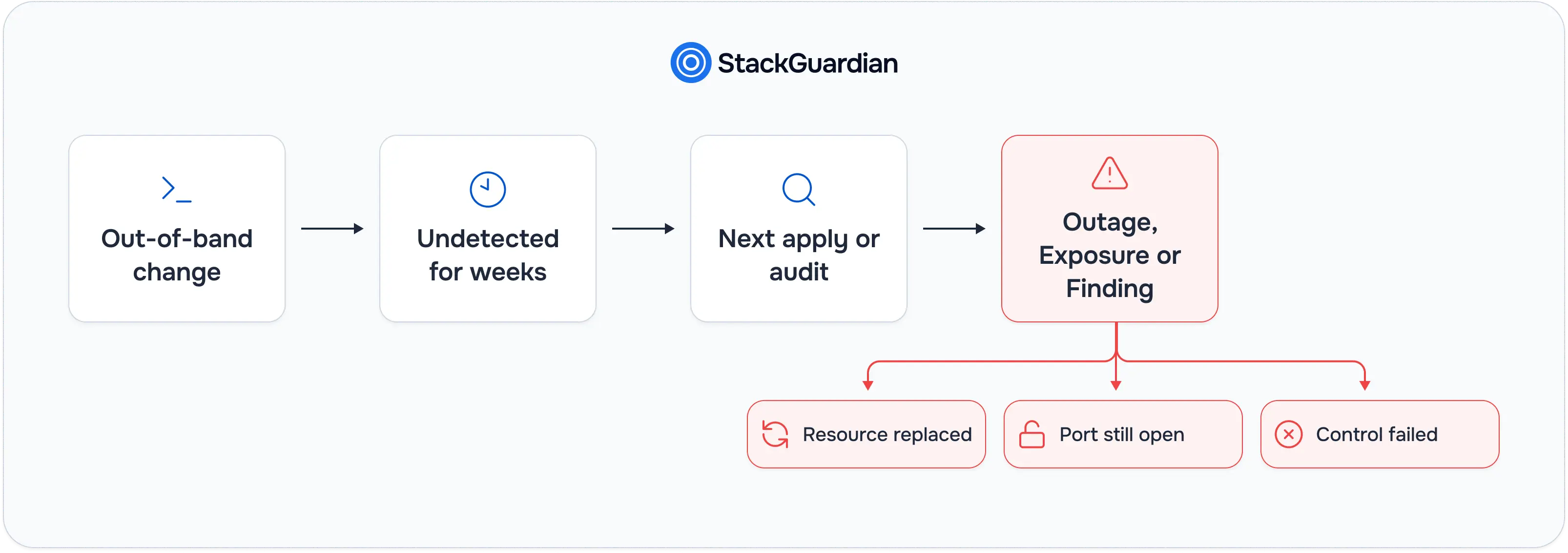
Security exposure comes first. In the running example, the console edit opened port 8080 to the entire internet. Because the change never passed through code review or policy checks, no reviewer saw it and no scanner tied to the pipeline evaluated it. The exposure lives until someone happens to look.
Unintended destroy and recreate comes second. HashiCorp's resource drift tutorial warns that when real infrastructure no longer matches state and configuration, Terraform will attempt to reconcile it, which may unintentionally destroy or recreate resources. A drifted attribute that forces replacement can turn a routine apply into an outage. Compliance gaps come third. Auditors compare what a control says should exist with what exists. A resource that diverged from its declared configuration shows the control did not hold, even if nothing bad happened. Operational inconsistency is the fourth. When staging and production were built from the same code but have since diverged, a bug that reproduces in one environment disappears in the other, and incident response slows down. Knowing the risks makes detection the obvious priority. The next two sections cover how each major tool finds drift, starting with Terraform and OpenTofu.
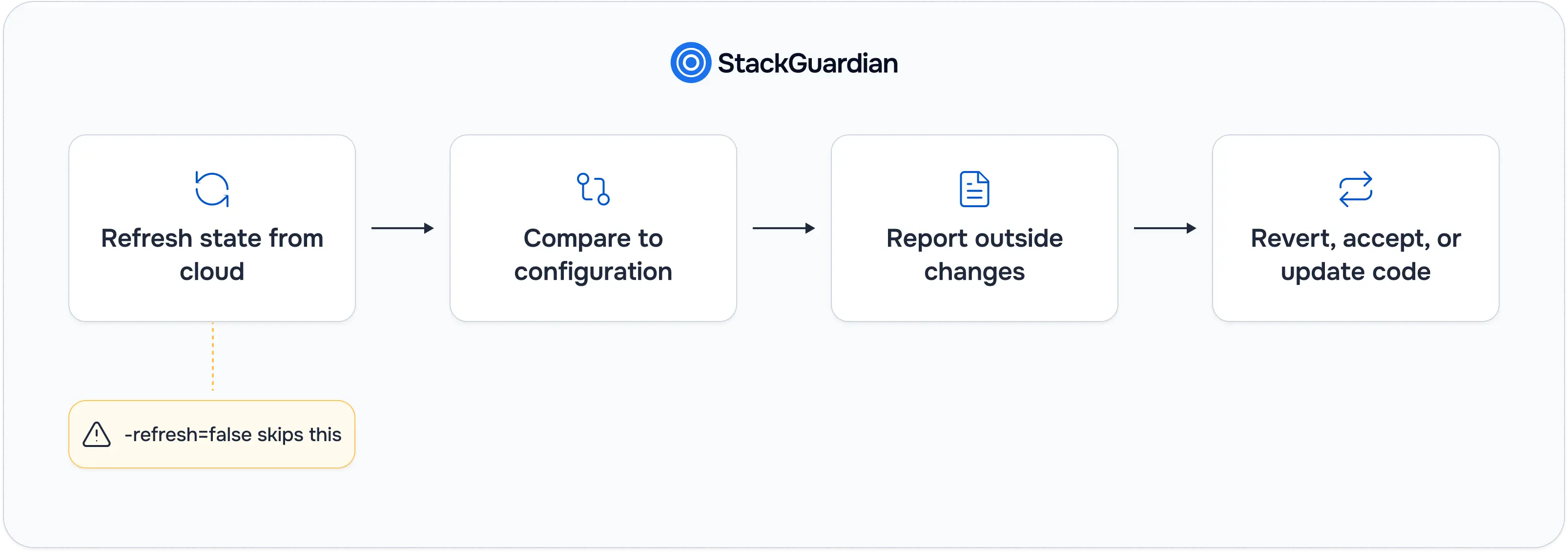
Terraform detects drift as part of ordinary planning. Before it compares configuration to state, a plan refreshes state from the real infrastructure. When the refresh finds differences, the plan opens with a note. The same tutorial shows the wording: "Terraform detected the following changes made outside of Terraform since the last "terraform apply":".
For the running example, a team reproducing the console edit would see the drift like this. The commands below create the drift with the AWS CLI, then check for it with a refresh-only plan.
# Simulate the out-of-band change
aws ec2 authorize-security-group-ingress \
  --group-id "$SG_ID" \
  --protocol tcp --port 8080 --cidr 0.0.0.0/0

# Detect it without proposing any infrastructure change
terraform plan -refresh-only
The -refresh-only mode is the cleanest way to ask the question "what changed outside Terraform?" According to the Terraform plan documentation, it creates a plan whose goal is only to update the state and any root module output values to match changes made to remote objects outside of Terraform. A normal plan can mix drift and intended changes in one output, so the refresh-only plan keeps the two separate. The same documentation says this mode can help when you have intentionally changed remote objects outside the usual workflow, for example while responding to an incident.
One option works against detection. Setting -refresh=false disables the synchronization step, and the same documentation warns that it causes Terraform to ignore external changes, which could result in an incomplete or incorrect plan. It also cannot be combined with refresh-only mode. Pipelines that use -refresh=false to save API calls are trading drift visibility for speed.
OpenTofu behaves the same way. The OpenTofu plan documentation describes -refresh-only as creating a plan whose goal is only to update OpenTofu state and root module output values to match changes made outside OpenTofu. Applying works too: tofu apply supports the planning modes of tofu plan when no saved plan file is passed. A manual plan finds drift only when someone runs it. Teams that want recurring coverage need scheduled detection, which HCP Terraform provides directly and CloudFormation provides through an AWS Config rule.
Scheduled drift detection removes the need to remember to run a plan. HCP Terraform offers it through health assessments, and CloudFormation offers it through an AWS Config rule. Both have limits to know before relying on them.
HCP Terraform runs drift detection as part of health assessments, which also include continuous validation of the custom conditions in your configuration. The health assessments documentation sets several requirements. Health assessments are available in the Standard and Premium editions. Workspaces must use remote or agent execution mode. Drift detection needs Terraform 0.15.4 or later, and running drift detection with continuous validation needs 1.3.0 or later.
The same page documents limits. HCP Terraform does not modify infrastructure as part of an assessment, so it reports and never repairs. Drift detection covers configuration drift only: the documentation states that it does not detect state drift. Assessments pause if the latest run ended in an errored state, which leaves a gap in coverage after a failed apply. Because an assessment creates a speculative plan, a data source whose value changed since the last run can cause a check to fail before the infrastructure itself changed, producing a false positive. The documentation's cadence example uses a 24-hour schedule.
CloudFormation approaches the problem at the stack level. Its drift detection documentation defines drift as a difference between a stack's actual configuration and its expected template configuration, including when a property or resource has been deleted. Stacks report DRIFTED, IN_SYNC, or NOT_CHECKED. Resources report MODIFIED, DELETED, IN_SYNC or NOT_CHECKED. Property differences are labeled ADD, REMOVE or NOT_EQUAL.
The limits are explicit. CloudFormation determines drift only for property values explicitly set in the template or through template parameters, excluding default values. It does not run drift detection on the KMSKeyId property of any resource. Nested stacks are not covered when you check the parent stack, so each nested stack needs its own drift detection operation. The page describes detection and leaves corrective action to you. Periodic checks come from the AWS Config managed rule cloudformation-stack-drift-detection-check, which runs the DetectStackDrift operation on each stack. The rule has a maximum execution time of 15 minutes, so it may time out before it evaluates every stack in a large account.
Detection answers "what changed". It does not answer "what should we do about it", which is the decision the next section structures.
Every drift finding resolves in one of three ways. The HashiCorp tutorial on resource drift walks through all three, and HashiCorp's Well-Architected guidance describes the same choice as running a new apply to restore the desired state, or updating the configuration to match the new state.
Revert the change. Run a normal terraform apply without -refresh-only. Terraform attempts to undo the manual change and return the resource to what the code says. In the running example, this closes port 8080. Reverting is right when the change was a mistake or an unauthorized modification.
Accept the change into state. Run a refresh-only apply.
terraform apply -refresh-onlyAt the prompt, Terraform writes the changes to state without modifying real infrastructure. The tutorial warns that there is no undo and that only yes is accepted to confirm. Accepting only updates state. The configuration still differs from reality, so the next plan will continue to propose reverting the change unless the code is also updated.
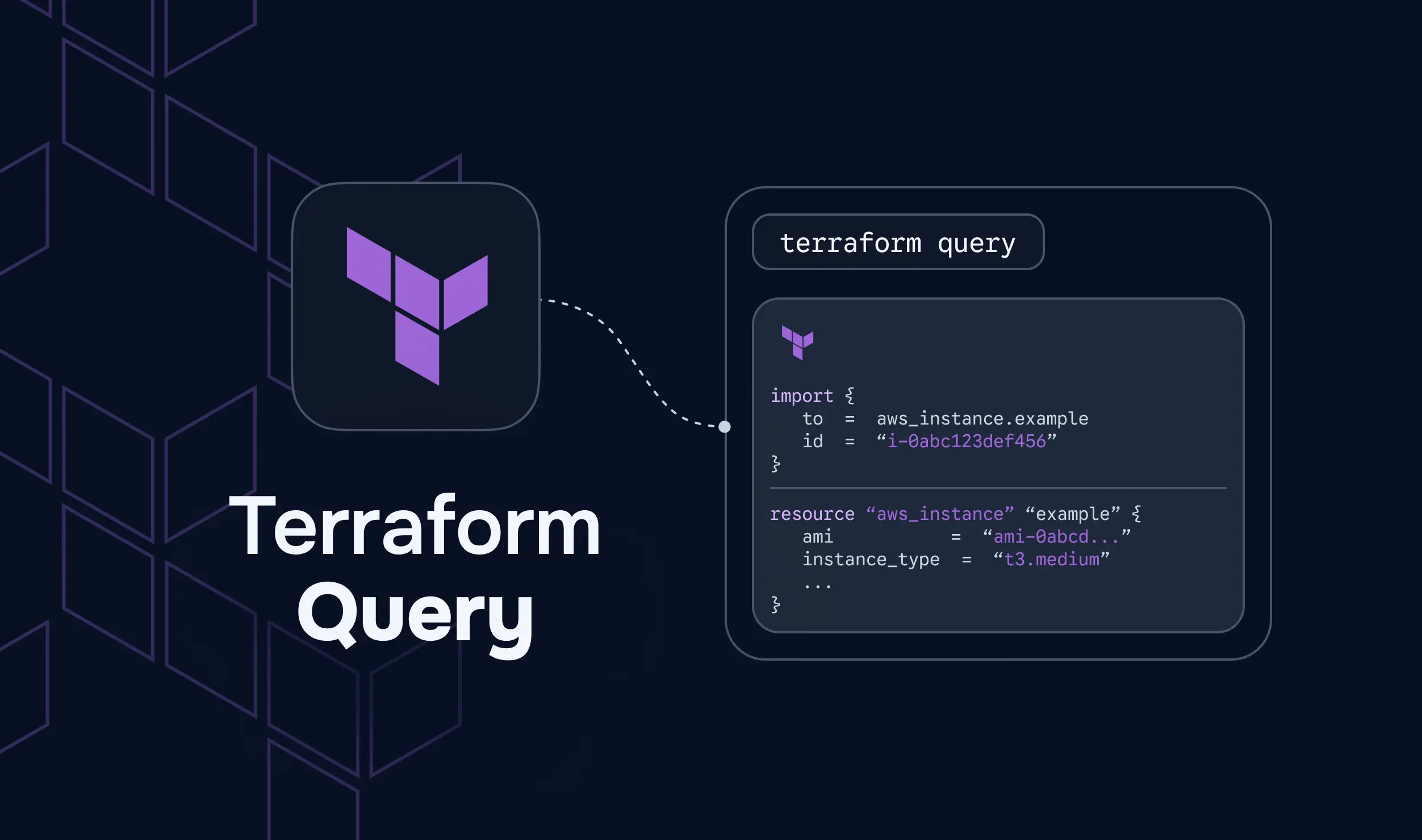
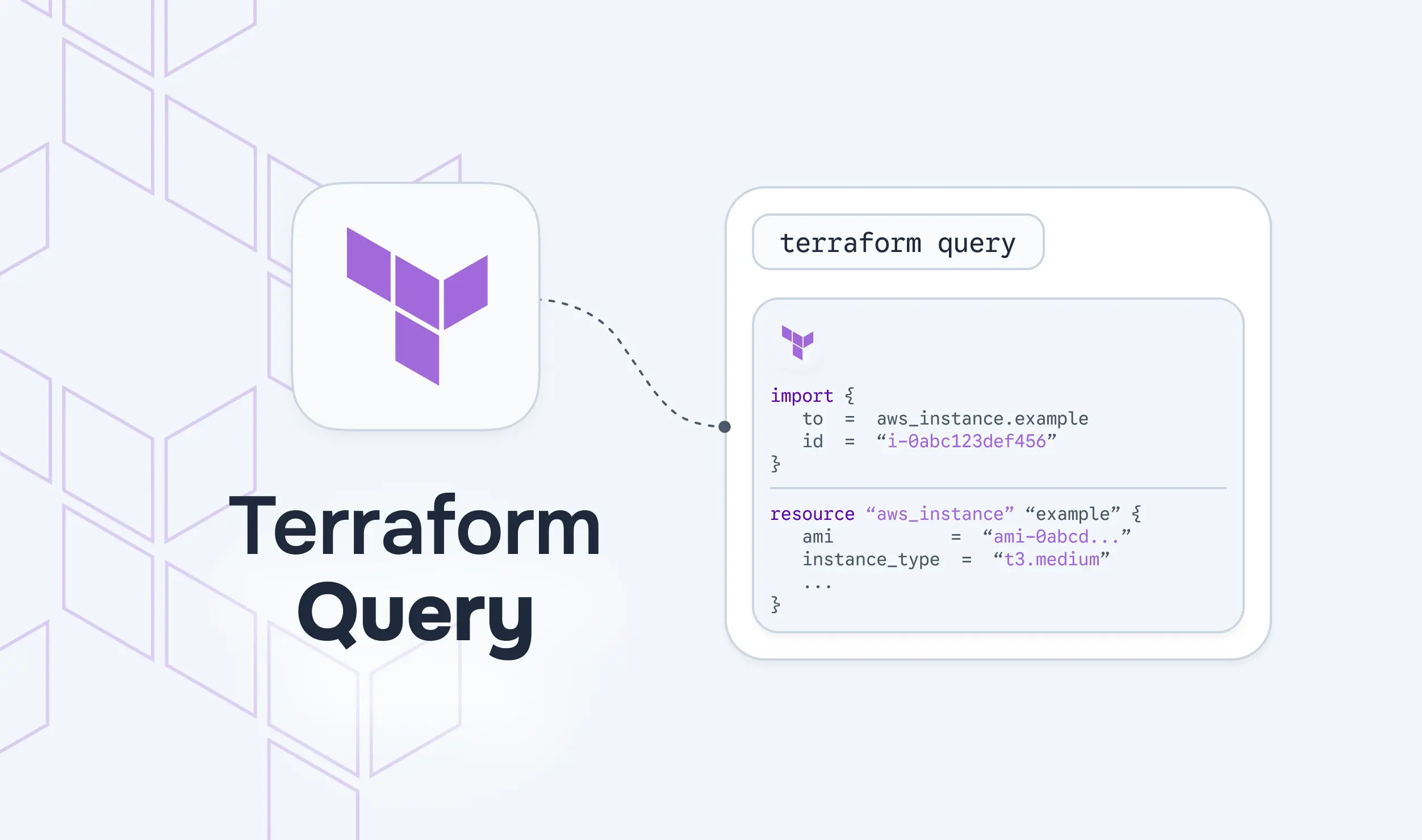
Update the configuration to match. Add the change to the code so that configuration, state, and reality agree. If the resource is not yet managed by Terraform, import it first. Terraform's import documentation describes an import block that specifies the unique infrastructure resource ID to import and declares an address for the imported resource in state. The same page notes that you can write only the import block and run terraform plan with the generate-config-out flag to generate the resource blocks. HashiCorp labels configuration generation as experimental in Terraform 1.5, and the target file must not already exist.
import {
  to = aws_vpc_security_group_ingress_rule.payments_api_8080
  id = "sgr-0abc1234567890def"
}
The import ID for this rule resource is the security group rule ID, which starts with sgr-. Choosing between the three depends on the change itself.
For the payments team, port 8080 open to the whole internet is a revert. The incident is over, the exposure is the risk, and nothing in the change deserves a place in code. A team that instead needed 8080 reachable from one internal CIDR would update the configuration with that narrower rule. Resolving findings one at a time is reactive. The stronger move is to stop most drift from forming, which is the topic of prevention.
Prevention works in layers, because no single control covers every cause listed earlier.
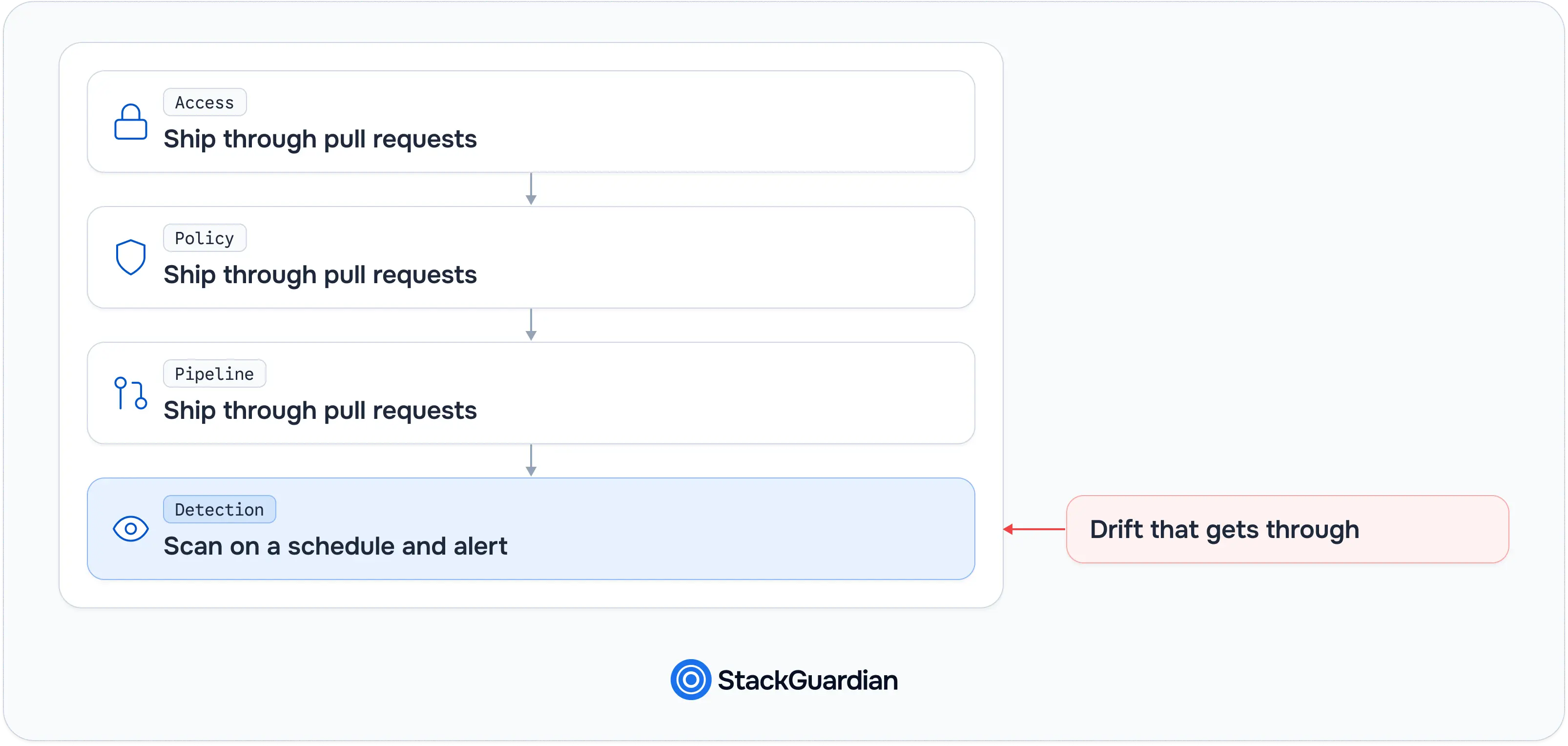
Those controls are the practices. A platform helps put them into one working loop, and the next section shows how StackGuardian approaches it.
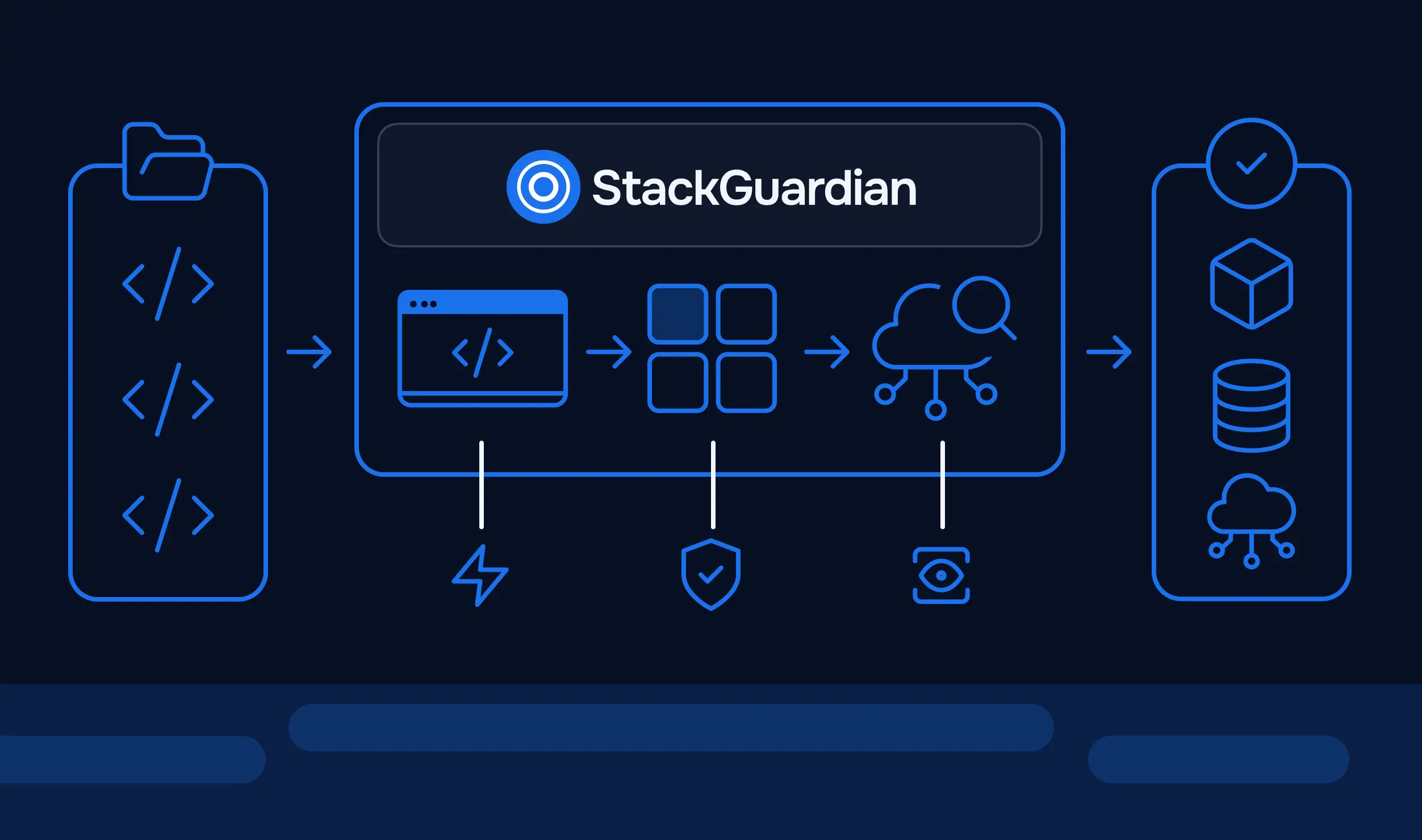
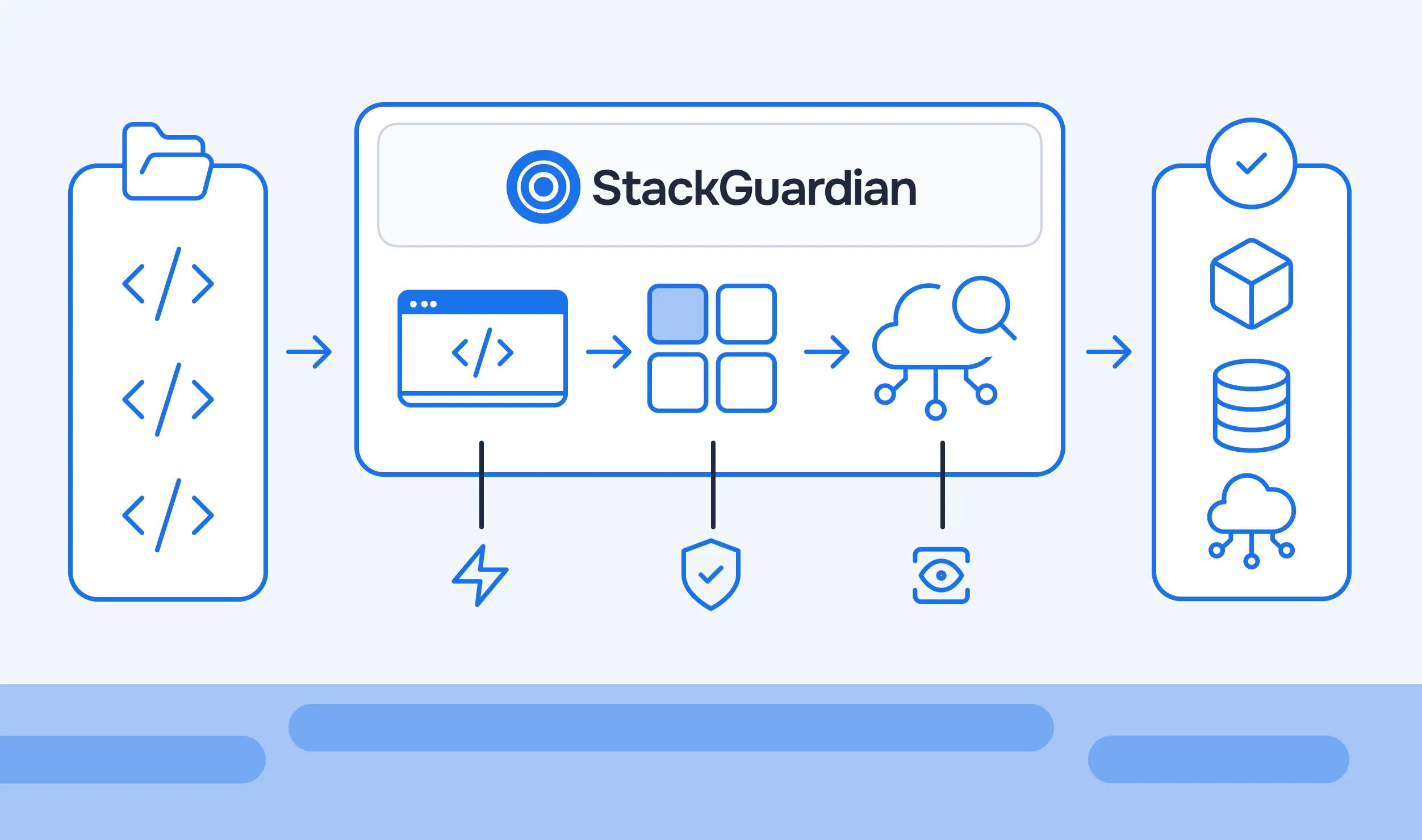
StackGuardian covers four parts of the drift loop: scheduled detection, alerting, destructive plans and resources nobody codified.
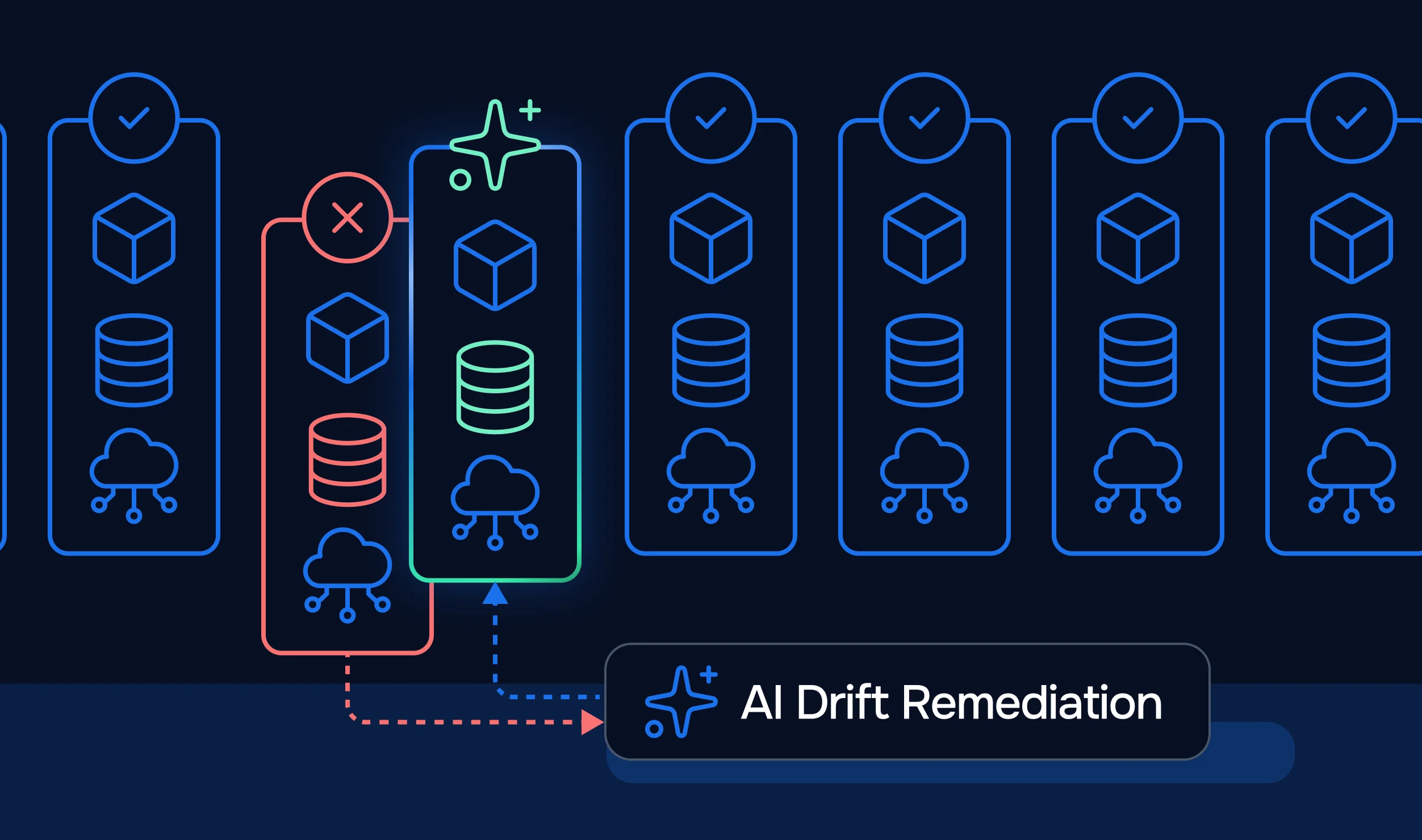
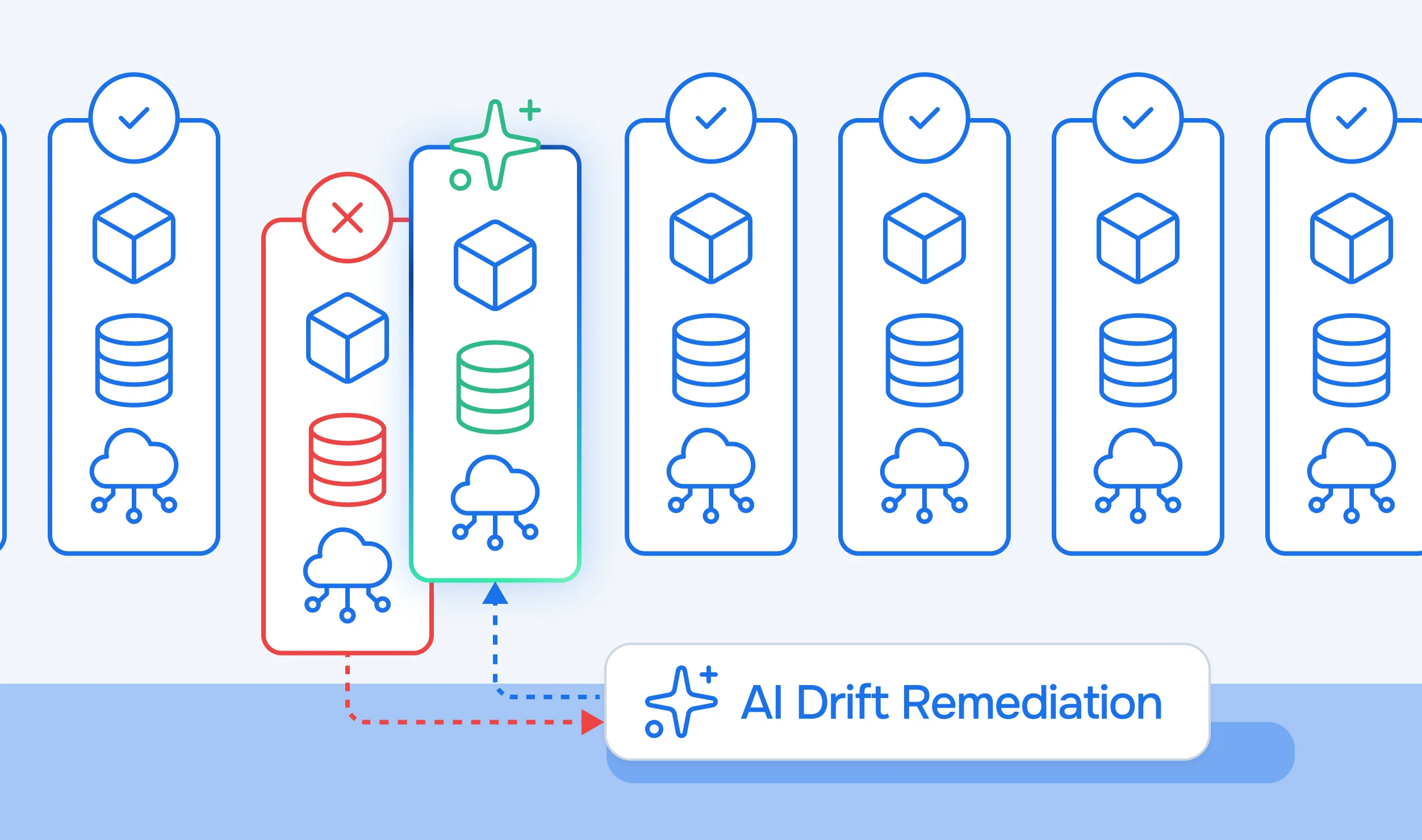
StackGuardian's Terraform Configuration settings include an Automated Drift Check option. According to the Terraform Configuration documentation, enabling it allows StackGuardian to run drift checks regularly on your deployed infrastructure. When drift is detected, users can rerun the Workflow to reconcile it, or modify the Terraform configuration to import the changes. Those two options map to the revert and update-configuration paths described earlier. This setting closes the gap that terraform plan leaves open, where detection happens only when someone runs a command.
StackGuardian also keeps drift checks from competing with deployments. Since v1.31.8, drift runs have lower priority than user-initiated Workflow runs, so background drift checks yield to deployments.
StackGuardian Workflows can alert on drift through a webhook event named "On Drift Detection". According to the webhook documentation, the event alerts when configuration drift is detected in the infrastructure. In the Terraform Workflow wizard, webhooks are configured in the Runtime Environment step. Open Advanced Options, then Resources and Events, then Webhook. Each event takes a webhook name, a Generic JSON webhook URL, and an optional secret.
The webhook documentation shows a sample JSON payload that describes the Workflow's outcome. It includes the organization, a timestamp, the Workflow Group, the Workflow Run details, the Workflow and a type field. The page does not describe a payload for drift events, so check what a drift event sends before building routing rules on it. A team can still route the webhook into a chat channel or incident tool.
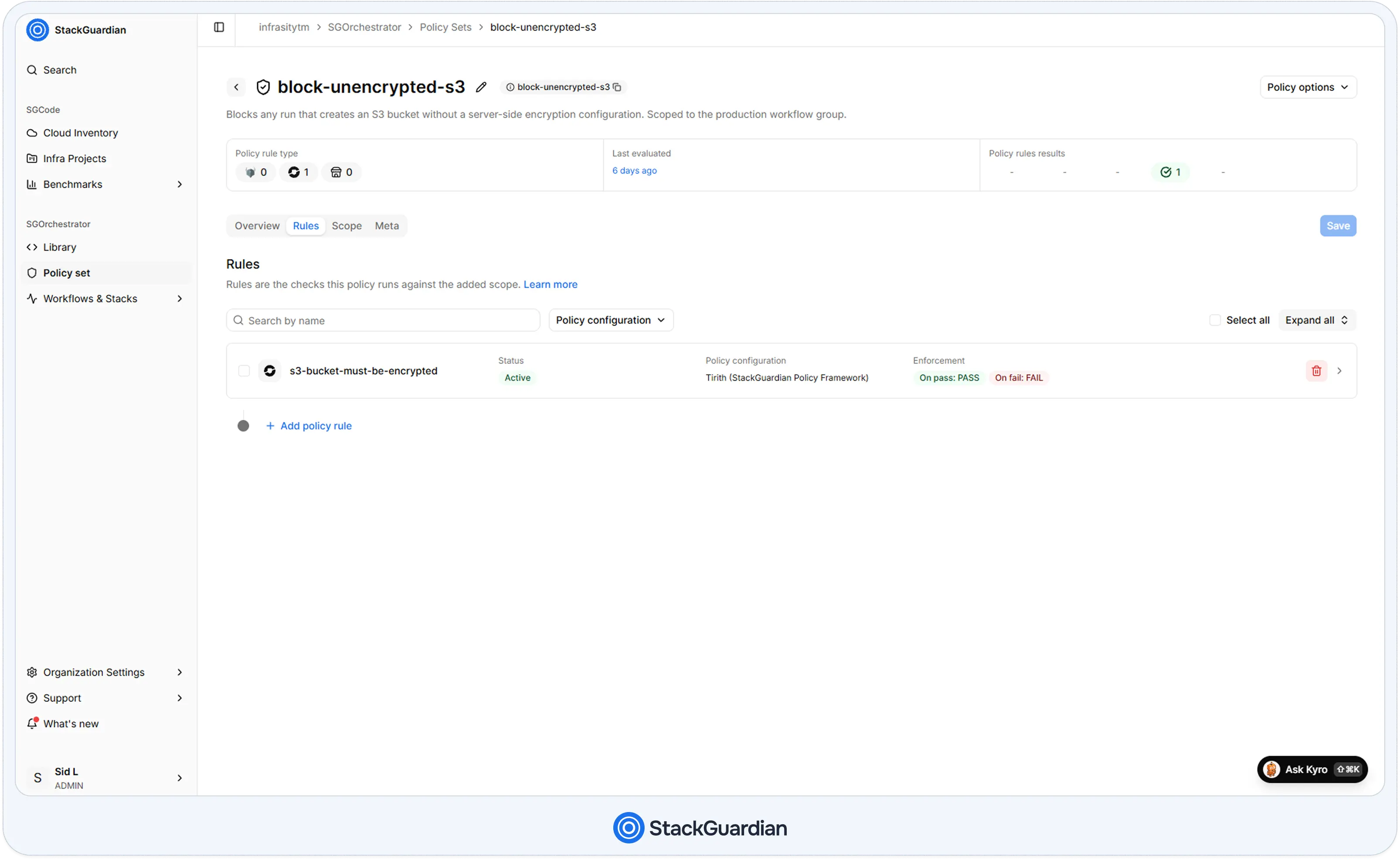
A Tirith policy can fail any plan that would delete a resource, covering the destructive plans drift tends to produce. StackGuardian Policy Sets support two policy engines. Tirith is a JSON-based policy framework, and OPA policies are written in Rego. The Tirith policy below fails any plan that would delete the payments team's aws_security_group.
{
  "meta": {
    "required_provider": "stackguardian/terraform_plan",
    "version": "v1"
  },
  "evaluators": [
    {
      "id": "eval-id-1",
      "description": "Safeguard the payments security group against deletion",
      "provider_args": {
        "operation_type": "action",
        "terraform_resource_type": "aws_security_group",
        "terraform_resource_attribute": ""
      },
      "condition": {
        "type": "NotEquals",
        "value": "delete",
        "error_tolerance": 1
      }
    }
  ],
  "eval_expression": "eval-id-1"
}
The action operation type checks whether a resource is being created, deleted or unchanged. A replacement appears in a plan as a delete plus a create, so the policy also fails plans that replace the resource. The error_tolerance value of 1 tells Tirith to skip the policy when the plan contains no aws_security_group, instead of failing every unrelated plan. Scope is set on the Scope tab, so the payments team can attach the policy to its own Workflow Group. In the Enforcement section of a rule on the Rules tab, setting Action when Policy errors to FAIL blocks the workflow. Attached policies apply to the resulting runs the same way they apply to any other change, which includes the plans that follow drift.
Drift detection covers resources that code already describes. Resources created by hand have nothing to drift from. SGCode Cloud Inventory addresses that side. Per the Cloud Inventory documentation, it displays all resources discovered across connected cloud accounts and assigns each a status. Among them, "Unmanaged" marks a resource not tracked by any IaC state file, and "SG Drifted" marks a StackGuardian-managed resource that has drifted from its expected state. Resources that IaC manages outside StackGuardian appear as Externally Managed. Inventory therefore shows both halves of the problem in one table: what has no code, and what has code it no longer matches.
The next section ties these pieces into a routine a platform team can follow.
A workable routine has five steps, and the payments example runs through all of them.
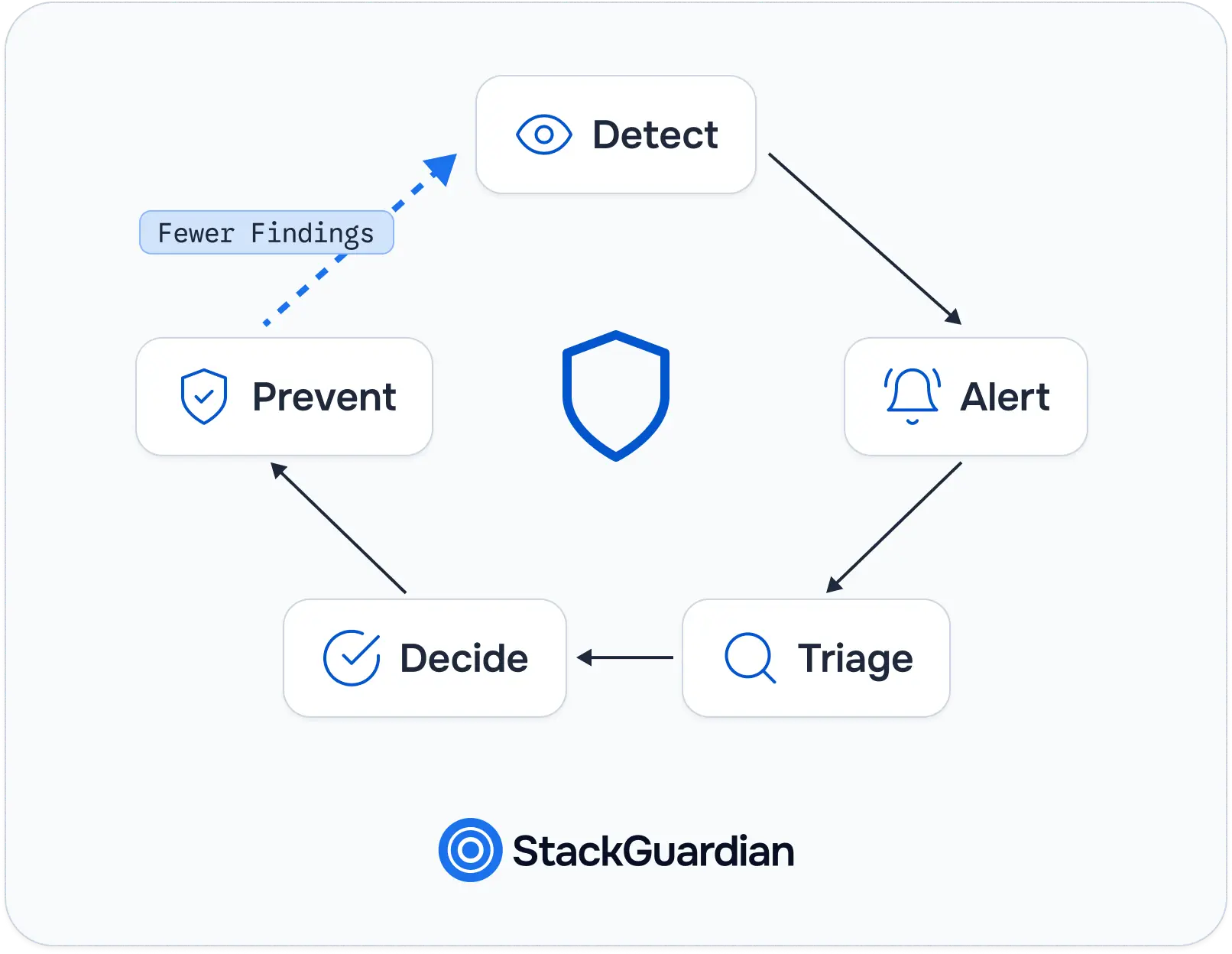
Infrastructure drift is the predictable result of people and providers changing infrastructure faster than code can follow. It cannot be eliminated, so the goal is to shorten the time between a change and a decision about it. Terraform, OpenTofu, HCP Terraform and CloudFormation each detect drift within their documented limits. None of them decides what to do. Every finding ends in one of three outcomes: revert, accept or update the configuration. The right choice depends on whether the change was a mistake, a harmless provider update, or a fix worth keeping.
To start, run terraform plan -refresh-only against your most important workspace and read what it reports. Then move detection from manual to scheduled and attach an alert to it. If you manage Terraform through StackGuardian, enable Automated Drift Check in the Terraform Configuration of a Workflow and pair it with the On Drift Detection webhook. For the guardrails that stop drift from turning into an outage, continue with the guide to policy as code.
No. Configuration drift is one kind of infrastructure drift, where an external change invalidates what your configuration says. State drift is the other kind, where an external change does not invalidate the configuration. HCP Terraform drift detection covers only configuration drift, which is why the distinction affects which tool you rely on.
There is no universal interval. Run detection often enough that the gap between a change and its discovery stays shorter than your incident or audit cycle. HCP Terraform's documentation uses a 24-hour schedule as an example. StackGuardian's documentation describes Automated Drift Check as running regularly. Teams with sensitive resources, such as network rules, usually choose a shorter cycle and alert on findings.
No. Terraform plans, refresh-only plans, HCP Terraform health assessments, and CloudFormation drift detection report differences without changing real infrastructure. A refresh-only apply writes the changes to state, not to the cloud resource. Only a normal apply modifies the infrastructure, and it does so after you approve it.
Detection can run automatically, but the fix still needs a decision. HCP Terraform assessments and CloudFormation drift detection report drift and leave the correction to you. In StackGuardian, when drift is detected, users can rerun the Workflow to reconcile it or modify the configuration to import the changes. Whatever the tool, automatic reverts deserve caution, since a drifted change is sometimes what keeps production up.
Yes. OpenTofu supports -refresh-only on both tofu plan and tofu apply, so you can review and record changes made outside OpenTofu the same way you would in Terraform. Scheduled assessment is a platform feature, so for recurring checks, you need a platform that runs the plans on a schedule.